Printer Replacement Roller & ASF Paper Puller Gear Box: Refurbished Printer Parts for Models 500, 515, 519, & 600
Printer Replacement Roller & ASF Paper Puller Gear Box: Refurbished Printer Parts for Models 500, 515, 519, & 600
Understanding Printer Replacement Rollers & Gear Boxes
What is a Bottom Pickup Roller?
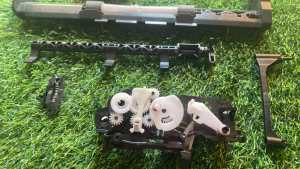
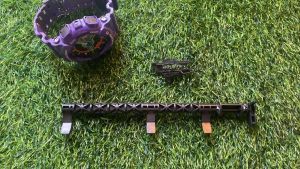
A bottom pickup roller is a component within a printer that plays a crucial role in the paper feeding process. This roller is responsible for grabbing and lifting paper from the tray, allowing it to be fed into the printer for printing. Over time, bottom pickup rollers can wear out due to continuous use, leading to issues like paper jams or misaligned prints. Replacing this part with a refurbished option can help extend the life of your printer.
What is an ASF Paper Puller Gear Box?
The ASF (Automatic Sheet Feeder) paper puller gear box is another essential component of printers. It is responsible for pulling paper sheets from the tray and guiding them through the printer mechanism. Similar to the bottom pickup roller, the gear box can become worn out over time, resulting in paper jams or misfeeds. A refurbished gear box can restore proper functionality to your printer.
Benefits of Refurbished Printer Parts
Cost Savings
One of the most significant advantages of using refurbished printer parts is the cost savings they offer. By opting for refurbished components instead of brand new ones, you can save a considerable amount of money while still maintaining the performance and reliability of your printer.
Environmental Impact
Another benefit of choosing refurbished printer parts is their positive impact on the environment. Refurbishing existing components reduces waste and helps minimize the demand for new materials, contributing to a more sustainable future.
Installation Process
Tools & Materials Needed
Before starting the installation process, gather the necessary tools and materials, including:
- A screwdriver
- A pair of pliers
- The refurbished bottom pickup roller or ASF paper puller gear box
Step-by-Step Guide
To install the refurbished parts, follow these steps:
- Turn off and unplug the printer.
- Open the printer cover and locate the bottom pickup roller or ASF paper puller gear box.
- Remove the old component by loosening the screws and disconnecting any cables or connectors.
- Install the refurbished part by connecting the cables and securing it with the screws.
- Close the printer cover and reconnect the power source.
Troubleshooting Common Issues
Misalignment Problems
If you're experiencing misalignment issues after installing the refurbished parts, try the following solutions:
- Adjust the paper tray alignment to ensure proper positioning.
- Check the tension of the bottom pickup roller or ASF paper puller gear box to ensure it's not too loose or tight.
Paper Jam Solutions
To resolve paper jams caused by the refurbished components, follow these steps:
- Turn off and unplug the printer.
- Open the printer cover and carefully remove any jammed paper sheets.
- Inspect the bottom pickup roller or ASF paper puller gear box for any obstructions or damage.
- If necessary, clean the components with a soft cloth and reinstall them.
By understanding the importance of printer replacement rollers and gear boxes, as well as the benefits of using refurbished parts, you can maintain the performance and reliability of your printer while saving money and contributing to a more sustainable future.

t3chguyph
Review

You May Also Like

FANTASY PeriPage A3X Mini Portable Thermal Printer Bluetooth 203dpi Pocket Photo Wireless Barcode Maker hermal Image Photo Label Wireless Printer A3X

Tulco Sparkling Colours 250G: A Multi-Purpose Water-Based Paint
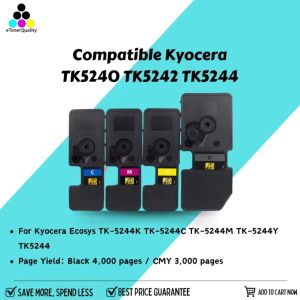
ETQ TK5240 TK5242 TK5244 Toner Cartridge Compatible for Kyocera Ecosys TK-5244K TK-5244C TK-5244M TK-5244Y TK5244
Compatible Canon PIXMA G Series Printer Models: A Comprehensive Guide
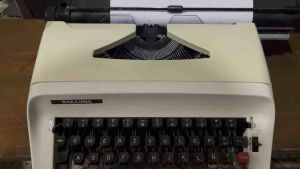
Typewriter Different Unit Available | 3 Brandnew Ribbon
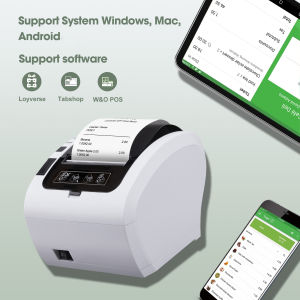
Bluetooth Thermal Receipt Printer 80mm POS Printer: A Comprehensive Guide
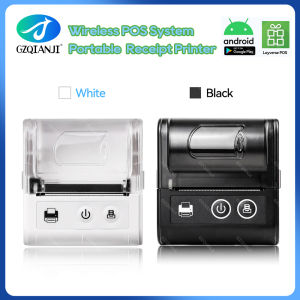
58MM Pocket Printer: A Comprehensive Guide
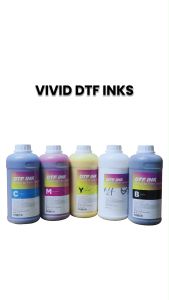
KGS Vivid DTF Textile Ink – 1 Liter (CMYK + White) | For Direct-to-Film Large Format Printers
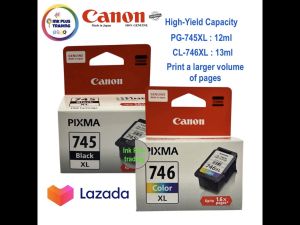
Canon Printer Ink Cartridge: A Comprehensive Guide for Canon Pixma Printer Users
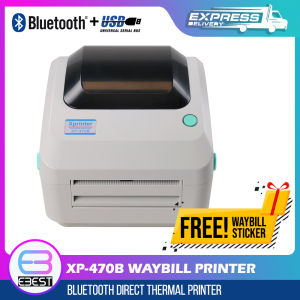
XP-470B Waybill Printer USB/Bluetooth Thermal Printer A6 Size Auto-Peel with 600pcs Waybill Sticker for Labeling Barcode
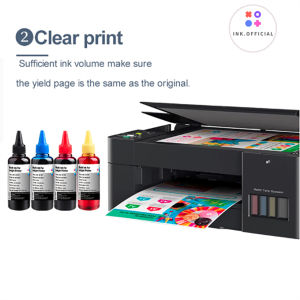
HP 305 305XL 100ml ink for HP Deskjet 2320 2710 2720 plus 4110 4120 4130 6010 6020 2723 2724 2721 2722 6410 6412