Portable iScan Document Scanner: A Comprehensive Guide
Portable iScan Document Scanner: A Comprehensive Guide
Introduction to Portable Document Scanners
What is a Portable Document Scanner?
A portable document scanner is a compact device designed to digitize physical documents, images, and other materials into digital formats. These scanners offer the convenience of being lightweight and easy to carry around, making them ideal for use at home, office, or while traveling.
Benefits of Portable Document Scanners
Portable document scanners provide several advantages over traditional desktop scanners, including:
- Convenience: Easy to carry around and use anywhere.
- Speed: Quickly scan documents and images without the need for a computer.
- Versatility: Suitable for various document sizes and types.
- Cost-effective: Save time and money by eliminating the need for manual data entry.
Types of Portable Document Scanners
There are several types of portable document scanners available, including:
- Handheld scanners
- Book scanners
- Mobile scanners
Key Features of the Portable iScan Document Scanner
High-Quality 900DPI Optical Resolution
The Portable iScan Document Scanner boasts a high-quality 900DPI optical resolution, ensuring crisp and clear scans of documents and images. This level of detail is ideal for preserving the integrity of text, graphics, and photographs.
A4 Book Scanner with LCD Display
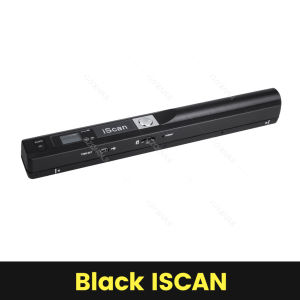
Equipped with an LCD display, the iScan Document Scanner allows users to preview scans before saving them. It also supports scanning A4-sized documents, making it suitable for a wide range of applications.
TF Card Scanner Support for JPG & PDF Formats
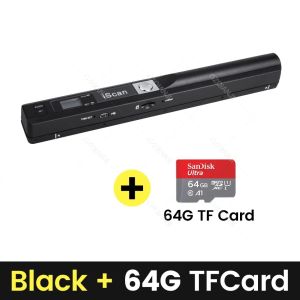
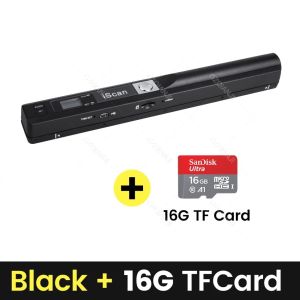
The scanner comes with built-in support for TF cards, allowing users to save scanned documents in JPG and PDF formats. This flexibility enables seamless integration with various software applications and devices.
USB Interface for Easy Connectivity
With a USB interface, the Portable iScan Document Scanner connects easily to computers and other devices, facilitating the transfer of scanned files.
How to Use the Portable iScan Document Scanner
Step-by-Step Guide to Scanning Documents
Using the Portable iScan Document Scanner is simple and straightforward. Follow these steps to get started:
- Insert a TF card into the scanner.
- Place the document on the scanning bed or use the handheld scanner to scan the document.
- Press the scan button to start the scanning process.
- Preview the scanned image on the LCD display.
- Save the scanned image to the TF card in JPG or PDF format.
Customizing Scan Settings for Optimal Results
To achieve the best results, users can customize scan settings according to their needs. These settings include:
- Resolution: Adjust the optical resolution to match the desired level of detail.
- Color mode: Choose between color, grayscale, or black-and-white modes.
- File format: Save scanned documents in JPG or PDF format.
Saving and Sharing Scanned Documents
Once the documents have been scanned, users can save them to the TF card or transfer them to a computer via USB. From there, the documents can be easily shared with others or stored for future reference.
Conclusion: Why Choose the Portable iScan Document Scanner
The Portable iScan Document Scanner is an excellent choice for anyone looking to digitize documents and images quickly and efficiently. With its high-quality 900DPI optical resolution, built-in LCD display, and support for JPG and PDF formats, it offers a versatile and cost-effective solution for various applications. Plus, its lightweight design makes it easy to carry around, whether you're at home, in the office, or on the go.

GZQIANJI Store
Review

You May Also Like
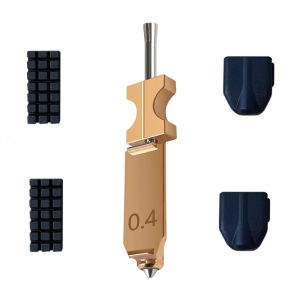
Efficient Hotend Kit for AD5X Nozzle Enhances 3D Printing with Durability and Highly Temperature Components

Brother BTD60Bk/BT5000 Original Ink: Enhance Your Printing Experience
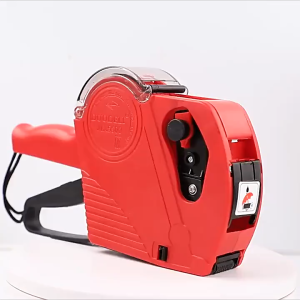
Price Label Printers with ink wheel and 500 Labels Blue/Red

Printing View: Waste Ink Sponge Pad Tank for Epson Printers Set

PICK UP ROLLER KIT SET BROTHER DCP-L2540DW L2550DW 7065DW 7070DW MFC-L2700DW L2740DW HL-L2360DW 2130 2270DW 2240

KGS DTF Powder Hotmelt 1kg & 5 kg Quality Premium Fine Powder for DTF Printer
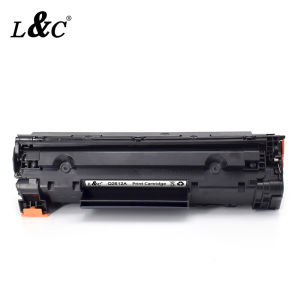
【PH Ready Stock】L&C 12A (Q2612A) Black Original LaserJet Toner Cartridge For HP 1010/1012/1015/1018/1022/1022N/1022NW/1020/3015MFP/3020MFP/ 3030MFP/3050MFP /3052MFP/3055MFP/3050Z/M1005MFP printer
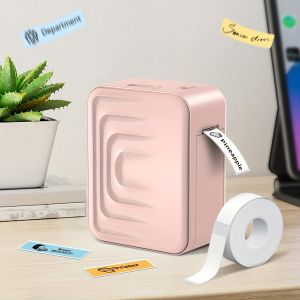
Marklife Portable Wireless Label Printer for Office Home School Small Business Pocket Label Maker Compatible with Smartphones
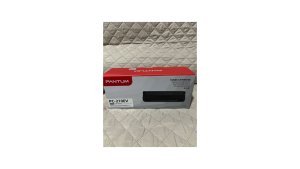
Pantum PC-210EV Toner Cartridge 1600 Page Yield
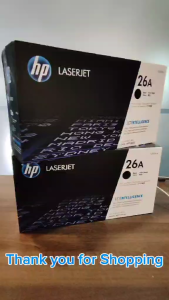
HPee 26A / CF226A Black Original Toner Cartridge
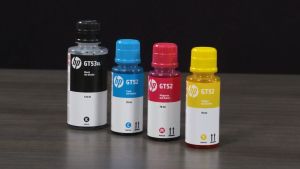
Original HP GT52 & GT53 Ink Bottles: A Comprehensive Guide