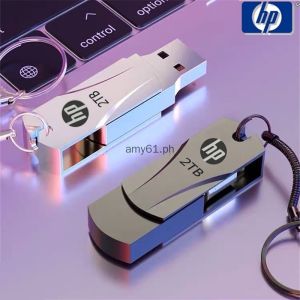
Ready Stock + FREE Shipping + COD: HP USB Flash Drive & Metal Waterproof USB2.0 Pen Drive
Ready Stock + FREE Shipping + COD: HP USB Flash Drive & Metal Waterproof USB2.0 Pen Drive
Welcome to our shop! We offer a wide range of products, including the HP USB Flash Drive, which is a metal waterproof USB2.0 pen drive designed for use with notebooks, PCs, phones, cars, and TVs.
About the HP USB Flash Drive
Key Features & Benefits
The HP USB Flash Drive is a durable, reliable storage solution that offers numerous benefits for users. Some of its key features include:
- Solid-state storage with shockproof and electromagnetic interference resistance
- Water-resistant design, ensuring protection against accidental spills and splashes
- Compatibility with various operating systems, including Windows, Mac OS, and Linux
- Hot-plug capability, allowing for easy connection and disconnection without restarting the device
- No external power supply required, making it convenient for use on-the-go
How to Choose the Right Capacity
When selecting the appropriate capacity for your HP USB Flash Drive, consider the amount of data you need to store and transfer. Here are some general guidelines:
- Small files (e.g., documents, photos): 8GB - 16GB
- Medium files (e.g., music, videos): 32GB - 64GB
- Large files (e.g., high-resolution videos, software installations): 128GB - 256GB
Keep in mind that the display capacity may differ slightly from the standard capacity due to the calculation difference between manufacturers and PC operating systems.
How to Use Your USB Flash Drive
Using with Notebooks, PCs, & Phones
To use your HP USB Flash Drive with notebooks, PCs, and phones, simply connect it to the USB port. For phones, ensure that they support the OTG (On-The-Go) function and purchase a separate adapter if needed. Once connected, you can easily access and transfer files between devices.
Using with Cars & TVs
Some cars and TVs only support up to 32GB USB drives, so make sure to check the compatibility before purchasing. To use your HP USB Flash Drive with these devices, connect it to the USB port and follow the device-specific instructions for accessing the files.
FAQs & Troubleshooting
Common Issues & Solutions
- My HP USB Flash Drive is not recognized by my device: Ensure that the drive is properly connected and try disconnecting and reconnecting it. If the issue persists, check if the drive is compatible with your device's operating system.
- I can't access some files on my HP USB Flash Drive: Verify that the file format is supported by your device and that the drive is not damaged. If necessary, try using a different device to access the files.
- My HP USB Flash Drive is slow: This may be due to a full drive or a large number of files. Try deleting unnecessary files or moving them to another storage location.
Tips for Extending the Life of Your USB Flash Drive
- Keep the drive clean and dry to prevent damage from dust and moisture
- Avoid exposing the drive to extreme temperatures or physical shocks
- Regularly back up important data to prevent loss in case of drive failure
- Limit the number of read/write cycles to reduce wear and tear on the drive
- Store the drive in a protective case when not in use to prevent accidental damage" }

ahkbkm
Review
You May Also Like
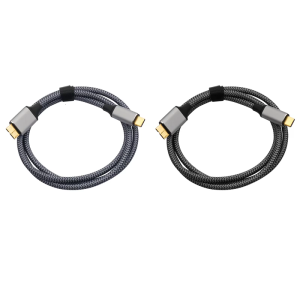
5Gbps Hard Drive Cable Type C Male to MicroB Data Sync and Charging Cable for External Hard Drive
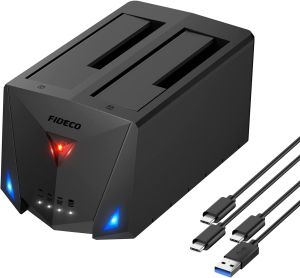
FIDECO ABS Dual Bay Hdd Cloner USB 3.2Gen1 Support 22TB 2.5 3.5Inch HDD SSD Docking Station SATA Hard Drive Duplicator
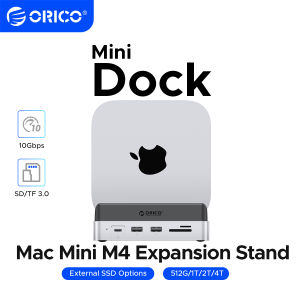
ORICO MiniDock Storage Expansion Dock for MaMini M4&M4 Pro Stand USB3.2 Gen2 Type C Dock with 512G 1T 2T 4T M.2 SSD
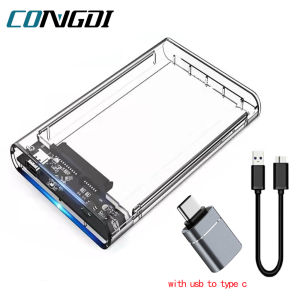
USB 3.0 HDD Enclosure: A Comprehensive Guide
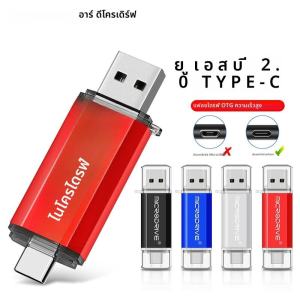
OTG USB Flash Drive: 8GB to 128GB Options for Android Phone Memory

2025 Dance Music High Quality Car Music USB Flash Drive Lossless Audio High Definition Vehicle Mounted Music Pen Drive
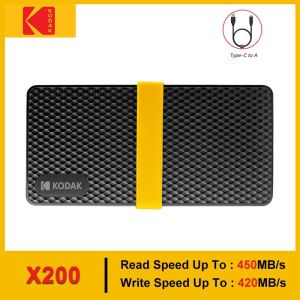
Kodak X200 Portable SSD 2TB 1TB USB 3.1 Type C External Drive Hard Disk 512GB 256GB Solid State Drive For PS4 Laptop Macbook PC
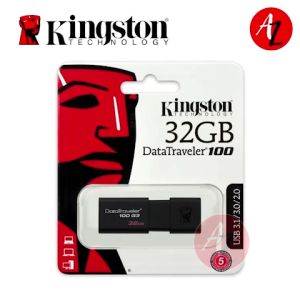
KINGSTON USB Flash Drive 32GB
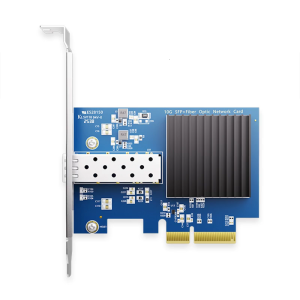
Stable 10G Opt Networking PCIe3.0 4x Slot Metal Heat Sink Professional Servers Cluster Solution
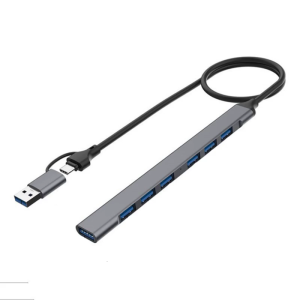
Aluminium USB C 4/7 in 1 USB C/USB Adapter Docking Station with USB2.0+USB3.0 Adapter Laptops Dock for Laptop
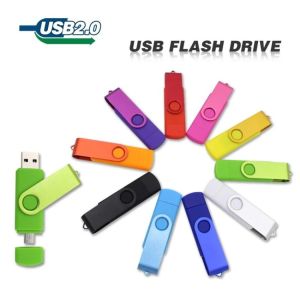
Readystock: Free Shipping & COD for High-Speed USB 3.0 Pen Drive