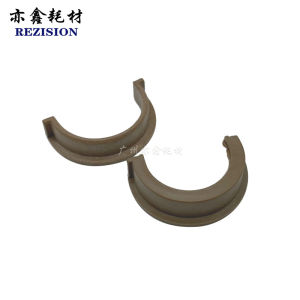
Applicable to MND Ke Mei Bh184 7718 185e 7818 Upper Fuser Roller Hot Roller Shaft Sleeve
Applicable to MND Ke Mei Bh184 7718 185e 7818 Upper Fuser Roller Hot Roller Shaft Sleeve
Understanding the Components
Electrophotographic printers rely on various components to function properly. Among these, the fuser roller plays a critical role in transferring toner onto paper. The upper fuser roller, specifically, is responsible for applying heat and pressure to the printed page, ensuring that the toner adheres permanently. When it comes to replacing the upper fuser roller, it is crucial to identify compatible parts, such as the hot roller shaft sleeve, to ensure optimal performance.
Electrophotographic Printer Components
Electrophotographic printers use a series of components to produce high-quality prints. These include:
- Imaging drum
- Toner cartridge
- Transfer roller
- Upper fuser roller
- Lower fuser roller
Each component works together to create a seamless printing process. However, issues can arise when any of these components wear out or malfunction.
Identifying Compatible Parts
When replacing the upper fuser roller, it is essential to choose compatible parts that match the printer model. For the MND Ke Mei Bh184, the hot roller shaft sleeve must be compatible with models 7718, 185e, and 7818. This ensures that the new component will fit properly and function effectively.
How to Replace the Upper Fuser Roller
Replacing the upper fuser roller can seem daunting, but with the right guidance, it can be accomplished easily. Follow these steps to ensure a successful replacement:
Preparing for the Replacement
Before beginning the replacement process, gather all necessary tools and materials, such as:
- Replacement upper fuser roller
- Screwdrivers
- Safety glasses
- Gloves
Additionally, ensure that the printer is unplugged and cool to avoid injury or damage.
Step-by-Step Replacement Process
- Remove the old upper fuser roller by carefully disconnecting any cables or connectors.
- Unscrew any mounting screws and gently remove the old roller.
- Install the new upper fuser roller by aligning it with the hot roller shaft sleeve and securing it in place.
- Reconnect any cables or connectors and replace any removed screws.
Testing the New Component
After replacing the upper fuser roller, it is crucial to test the printer to ensure proper functionality. Print a test page and inspect the quality of the print. If everything looks good, the replacement was successful.
Troubleshooting Common Issues
Even after a successful replacement, issues may still arise. Here are some common problems and their solutions:
Identifying Problems
Common issues include poor print quality, jammed paper, or malfunctioning components. To identify the problem, carefully inspect the printer and any error messages displayed.
Resolving Issues
Depending on the issue, solutions may involve:
- Cleaning the imaging drum or transfer roller
- Replacing worn-out components
- Adjusting printer settings
Preventative Maintenance Tips
To prevent future issues, consider these preventative maintenance tips:
- Regularly clean the printer components
- Replace worn-out parts promptly
- Follow manufacturer guidelines for proper use and maintenance
By following these guidelines, you can ensure that your MND Ke Mei Bh184 printer continues to produce high-quality prints for years to come.

TAO Study & Work
Review

You May Also Like
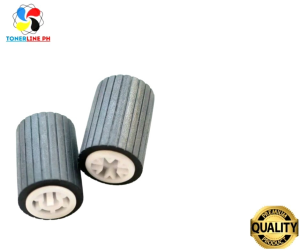
Paper Pick up Feed Roller for Use and Compatible in MP1600 MP1900 MP2000 Series
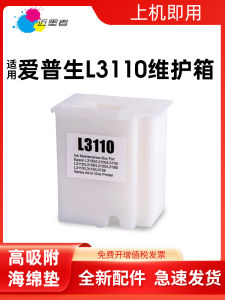
Comprehensive Guide: Epson L3110 Maintenance Box & Compatible Ink Cartridges
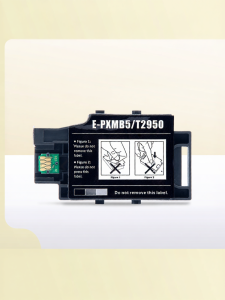
Ink Waste Collector for Epson Printers
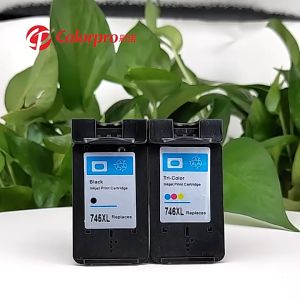
PG 745 CL 746 ink PG745XL CL746XL refillable ink cartridge compatible for Canon MG2470 MG2570 MG2570S MG2970 MG3070 MG3070S MG3077 IP2870 IP2870 IP2870S MX497 TS207 MG2570S TR4570S TS307

Canon imageCLASS MF641Cw Printer
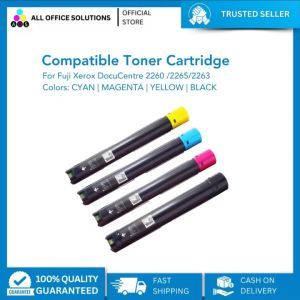
AOS Compatible Fuji Xerox Toner Cartridge CT201434 CT201435 CT201436 CT201437 for Xerox DocuCentre IV C2260/C2263/C2265
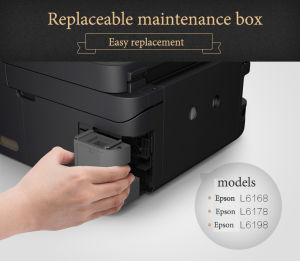
For Epson L6170 L6290 L6190 L6191 L617 L6168 L6178 L6198 M1140 ET-2700 ET-2760 Epson Maintenance Box T04D1

Print Digital Waste Ink Pad Maintenance Box Sponge Pad Set With Shell & Without Shell for Epson Printer
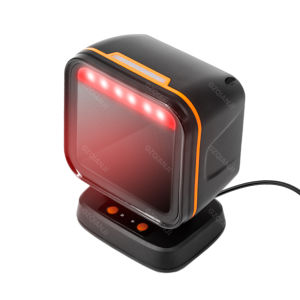
Square Desktop Scanner 1D 2D Barcode QR Code Scanning Omnidirectional Automatic Sensing Data Matrix Reader Supermarket Fast-Speed Hands-free
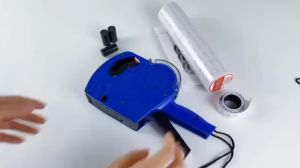
Cod (Free Ink Roll And Tag) 8 Digits Price Tag Price Labeller Crown Mx-5500 With Labels Introductory Package Price Tag Labeller
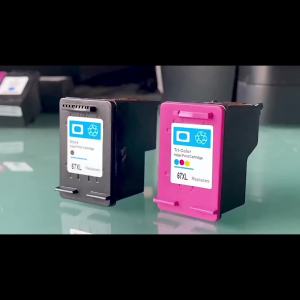
67XL Refillable Replacement for HP 67 hp67 Ink Cartridge for HP Envy 4140 4152 4155 4158 1225 2732 2752 1225 2774 6052 6055