



32 Inch Ultra-Thin Display: A Comprehensive Guide
32 Inch Ultra-Thin Display: A Comprehensive Guide
Introduction to 32 Inch Ultra-Thin Display
The 32 Inch Ultra-Thin Display is a high-quality monitor that has won warm praise from customers all around the world. With its sophisticated technology and affordable price, this display is a top choice for media entertainment and desktop use. In this comprehensive guide, we will explore its key features, benefits, technical specifications, setup process, and after-sales service.
Key Features and Benefits
The 32 Inch Ultra-Thin Display is known for its fine quality and impressive performance. Some of its key features include:
- HD Ultra-Thin Monitor: The display offers a thin and sleek design, making it perfect for modern desktop setups.
- 2k Face-to-Face HD: This monitor provides a clear and sharp image, ensuring an enjoyable viewing experience.
- 32 Inch Borderless Monitor: Enjoy a seamless viewing experience with this borderless display.
- 165hz Desktop Monitor: The high refresh rate makes this monitor ideal for gaming and other fast-paced applications.
Comparison with Other Models
Compared to other models, the 32 Inch Ultra-Thin Display stands out due to its combination of affordability, quality, and performance. Its ultra-thin design, borderless screen, and high refresh rate make it a top choice for media entertainment and desktop use.
Technical Specifications
The 32 Inch Ultra-Thin Display boasts impressive technical specifications that make it a great choice for various applications.
Screen Size & Resolution
The monitor features a 32-inch screen with a resolution of 1920 x 1080 pixels, providing a clear and sharp image for media entertainment and desktop use.
Panel Type & Response Time
The display uses an IPS panel with a response time of 2ms, ensuring smooth and seamless visuals.
Brightness & Contrast Ratio
With an average brightness of 200 and a contrast ratio of 1000:1, this monitor offers excellent picture quality.
How to Use Your New Monitor
Now that you have purchased the 32 Inch Ultra-Thin Display, let's explore how to set it up and use it effectively.
Setup and Installation
Setting up your new monitor is easy. Simply unpack the display screen, bracket, and base, then assemble them according to the instructions provided.
Connecting to Devices
To connect your new monitor to a device, use the provided HDMI or DisplayPort cables. Simply plug them into the appropriate ports on both the monitor and your device.
Adjusting Display Settings
Once connected, adjust the display settings to your preference using the on-screen menu. You can change settings such as brightness, contrast, and color temperature to achieve the perfect viewing experience.
After-Sales Service & Warranty
We take pride in providing excellent after-sales service to our customers. Our nationwide warranty coverage ensures that you can enjoy peace of mind when purchasing the 32 Inch Ultra-Thin Display.
Nationwide Warranty Coverage
Our warranty covers any defects in materials or workmanship for a period of one year from the date of purchase. If you encounter any issues within this time frame, please contact our customer support team for assistance.
Customer Support & Contact Information
If you have any questions or concerns about your new monitor, please don't hesitate to contact our customer support team. Our friendly representatives are available to assist you with any inquiries.
In conclusion, the 32 Inch Ultra-Thin Display is a high-quality monitor that offers excellent performance, affordability, and after-sales service. With its impressive technical specifications and user-friendly setup process, it is a top choice for media entertainment and desktop use.

hbv195
![[MS]32 Inch Display 2k Face-to-Face HD without Borders 32 Inch Desktop HD Ultra-Thin 165hz](https://img.lazcdn.com/g/p/b8672c338d28db2f0d03b46bbbfd0b96.jpg_webp_300x300q80.jpg)
Review

You May Also Like
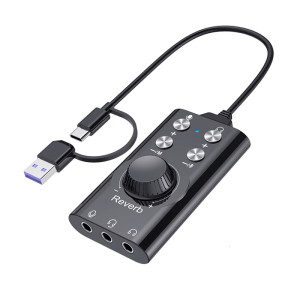
ABS PVC USB 7.1 External Sound For Streaming Podcasts High Fidelities Sound Enhancement
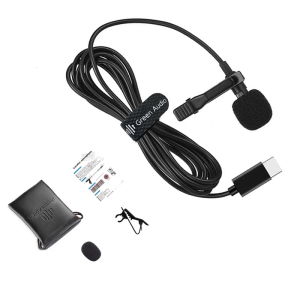
High Sensitivity USB C Lavalier Mic Condenser Microphone Enjoy 360 Degree Clear Sound Pickup for Online Chatting Meeting
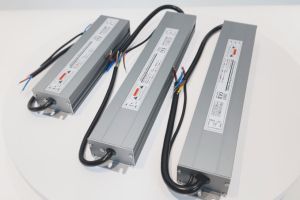
AC 110/170-264V Dimmable LED Driver DC 12V/24V 60W-300W Thyristor 0-10V Waterproof Dimming Power Supply Lighting Transformer
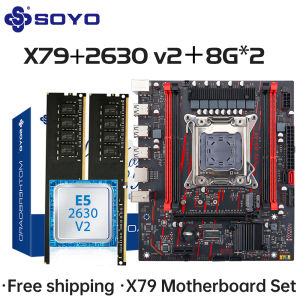
X79 Game Motherboard Set LGA 2011 with E5 2630 V2 CPU 16G【8G*2】DDR3 ECC RAM Memory M.2 NAME Computer components Mainboard SOYO

2025 Kingston SSD A400M8 240GB Computer ssd M.2 Interface 480g sata Agreement 120g
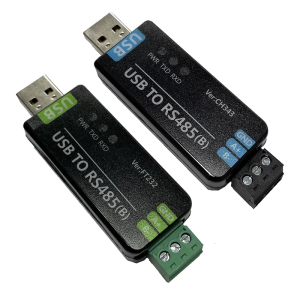
USB To RS485 Industrial Adapter FT232RNL/CH343G Communication Conversion Module Controller Serial Module Accessories
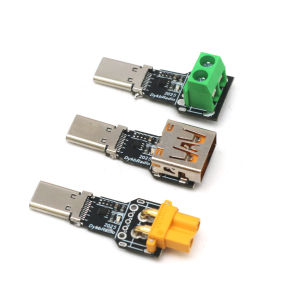
140W PD3.1 TYPE-C USB PD Voltage Trigger Adapter 5V 9V 12V 15V 20V 28V Fast Charging Protocol Male USB QC/ PD TO DC Power Supply
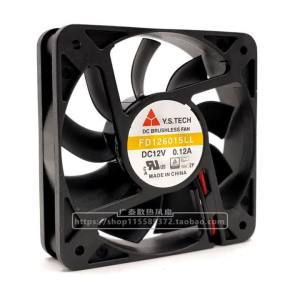
Y.s.techYuanshan Fd126015ll 5015 12v 0.12a Silent Cooling Fan 5cm
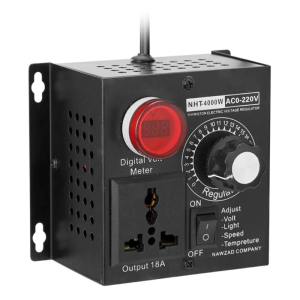
Upgraded SCR Electronic Voltage Regulator 4000W 220V Single Phrase Motor Fan Speed Controller SCR Voltage Regulator
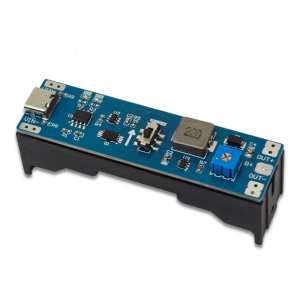
Charging Discharger Booster Regulator Module Boost Step Up Module UPS Power Supply 3.7V 9V 12V Type C Module
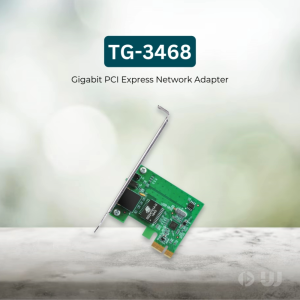
TP-Link Official | TG-3468 | 10/100/1000Mbps Gigabit PCI Express Wireless WiFi USB Network Adapter Receiver Dongle for Laptop Desktop PC

















