XUNDD [Original] Axe HD Clear Full Adhesive 9H Hardness Tempered Glass for ZTE nubia Red Magic 8 Pro / Red Magic 8 Pro+ / Red Magic 8S Pro / Red Magic 8S Pro+
XUNDD [Original] Axe HD Clear Full Adhesive 9H Hardness Tempered Glass for ZTE nubia Red Magic 8 Pro / Red Magic 8 Pro+ / Red Magic 8S Pro / Red Magic 8S Pro+
Product Overview
The XUNDD Axe HD Clear Full Adhesive 9H Hardness Tempered Glass Screen Protector is specifically designed for ZTE nubia Red Magic 8 Pro, Red Magic 8 Pro+, Red Magic 8S Pro, and Red Magic 8S Pro+. This product offers unparalleled protection against scratches, drops, and impacts, ensuring your device remains in pristine condition.
Key Features & Benefits
- 9H Hardness: This tempered glass screen protector boasts a 9H hardness rating, offering superior scratch resistance compared to standard glass screen protectors.
- HD Full Adhesive: The HD Full Adhesive technology ensures a seamless fit and eliminates air bubbles, providing a crystal-clear viewing experience.
- Original XUNDD: The XUNDD Axe HD Clear Full Adhesive 9H Hardness Tempered Glass Screen Protector is an original product, guaranteeing quality and reliability.
Compatibility & Installation Kit
The XUNDD Axe HD Clear Full Adhesive 9H Hardness Tempered Glass Screen Protector is compatible with ZTE nubia Red Magic 8 Pro, Red Magic 8 Pro+, Red Magic 8S Pro, and Red Magic 8S Pro+. The package includes one tempered glass screen protector and a set installation kit, containing all necessary tools for a hassle-free installation process.
How to Install XUNDD Tempered Glass
Installing the XUNDD Axe HD Clear Full Adhesive 9H Hardness Tempered Glass Screen Protector is a straightforward process. Follow these steps to ensure a seamless fit:
Preparing Your Device
- Power off your device and remove any existing screen protectors or stickers.
- Clean the screen thoroughly using a microfiber cloth and alcohol wipes to remove dust and fingerprints.
Installing the Screen Protector
- Remove the protective film from the tempered glass screen protector.
- Align the edges of the screen protector with your device and gently press down, starting from the center and working your way outwards.
- Use the squeegee tool included in the installation kit to remove any air bubbles or wrinkles.
Final Touches
Once the screen protector is installed, inspect the edges to ensure a secure fit. If necessary, use the cleaning cloth and alcohol wipes to remove any residue.
Maintenance & Care Tips
To ensure the longevity of your XUNDD Axe HD Clear Full Adhesive 9H Hardness Tempered Glass Screen Protector, follow these maintenance and care tips:
Cleaning the Screen Protector
Use a microfiber cloth and alcohol wipes to clean the screen protector regularly. Avoid using abrasive materials or harsh chemicals that may damage the surface.
Removing Bubbles & Air Pockets
If air bubbles or pockets form under the screen protector, use the squeegee tool included in the installation kit to gently push them out towards the edges.
Extending the Lifespan of Your Protector
Avoid exposing your device to extreme temperatures or direct sunlight, as this may cause the screen protector to warp or peel. Handle your device with care to prevent scratches and damage.
Frequently Asked Questions
Is This Screen Protector Scratch-Resistant?
Yes, the XUNDD Axe HD Clear Full Adhesive 9H Hardness Tempered Glass Screen Protector is scratch-resistant, thanks to its 9H hardness rating.
How Do I Remove Air Bubbles?
Use the squeegee tool included in the installation kit to gently push air bubbles towards the edges of the screen protector.
What Is the Warranty Policy?
XUNDD offers a limited warranty policy for their products. For more information, please visit the official website or contact customer support.

THE CASE FACTORI
![XUNDD [Original] Axe HD Clear Full Adhesive 9H Hardness Tempered Glass for ZTE nubia RedMagic 8 Pro / RedMagic 8 Pro+ / RedMagic 8S Pro / RedMagic 8S Pro+](https://img.lazcdn.com/g/p/e39bda76adee45b3838d67e113c06c61.jpg_300x300q80.jpg)
Review
You May Also Like
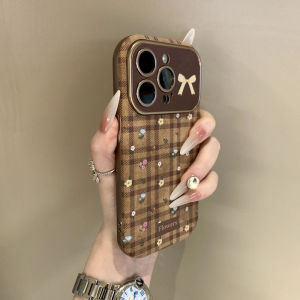
Sup&LV | Full Cover Lens High-end Unique Soft iPhone Cases
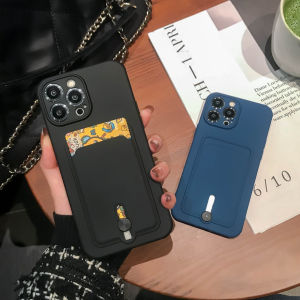
CrashStar Silicone Soft Shockproof Phone Case With Card Slot Holder For iPhone: Ultimate Protection & Convenience
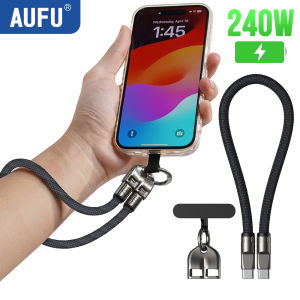
AUFU 2in1 240W USB C to Type C Lanyard Data Cable 5A PD Fast Charging For iPhone 16 15 Xiaomi Huawei Phone Lanyard Charge Cable
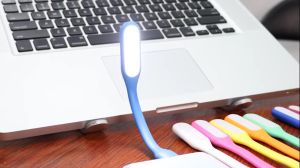
【 Free Gift 】Mini Foldable USB LED Light Lamp Edisonmall【 Each package will only be given one as a gift ! The quantity is limited first come first served】
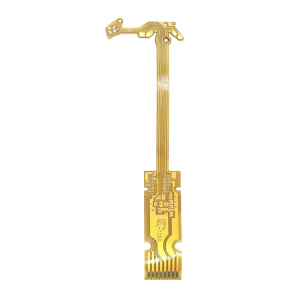
Professional Lens Inner Apertures Flexible Cable Camera Flexible Cable Replacement for Minilux E02 Camera Accessorie
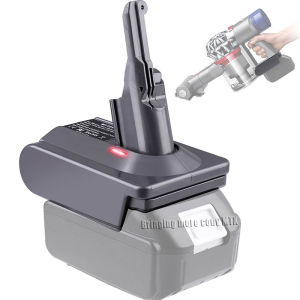
Adapter for Makita 18V Lithium Battery BL1850 BL1815 BL1830 Convert To for Dyson V6 V7 V8 Battery for Dyson Cordless Vacuum Use
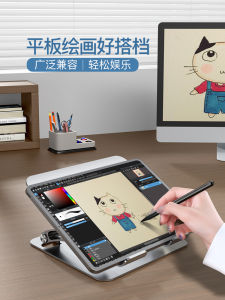
IPad Painting Stand Bracket Tablet Computer Dedicated for Painting Stand Foldable Desktop PlayerUnknowns Battlegrounds Learning Handwriting Reading Writing Support Writing Hand-Painted Screen Pro Portable Surface
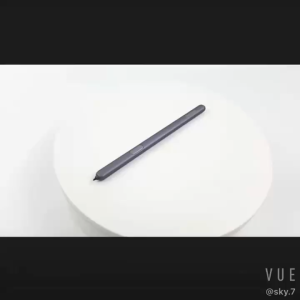
OEM Samsung Galaxy Tab S6 S Pen: SM-T860N T865 Touch Screen Pen
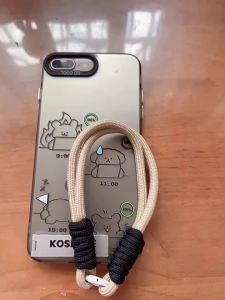
Case for VIVO Y19S 4G v40 lite v50 lite y29s y29 y04 4g y39 5g phone casing hard case TPU shockproof Cover new design aesthetic with holder and Lanyard for girl CYSTCBZJ01
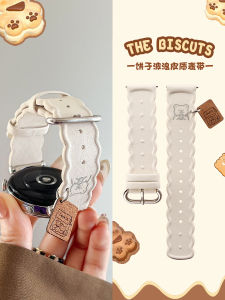
Wave Bear Design: The Ultimate Huawei WatchGT5 Strap
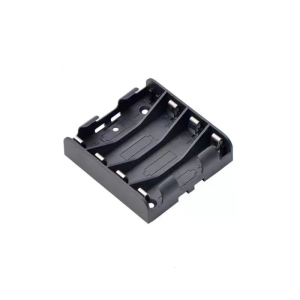
High Strength 14500 Storage Box Case 4 Slot Way Batteries Clip Holder Container for Electrical Experiment