4K Digital DVB-T2 TV Antenna: A Comprehensive Guide
4K Digital DVB-T2 TV Antenna: A Comprehensive Guide
Introduction to 4K Digital DVB-T2 TV Antennas
What is a 4K Digital DVB-T2 TV Antenna?
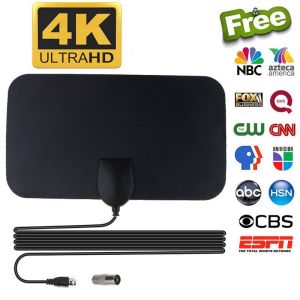
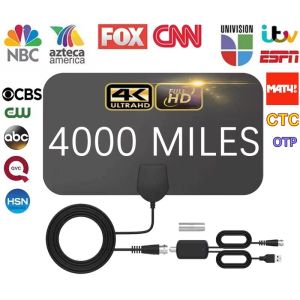
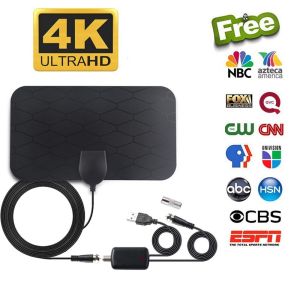
A 4K Digital DVB-T2 TV antenna is a device designed to receive over-the-air (OTA) digital broadcasts in the DVB-T2 standard, offering a crystal-clear viewing experience for both digital and HD shows. This antenna allows users to enjoy free TV channels without the need for a cable or satellite subscription.
Key Features of 4K Digital DVB-T2 TV Antennas
- Lightweight and versatile: Easy to place anywhere, no power required
- Aesthetically pleasing: Matches home decor, can be easily hidden behind pictures, bookshelves, or televisions
- Fast and easy setup: Unwrap, plug it in, and scan channels
- Multiple placement options: Can be placed on walls, tables, or windows (strongly recommended)
Setting Up Your 4K Digital DVB-T2 TV Antenna
Step-by-Step Setup Guide
- Connect the end (F-male) of the attached coaxial cable to the ANT/IN connector on the back of the TV or DVB-T tuner.
- In the TV's setup menu, set the tuner mode to ''Antenna'' or ''Air''. Refer to your TV manual for more detailed instructions.
- In the TV's setup menu, set TV to ''scan'' for channels. This can sometimes be listed as auto-program, auto-scan, channel search, or channel scan. Consult the TV manual for detailed instructions.
- If reception is sporadic, try moving the antenna to another location and rescanning the TV until optimal position is achieved.
Adjusting Antenna Position for Optimal Reception
For optimal reception, place the antenna near a window facing the broadcast towers. If your TV doesn't have a built-in tuner, a Set Top Box is needed to pull in HDTV signals. Keep the TV antenna away from sources of interference, such as air conditioners, elevators, hair dryers, and microwave ovens.
Maximizing Free Channel Availability
Using dtv.gov/maps and Antenna Web
VERY IMPORTANT: To see if your area is covered by TV towers, google dtv.gov/maps and Antenna Web. These resources provide lists of available channels, coverage maps, and dynamic signal analysis maps for any location.
Factors Affecting Antenna Signal Strength
Antenna signal strength can vary depending on distance from the tower, terrain, and weather. If the signal is not satisfying or only a few channels are available, try connecting the amplifier. Areas with large obstructions such as valleys, mountains, and buildings can affect signal strength.
Troubleshooting Common Issues
No Built-In Tuner? Try a Set Top Box
If your TV doesn't have a built-in tuner, a Set Top Box is required to receive HDTV signals. Make sure to connect the antenna to the Set Top Box and follow the setup guide for optimal results.
Interference Sources and Solutions
Interference sources, such as large power consumption devices, can affect signal strength. Keep the TV antenna away from these sources to minimize interference. Additionally, placing the antenna near a window facing the broadcast towers can help improve reception.
Conclusion
A 4K Digital DVB-T2 TV antenna is a versatile and cost-effective solution for enjoying free digital and HD shows. By following the step-by-step setup guide and adjusting the antenna position for optimal reception, you can maximize the number of free channels available in your area. Remember to use dtv.gov/maps and Antenna Web to determine your local coverage and troubleshoot common issues for the best viewing experience.

rtygf
You May Also Like
Amass Fortunes with Vivos17 Phone Case & Lens Protector
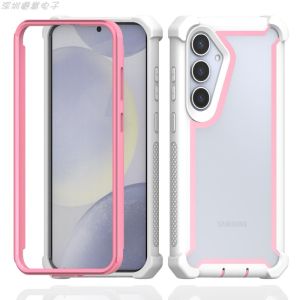
Dual-Sided Shockproof Silicone Case for Samsung S24Ultra S23Ultra S24Plus S23Plus Anti-Fall with Airbag Corners Screen Protector
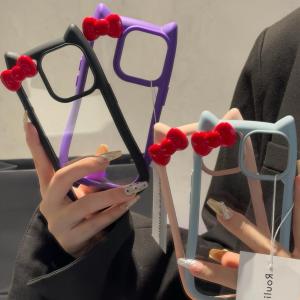
Transparent Cat Ears Phone Case for Apple 11 pro Max iPhone 13 Full Cover 16 New Model 12 Soft 14 pro Max Anti-Fall Protective Cover 14 Butterfly Knot Womens Style
【E-WOITD】 Original Smart Remote Control For WANBO Projector Adaptive T1 T2 RMAX T3 X1 Projectors
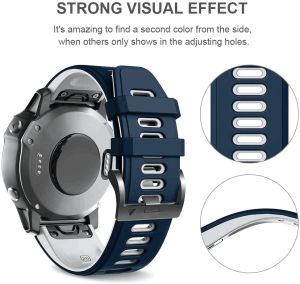
Zenia 22mm & 26mm Quick Release Skin-friendly Silicone Watch Straps for Garmin Fenix
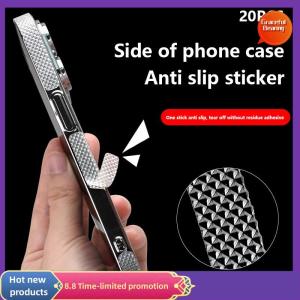
Graceful 20 PCS Mobile Phone Case Anti-slip Sticker Side Anti-slip Earphone Computer Tablet Anti-slip Anti-collision Sticker DIY
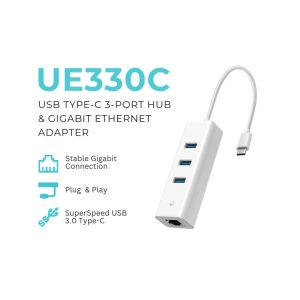
TP-Link UE330C USB 3.0 Type-C 3-Port Hub & Gigabit Ethernet Adapter | USB Port | USB Hub | USB Adapter | Plug and Play
Premium CLEAR Tempered Glass Screen Protector for VIVO V40 LITE
Case for VIVO Y04 Y29 4G Y29S 5G Y39 5G phone casing Softcase Silicone Protector shockproof Clear Cover new design aesthetic CARTOON CAT with holder TKYYMZJ01
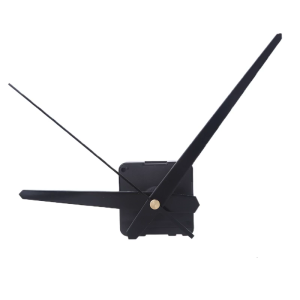
DIY Wall Clock Movement Mechanism with Hands Silent Kit Household for Home Office Dormitory Wall Decoration Accessory
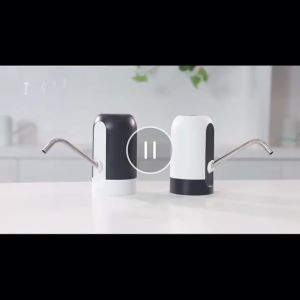
USB Rechargeable Water Dispenser for Water Electric Automatic Drinking Water Pump dispenser for healthy drinking