Computer Set Package: Intel Core i5-11th Gen & Gaming Laptop with Mouse
Computer Set Package: Intel Core i5-11th Gen & Gaming Laptop with Mouse
What is Included in the Computer Set Package
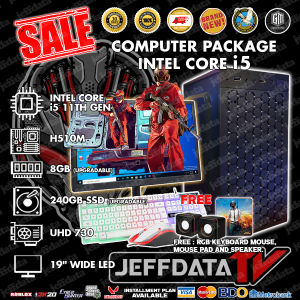
Our comprehensive computer set package comes with everything you need to start gaming or working from home. This package includes:
- Intel Core i5-11th Gen Computer: A powerful processor designed for high-performance computing and gaming.
- 8GB RAM & 240GB SSD Laptop: A sleek and lightweight laptop equipped with ample storage and memory to handle demanding tasks.
- Mini Speaker & LED Keyboard: Enjoy immersive sound and colorful backlighting while gaming or working.
- UHD 730 19-inch LED Monitor: Experience vivid visuals and crisp text with this high-resolution display.
How to Set Up Your Computer Set Package
Setting up your new computer set package is easy. Follow these steps to get started:
Connecting the Monitor
- Connect the HDMI cable to the laptop and the monitor.
- Turn on both devices.
Configuring the Keyboard & Mouse
- Plug in the USB receiver for the wireless keyboard and mouse.
- Press the power button on both devices to turn them on.
Setting Up the Mini Speaker
- Connect the mini speaker to the laptop using the provided audio cable.
- Adjust the volume settings on the laptop to your desired level.
Performance & Compatibility
Our computer set package is designed to provide a seamless experience for gaming and productivity. Here are some highlights:
Gaming Laptop with Mouse
The 8GB RAM & 240GB SSD laptop is equipped with a powerful Intel Core i5-11th Gen processor, making it perfect for gaming. Pair it with the included wireless mouse for a smooth gaming experience.
Intel Core i5-11th Gen Computer
The Intel Core i5-11th Gen processor provides excellent performance for multitasking, video editing, and other demanding tasks.
UHD 730 19-inch LED Monitor
With a resolution of 1920x1080 pixels, the UHD 730 19-inch LED monitor delivers stunning visuals and crisp text. It's perfect for gaming, streaming, and working from home.
Maintenance & Troubleshooting
To keep your computer set package running smoothly, follow these tips:
Cleaning & Caring for Your Equipment
- Wipe down the laptop, monitor, keyboard, and mouse regularly with a soft cloth.
- Keep the mini speaker clean by wiping it down with a dry cloth.
Troubleshooting Common Issues
If you encounter any issues with your computer set package, refer to the troubleshooting guide included in the package. Some common issues include:
- Laptop not turning on: Check the power cord and battery.
- Monitor not displaying: Check the HDMI cable and power connection.
- Keyboard or mouse not working: Check the USB receiver and batteries.
Final Thoughts & Next Steps
We hope you enjoy using our computer set package for gaming, productivity, and entertainment. Here are some next steps to consider:
Exploring Further Gaming Possibilities
Consider upgrading your gaming setup by adding a gaming headset, mechanical keyboard, or gaming chair.
Upgrading Your Computer Set Package
If you find that your current computer set package is no longer meeting your needs, consider upgrading to a more powerful processor, additional RAM, or a larger SSD.

jeffprildata PC Computer Parts and Accessories
Review

You May Also Like
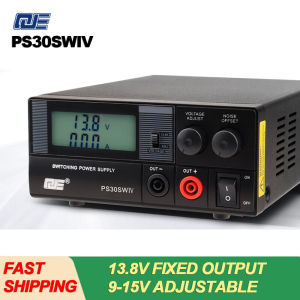
QJE PS30SWIV Power Supply 13.8V 30A DC Communication Switching Power Supply Automotive Adjustable Linear Power Supply Stable
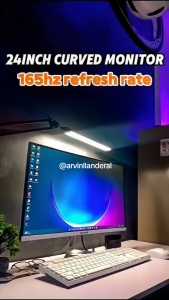
TVCON Monitor 24 27 Inch IPS Curved Monitor 165Hz 4K Frameless 1ms 120%sRGB Flicker-Free Low Blue Light Monitor For PC Laptop Office Design Monitor 144Hz 165Hz 180Hz
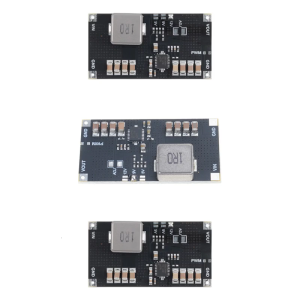
TPS61088 Module Power Stepping Up Boost Board 5V 9V 12V 1Mhz Switcher Frequency Electronic Power Supply Module
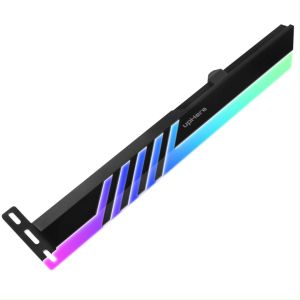
GL28ARGB CF High Quality RGB SATA GPU Bracket 5V 3-pin Graphics Card Bracket Led Support Holder
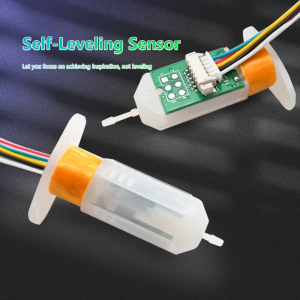
Upgraded Auto Bed Leveling Sensor Kit for 3D Printer Ender 3/ 3s / 3 Pro/ V2 Hot Bed Leveling Set

USB C Modification Kit For PSV1000 Ensuring Quick Charging And Bidirectional Power Flow Quick & Flexible Power Solution
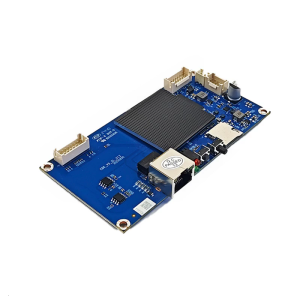
High Performances Control Board For M53 M53S M63 Mining Machines Enhances Cooling System And Stable Hashrate Output
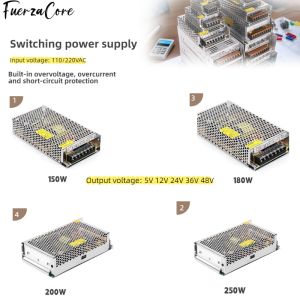
Power Supply 15V 12V 24V 36V 48VDC 150W 180W 200W 250W SMPS Power Transformer 110/220V AC-DC for LED Lights Motors and Displays
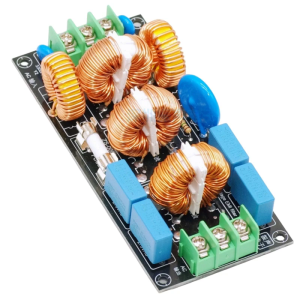
High Temperatures Resistant EMIs 220V Power Lines Noise Suppression For Industrial Use
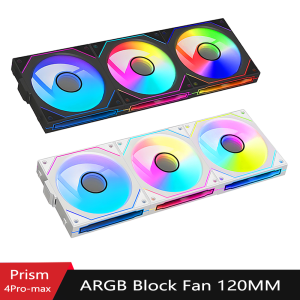
PC case fan 120mm ARGB mirror cycling lighting effect CPU cooling fan 4-pin PWM 58.36CFM fan for computer water cooling
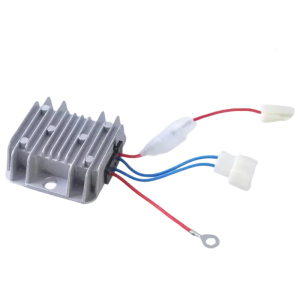
Automatic Voltages Regulator 173F 186F Power Stabilizer Diesels Generator Stabilizer Rectifier for Electric Start Parts