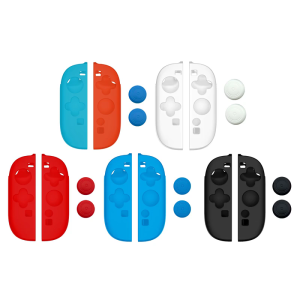
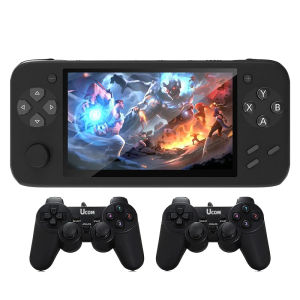
NEW HC-2000 4.3\" Screen Classic Retro Handheld 10000+ Game Console
NEW HC-2000 4.3" Screen Classic Retro Handheld 10000+ Game Console
What is the HC-2000 Game Console?
The HC-2000 is a classic retro handheld game console that features a 4.3-inch screen and supports over 10,000 games through emulators. This console is perfect for gamers who love to relive their childhood memories or discover new classic games.
Key Features
- 4.3-inch screen: Enjoy high-quality visuals and immersive gameplay with the large display.
- 10,000+ game emulator support: Play classic games from various platforms, including NES, SNES, Sega Genesis, and more.
- Double Battle Support: Compete against friends in multiplayer battles with seamless connectivity.
- PSP Arcade Joystick: Enhance your gaming experience with customizable controls and improved playability.
Comparison with Other Consoles
While there are other handheld consoles available in the market, the HC-2000 stands out due to its extensive library of games and support for multiple emulators. It offers a nostalgic gaming experience at an affordable price point.
How to Use Double Battle Support
The HC-2000 allows you to compete against friends in multiplayer battles using the Double Battle feature. Here's how to set up a multiplayer game:
- Connect both consoles via Bluetooth or Wi-Fi.
- Select the game you want to play.
- Choose the Double Battle mode.
- Follow the on-screen instructions to begin the battle.
Tips for Winning
- Practice: Familiarize yourself with the controls and gameplay mechanics of the selected game.
- Teamwork: Coordinate with your partner to strategize and execute effective moves.
- Stay focused: Keep an eye on the game screen and anticipate your opponent's actions.
Exploring 10 Major Emulators
The HC-2000 supports a wide range of emulators, allowing you to play games from various platforms. Here are some popular emulators for the HC-2000:
- NES
- SNES
- Sega Genesis
- Game Boy
- Game Boy Color
- Game Boy Advance
- TurboGrafx-16
- Neo Geo Pocket Color
- MSX
- Atari Lynx
Installing and Configuring Emulators
To install and configure emulators on the HC-2000, follow these steps:
- Download the desired emulator from a trusted source.
- Copy the emulator file to the appropriate folder on the console.
- Launch the emulator and configure the settings according to your preferences.
- Insert the ROM files of the games you want to play.
PSP Arcade Joystick: Enhancing Your Gaming Experience
The PSP Arcade Joystick is a versatile controller that can significantly improve your gaming experience on the HC-2000. Here's how to connect and customize the joystick:
How to Connect the Joystick
- Turn off the HC-2000 console.
- Connect the PSP Arcade Joystick to the console using the USB cable.
- Power on the console and select the joystick as the input device.
Customizing Controls for Optimal Playability
To customize the controls on the PSP Arcade Joystick, follow these steps:
- Access the settings menu on the HC-2000 console.
- Select the joystick as the input device.
- Customize the button mappings according to your preferences.
- Save the changes and enjoy improved playability.
Conclusion
The HC-2000 is a fantastic handheld game console that offers a nostalgic gaming experience with its extensive library of games and support for multiple emulators. With features like Double Battle Support and the PSP Arcade Joystick, you can enhance your gaming experience and compete against friends in multiplayer battles. So, if you're a fan of classic games, the HC-2000 is definitely worth considering.

Yisunder.sun
Review

You May Also Like
ZDSSY R36S Retro Handheld Video Game Console Linux System 3.5 Inch IPS Screen Mini Portable Handheld Video Player 64GB 128GB Preloaded 15000 Games
ANBERNIC RG28XX Game console retro nostalgic handheld student portable console retro style
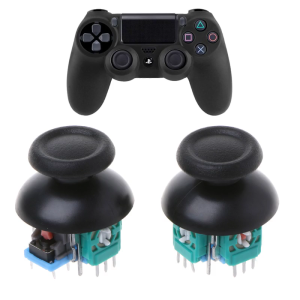
3D Joystick Axis Analog Sensor Module Replacement for 4 Slim PRO Controller Thumb Rocker Replacement
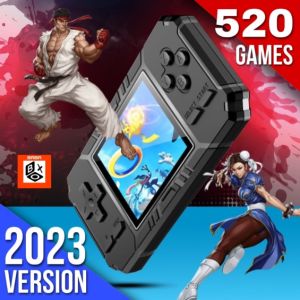
🎁 Original Product + FREE Shipping 🎁 S8 Handheld Game Console: A Nostalgic Journey
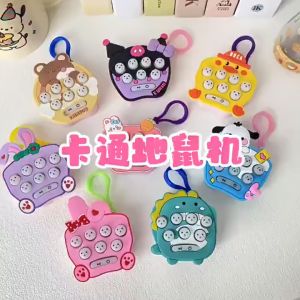
Whack-a-mole Toy Console by Sanrio Kuromi Mini Game for Kids Pop It Keychain
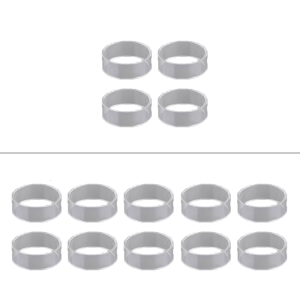
4pcs/10pcs Controller Joystick Rings Silicone Material for Enhances Gaming Experience and Durability
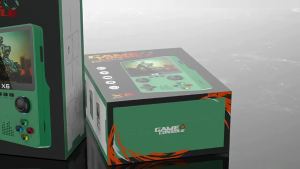
X6 Portable Dual Joystick Handheld Console 3.5 1-inch high-definition large-screen arcade simulation game nostalgic game console
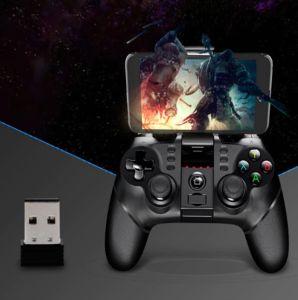
TG IPEGA 9076 Multi Functional Bluetooth 2.4G Wireless Game Controller For Android/Windows PC
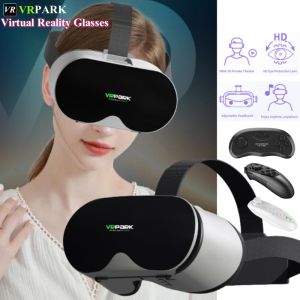
V10 4K Virtual Reality VR Glasses 3D Glasses Google Cardboard Box Headset Helmet for IOS Android Phone 4-6.7"Support Joysticks
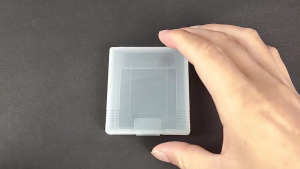
Strong Transparent Game Storage Case Small Protective Holder Simple Installation For Gameboy GBP Cartridges
MXQ PRO M8/K8/X6TV Game Console Set with 2 Controllers and Game Stick Built-In 20000+ Games/M8 Mini TV Box+Games