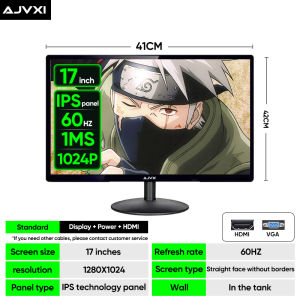
MVP 34 Inch 4K Curved Gaming Monitor
MVP 34 Inch 4K Curved Gaming Monitor
Introduction
The KINYO MVP 34 Inch 4K Curved Gaming Monitor is a top-of-the-line display designed specifically for gamers seeking the ultimate visual experience. This monitor features a large 34-inch curved screen, providing an immersive viewing experience that draws you into the game world. With a resolution of 3840 x 1440 pixels, it delivers stunning visuals with sharp details and vibrant colors. Additionally, the monitor supports a refresh rate of up to 165Hz, ensuring smooth gameplay even during fast-paced action scenes.
Key Features & Specifications
- Panel Type: VA/IPS
- Screen Size: 34 inches
- Resolution: 3840 x 1440 pixels (4K)
- Backlight: LED
- Response Time: 1 ms/2 ms
- Viewing Angle: 178°
- Screen Scale: 16:9
- Refresh Rate: Up to 165Hz
- Interface: HDMI, VGA, Type-C
- Wall Mounting Support: Yes
Choosing the Right Monitor
When selecting a gaming monitor, it's essential to consider factors such as screen size, resolution, and refresh rate. Here, we'll compare two popular options: 24-inch and 27-inch monitors, as well as 165Hz and 144Hz refresh rates.
24 Inch vs 27 Inch Monitor: What's Best for You?
The choice between a 24-inch and 27-inch monitor depends on your personal preferences and gaming setup. A 24-inch monitor offers a compact form factor, making it ideal for small desks or setups with limited space. On the other hand, a 27-inch monitor provides a larger viewing area, allowing you to see more of the game world at once. This can be particularly beneficial for games that require a wide field of view, such as first-person shooters.
165Hz vs 144Hz Refresh Rate: A Comprehensive Comparison
The refresh rate of a monitor determines how many frames it can display per second. A higher refresh rate results in smoother gameplay and reduced motion blur. While both 144Hz and 165Hz monitors offer excellent performance, the latter provides an even smoother gaming experience. However, the difference may not be noticeable to everyone, especially if you're not playing fast-paced games. Ultimately, the choice between 144Hz and 165Hz depends on your budget and gaming preferences.
Connectivity & Compatibility
To get the most out of your KINYO MVP 34 Inch 4K Curved Gaming Monitor, it's crucial to understand its connectivity options and compatibility with various devices.
HDMI & VGA Ports: Maximizing Your Monitor's Potential
The KINYO MVP 34 Inch 4K Curved Gaming Monitor comes equipped with multiple ports, including HDMI, VGA, and Type-C. These ports allow you to connect a wide range of devices, such as gaming consoles, laptops, and desktop computers. By using the appropriate cables, you can enjoy high-quality visuals and audio from your favorite gaming setup.
Wall Mounting: Enhancing Your Setup
For those who prefer a sleek and space-saving setup, the KINYO MVP 34 Inch 4K Curved Gaming Monitor supports wall mounting. This feature allows you to mount the monitor on a wall, freeing up desk space and creating a more immersive gaming environment. Additionally, wall mounting can help reduce eye strain by positioning the screen at an optimal viewing angle.
Conclusion
In conclusion, the KINYO MVP 34 Inch 4K Curved Gaming Monitor offers an exceptional gaming experience with its large curved screen, high resolution, and fast refresh rate. By considering factors such as screen size, resolution, and refresh rate, you can choose the perfect monitor for your gaming setup. Furthermore, the KINYO MVP 34 Inch 4K Curved Gaming Monitor's connectivity options and wall mounting support make it a versatile and user-friendly choice for gamers of all levels.

MVP Brand Digital Mall
Review
You May Also Like
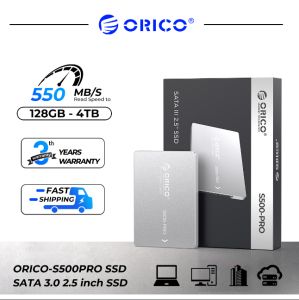
ORICO 2.5 Inch SATA SSD: A Comprehensive Guide
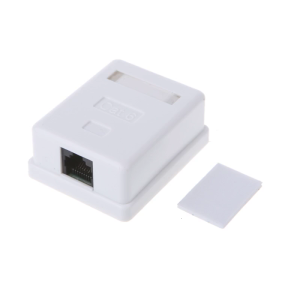
Cat6 RJ45 8P8C UTP Unshielded Single Port Desktop Mount Box
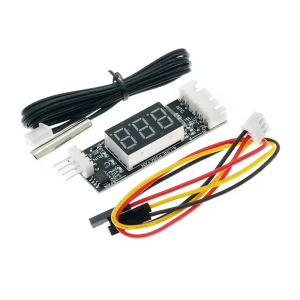
Universal 4Wire PWM Fan Controller 12V3A Digital Temperature Display Speed Adjust Energy Efficient DC8V~16V Power Supply
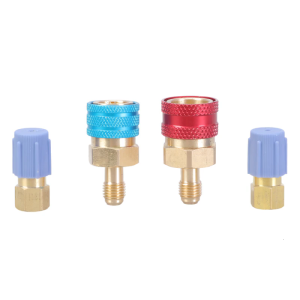
Quick Couplers Adapter Set with High/Low Side Quick Couplers Cooling Agent Charge Hose Connector Adapter for R1234YF
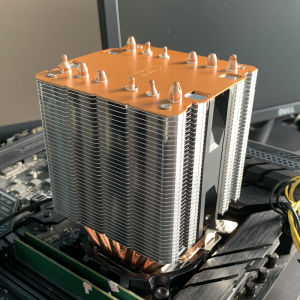
CPU Air Cooler 6Heatpipes PC Processor ventilador for Intel LGA 1700 2011 1200 1366 115X X79 X99 AMD AM3 AM5 AM4 Cooler

N8400GS-D1GD3H/LP MSI PRELOVED
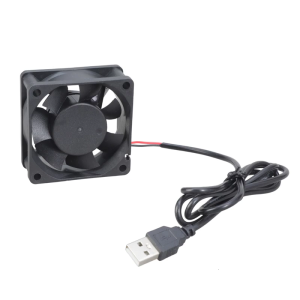
60x60x25MM USB 5V Electronic Cooling Fan Low Noise Computer Electronic Brushless Fan Home Office Networking
Plastic Gearboxes Gear Motor Small 300 Gear Motor High Torque Slow Speed Small Electric Motor Gearboxes Reduction Motor

Memoria RAM DDR4 3200MHz 2666MHz 3600 2400MHz 8G 16G Gaming Desktop Memory Compatible with Intel and AMD CPUs PC4-25600 PC4-19200 17000 288Pin DIMM RAM NEW
LCD Display Module SPI Interface ST7789V2 Driver chip 1.69inch LCD Screen Module ST7789V2 Drive forRaspberryPiSTM32
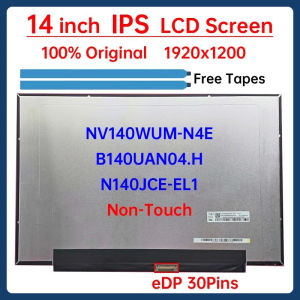
14 Inch Laptop LCD Screen NV140WUM N4E NV140WUM-N4E B140UAN04.H N140JCE-EL1 Display Matrix Panel 1920x1200 eDP 30 Pins Non-Touch