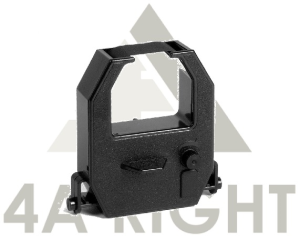
Bundy Clock Ribbon (Nideka T9b T8 MD10 Amano Ex3500 Yokatta DX6 DX8 Takara All Model) Ink Cartridges
Bundy Clock Ribbon (Nideka T9b T8 MD10 Amano Ex3500 Yokatta DX6 DX8 Takara All Model) Ink Cartridges
Introduction to Bundy Clock Ribbons & Ink Cartridges
Bundy clocks are timekeeping devices used in various industries to record employee attendance. These clocks require ribbons and ink cartridges to function properly. This article will provide an overview of Bundy clock ribbons and ink cartridges, including their compatibility with various models like Nideka T9b T8 MD10, Amano Ex3500 Yokatta DX6 DX8, and Takara.
Overview of Bundy Clock Ribbons
Bundy clock ribbons are essential components that transfer ink from the ink cartridge to the paper. They come in different types, such as wax-based, resin-based, and thermal transfer ribbons. Each type has its advantages and disadvantages, depending on the application and environment.
Understanding Compatible Ink Cartridges
Compatible ink cartridges ensure seamless operation of Bundy clocks by providing consistent ink flow. It is crucial to choose ink cartridges that are compatible with your specific Bundy clock model to avoid any printing issues.
Choosing the Right Ribbon & Ink Cartridge for Your Bundy Clock
Selecting the appropriate ribbon and ink cartridge for your Bundy clock is vital for accurate timekeeping and efficient operation.
Factors to Consider When Selecting a Ribbon
When choosing a ribbon for your Bundy clock, consider the following factors:
- Compatibility with your specific Bundy clock model
- Type of ribbon (wax-based, resin-based, or thermal transfer)
- Quality and durability of the ribbon
Selecting Compatible Ink Cartridges for Your Bundy Clock
To ensure proper functioning of your Bundy clock, select ink cartridges that are compatible with your specific model. Factors to consider include:
- Compatibility with your Bundy clock model
- Quality and consistency of ink flow
- Durability and longevity of the ink cartridge
Installation & Usage Guide for Bundy Clock Ribbons & Ink Cartridges
Proper installation and usage of ribbons and ink cartridges are essential for optimal performance of your Bundy clock.
Installing a New Ribbon
Follow these steps to install a new ribbon in your Bundy clock:
- Turn off the Bundy clock and unplug it from the power source.
- Open the ribbon compartment and remove the old ribbon.
- Insert the new ribbon, ensuring it is aligned correctly.
- Close the ribbon compartment and plug the Bundy clock back into the power source.
Replacing Ink Cartridges in Your Bundy Clock
To replace ink cartridges in your Bundy clock, follow these steps:
- Turn off the Bundy clock and unplug it from the power source.
- Open the ink cartridge compartment and remove the old ink cartridge.
- Insert the new ink cartridge, ensuring it is aligned correctly.
- Close the ink cartridge compartment and plug the Bundy clock back into the power source.
Troubleshooting Common Issues with Bundy Clock Ribbons & Ink Cartridges
Despite proper installation and usage, issues may arise with ribbons and ink cartridges in Bundy clocks. Here are some common problems and solutions:
Resolving Ribbon & Ink Cartridge Compatibility Problems
If you experience compatibility issues with ribbons or ink cartridges, try the following solutions:
- Verify that the ribbon or ink cartridge is compatible with your specific Bundy clock model.
- Check for any damage or wear on the ribbon or ink cartridge.
- Replace the ribbon or ink cartridge if necessary.
Addressing Common Printing Issues
To address common printing issues, try the following solutions:
- Clean the print head or ribbon guide to remove any debris or residue.
- Check the alignment of the ribbon or ink cartridge.
- Replace the ribbon or ink cartridge if necessary.

4A Right
You May Also Like
KGS Premium X1 DTF TRANSFER PET FILM for DTF Printing | size 30/60/ 33cm x100m | Roll
Bambu Lab Support for PA/PET 3D Printing Filament Perfect Support Interface & Easy Removal by Hand
Original Fuji Xerox Drum Cartridge CT351007 S180 S2010 S2011 S2110 S2220 S2320 S2420 S2520
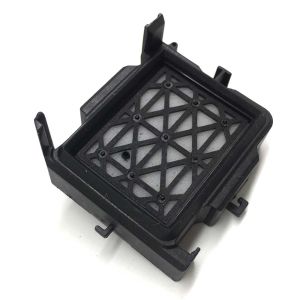
In Stock Dx11 Xp600 Printhead Cap Top Capping for Eco Solvent Printer Machine

12.7mm Handheld Inkjet Printer Mini Portable Batch Code Date Number Logo Expiry Date Label Printer with 25 Languages ink Ribbon
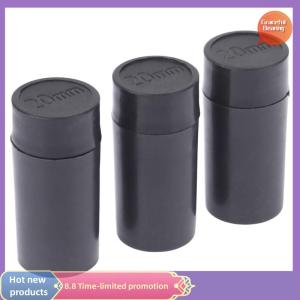
Graceful 10PCS Price Tag 20mm Tag s Refill Ink Rolls Ink for MX5500
Brother Original ink BTD60BK BT5000 Black Cyan Magenta Yellow Ink Bottle for T220 T310 T420WT4000DW DCP-T300/T310 DCP-T500W DCP-T510W DCP-T700W DCP-T710W MFC-T800W MFC-T810W MFC-T910DW MFC-T4500DW
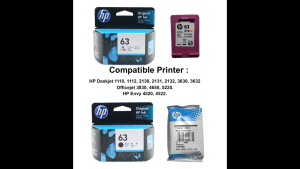
HP 63 100% Original Ink Advantage Cartridge For HP Deskjet 1110 1112 2130 2131 2132 3630 3632. HP Envy 4520 4522. HP Officejet 3830 4650 5220.

Printing View: Waste Ink Sponge Pad Tank for Epson Printers Set
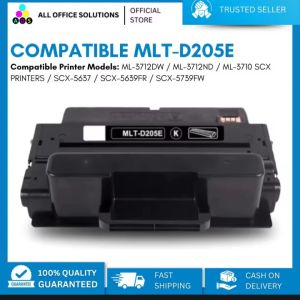
AOS Compatible Samsung MLT-D205E Black Toner Cartridge For use in Samsung ML-3712DW ML-3712ND ML-3710 SCX PRINTERS SCX-5637 SCX-5639FR SCX-5739FW printers
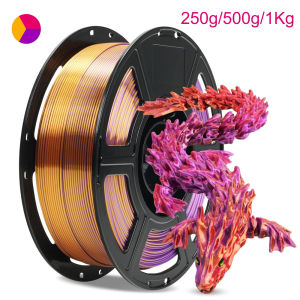
Triple Color PLA Silk three Color gold purple red 3D Printer Filament 250g 500g 1Kg 1.75mm Gold red purple 3D Printing Material