STAPON AHD 720p Night Vision Rear Camera: A Comprehensive Guide
STAPON AHD 720p Night Vision Rear Camera: A Comprehensive Guide
What is STAPON AHD 720p Night Vision Rear Camera?
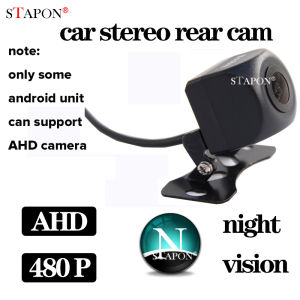
The STAPON AHD 720p Night Vision Rear Camera is a high-performance reverse parking camera designed to provide clear and detailed views of the rear of your vehicle. This waterproof reverse backup camera features a 140-degree wide-angle lens, allowing you to see everything behind your car with ease. The AHD 720p technology ensures that you get crystal-clear images during both day and night, making it perfect for all driving conditions.
Key Features
- 140-degree wide-angle lens
- AHD 720p resolution
- Night vision capability
- Waterproof design
- RCA connector
Compatibility
The STAPON AHD 720p Night Vision Rear Camera is compatible with headunit stereos that support AHD reverse. It is important to note that this camera is not compatible with dashcam rear cams, which have a 4-pin connector. Additionally, only Android units that can choose AHD in their factory settings will be able to make this camera work. Stock units and units without the setting for choosing AHD will not be able to operate this camera.
How to Install & Set Up STAPON AHD 720p Night Vision Rear Camera
Installing and setting up the STAPON AHD 720p Night Vision Rear Camera is a straightforward process. Here is a step-by-step guide to help you get started:
Step-by-Step Installation Process
- Locate the rear bumper of your vehicle and find a suitable location to mount the camera.
- Drill a hole in the bumper if necessary, and securely attach the camera using the mounting bracket included in the package.
- Connect the RCA cable from the camera to the rear view input on your headunit stereo.
- Power on your vehicle and access the reversing settings on your stereo.
- Select AHD as the reverse camera input.
Troubleshooting Common Issues
If you encounter any issues during installation or while using the STAPON AHD 720p Night Vision Rear Camera, here are some common troubleshooting tips:
- Check that the camera is properly connected to the headunit stereo.
- Make sure that the AHD setting is selected in the reversing settings of your stereo.
- Verify that your stereo supports AHD reverse before attempting to install the camera.
How to Maximize Performance of STAPON AHD 720p Night Vision Rear Camera
To ensure that you get the best possible viewing experience from your STAPON AHD 720p Night Vision Rear Camera, follow these optimal settings and maintenance tips:
Optimal Settings for Best Viewing Experience
- Adjust the camera angle to ensure that you can see the entire area behind your vehicle.
- Use the brightness and contrast settings on your stereo to fine-tune the image quality.
- Keep the camera lens clean to avoid any obstructions or smudges that could affect the image.
Tips for Maintaining Camera Performance
- Regularly inspect the camera and its connections to ensure they are secure and free from damage.
- Clean the camera lens with a soft cloth and mild cleaning solution to maintain clarity.
- Store the camera in a dry place when not in use to prevent moisture damage.
Frequently Asked Questions About STAPON AHD 720p Night Vision Rear Camera
Can I Use This Camera With Dashcam Rear Cam?
No, the STAPON AHD 720p Night Vision Rear Camera is not compatible with dashcam rear cams. It has an RCA connector, which is not compatible with the 4-pin connector used by dashcam rear cams.
How Do I Know If My Stereo Supports AHD Reverse?
To determine if your stereo supports AHD reverse, check the reversing settings on your stereo. If you can select AHD as the reverse camera input, then your stereo is compatible with the STAPON AHD 720p Night Vision Rear Camera.

STAPON
Review
You May Also Like
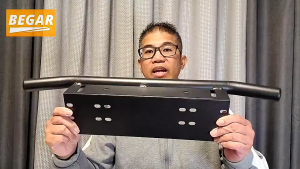
Heavy-Duty Aluminum Front Bumper License Plate Bracket with Light Bar Mount 23 Inch
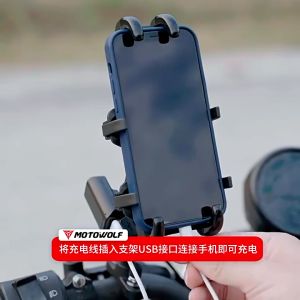
Motowolf Phone Holder V5: Original Motowolf CP Holder
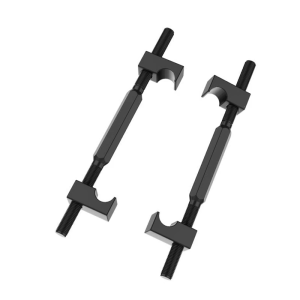
Compact Shock Absorb Spring Compressor Vehicle Suspension Replacement Upgrades Suitable for Outdoor Emergency Repairs
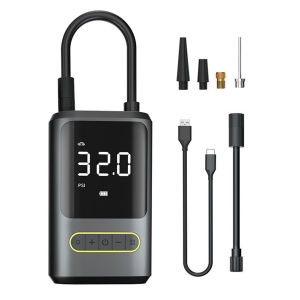
【Fast delivery】 Compact Electric Air Compressor with Power Display and LED Light for Easy Tire Inflation - Perfect for Cars and Bicycles
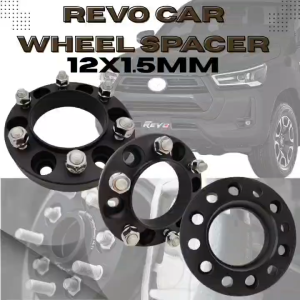
CPA REVO CAR WHEEL SPACER 1PC (12X1.5) 30ADH6139.7-106.1 BLACK (12331)
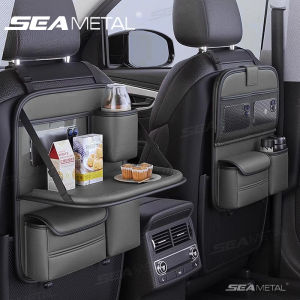
SEAMETAL Leather Car Back Seat Storage Bag: Compact & Versatile Car Interior Organizer
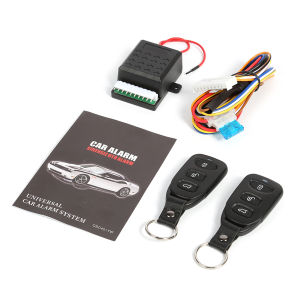
【HOSPORT】Car Remote Central Door Lock Locking Alarm Keyless Entry System 401/T102
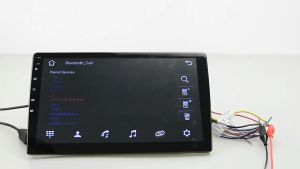
EKLEVA Car Radio Android 12 Video Player: A Comprehensive Guide
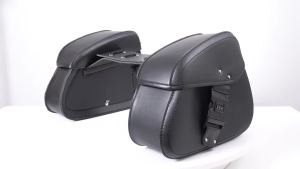
1 Pair Motorcycle Saddlebags with Pas Lock Panniers Rear Side Bags Luggage Storage PU Leather Large Capacity Waterproof
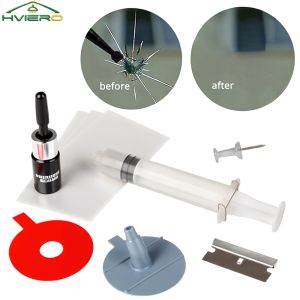
Car Windshield Repair Resin Kit Tools Windscreen Break Scratch Restoration Protective Stickers Glass Cleaner Care No Trace Wash
Screw Thread Filter Cap & Five Heads Screw Thread Needle: A Comprehensive Guide