


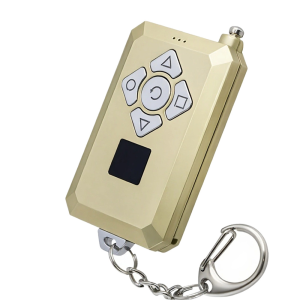
kebidumei | KEBIDUMEI Multi-frequency Garage Door Remote Control 8-Channel 300~915Mhz 433MHz 315MHz Duplicator Garage Remote Controller
Product Features:1.Supports some rolling codes and encrypted copying.2.One remote control is equivalent to up to 8 remote controls without interfering with each other. A channel number display makes switching between remotes quickly and easily.3.Strong transmission power and long range.4.There is a channel lock and unlock function, not easy to press by mistake.Acceptance Frequency:300~915MHZTransmit power:13dBmOperating voltage:12VRemote distance:30-50MBattery: including 12V 23A Battery.How to use:(1). Clear code before duplication:Choose the channel by ;↺; buttons, press the 2 buttons ▲▼ at the same time and wait for 2 seconds.The led light should flash quickly and constantly, show a sign of ;-;, the code is cleared.Note: Don't release your fingers before the indicator light flashes quickly and constantly. If the indicator light can not flash,it means that you did not press the 2 buttons simultaneously. Please try again. After the code is cleared successfully, press any button of this remote, the indicator light flashes once, shows the channel number, and then goes off.(2) Duplicate the original remote:Put the original remote and the 8-in-1 remote together, as close as possible. Press the key of original remote and the key of 8-in-1 remote at the same time for 3-5 seconds. The led of channel number will light up, the duplication is successful. Duplicate the other buttons by the same way. If you want to duplicate another remote, change the channel, and clear code before duplication.Note: Don't release your 2 fingers until the led shows the channel number constantly.(3) Recover the code cleared by mistake:Press the 2 buttons ○□ at the same time, don't release 2 fingers until the led light flashes quickly and constantly, show a sign of ;-;,the code is recovered.(4) Lock or unlock the channel:Press the 2 buttons ▼□ at the same time, don't release 2 fingers until the led light flashes quickly and constantly, show a sign of ;∩;, the channel is locked or unlocked.(5) Change the channel:Press the button of ;↺;, it will go to the next channel.

Prime Supply_Play Life
Review

You May Also Like
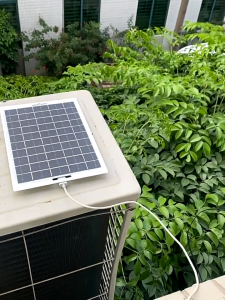
5W High Efficiency Solar Panel Charger - Portable Monocrystalline USB Power for Phone Camera RV Marine Outdoor
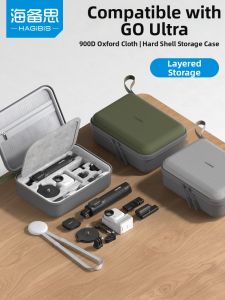
Hagibis | Ultra Camera Accessories Set Protective Case for Storage
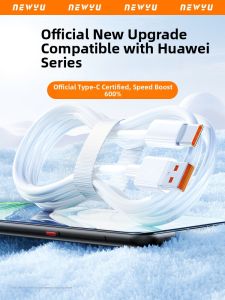
Newyu | Huawei Compatible Data & Charging Cable 67w Fast Charging USB Type-C
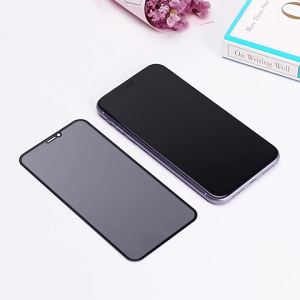
1-3PCS Anti Spy Screen Protector For OnePlus 13 12 11 10T 15R 13T 13s 13R 12R Nord CE5 CE4 Lite 5Ultra Racing 4 3 Tempered Glass
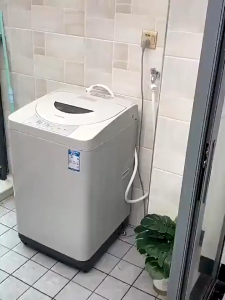
Washing Machine Stop Valve – Faucet for Washing Machine
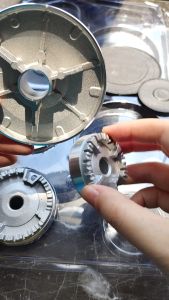
8PCS Thickened Gas Hob Elba Burner Replacement Parts Cooker & Oven Hob Gas Burner Crown & Flame Cap Cover Burner Gas Lagermania Stove Parts Only Accessories Combination
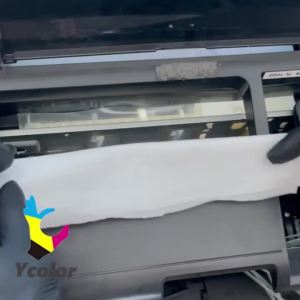
100ML I3200 Printhead Cleaning Liquid DTF Printhead Unclog Solution For Epson Canon HP Brother Print Head Nozzle Clean Kit
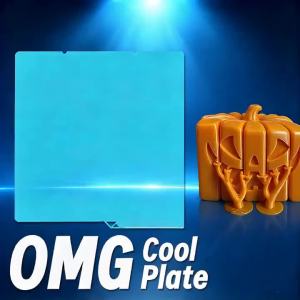
264x276mm Cold Build Plate Spring Steel Sheet for Anycubic Kobra X Kobra S1 S1C Kobra S1 Combo 3D Printer Heat Bed Accessories

vbpbsql | 6.68" High Quality For Vivo Y19S V2419 LCD Display Screen+Touch Panel Digitizer For Vivo Y29 5G V2420 Display With Frame
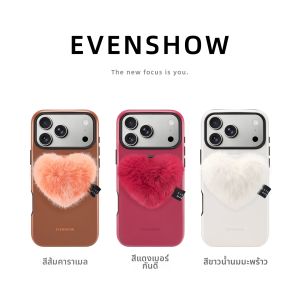
EVENSHOW | Attractive Red Magnetic Phone Case with Stand

STARTRC | Shockproof Velvet-Lined Silicone Protective Case for Pocket 4 Pro