



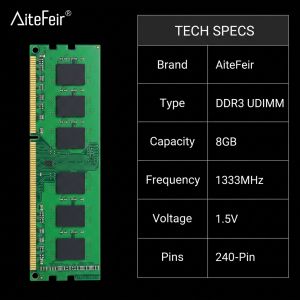
AiteFeir 8GB DDR3 1333MHz/1600HMz Desktop RAM 1.5V 240Pin DIMM Memory Module 8-Layer PCB For PC Computer Memory Module Upgrade
AiteFeir DDR3 8GB 1333MHz/1600HMz Desktop MemoryUpgrade your desktop computer with the AiteFeir DDR3 8GB 1333MHz/1600HMz UDIMM memory module. Designed for compatible DDR3 desktop PCs, this RAM helps improve system response, multitasking performance, and daily computing stability.It is suitable for desktop PC upgrades, office computers, home computers, repair use, and older DDR3 systems.Main Features8GB CapacityProvides practical memory expansion for compatible desktop computers, helping your system run smoother during daily use.DDR3 1333MHz FrequencySupports stable data transmission for office work, web browsing, study, and general desktop use.1.5V Standard VoltageDesigned for standard DDR3 desktop memory platforms with 1.5V working voltage.UDIMM 240-Pin DesignStandard desktop memory module for compatible DDR3 UDIMM motherboard slots.Selected Memory ChipsBuilt with selected chips for stable operation and reliable performance.8-Layer PCB LayoutPrecise PCB design helps reduce signal interference and improve stability.Gold-Plated ContactsGold-plated contacts offer better conductivity, anti-oxidation performance, and durable connection.Plug and Play InstallationEasy to install. Power off the computer, align the notch, press the RAM into the slot, and lock it in place.Product SpecificationsBrand: AiteFeirMemory Type: DDR3Capacity: 8GBFrequency: 1333MHz/1600HMzVoltage: 1.5VModule Type: UDIMMPins: 240-PinApplication: Desktop PCPCB Design: 8-Layer PCBContact Process: Gold-PlatedSize: Approx. 13 × 3 cmPackage Includes: 1 × DDR3 Desktop Memory ModuleCompatibility NoticeThis is a DDR3 UDIMM desktop memory module. It is not suitable for laptops and is not compatible with DDR2 or DDR4 slots.Before ordering, please confirm:Memory type: DDR3Slot type: Desktop UDIMMVoltage: 1.5VFrequency support: 1333MHzMotherboard support for 8GB single moduleActual performance may vary depending on motherboard, CPU, BIOS, and operating system.Installation GuideTurn off the computer and disconnect the power cable.Open the computer case and locate the DDR3 memory slot.Align the RAM notch with the motherboard slot.Press both ends firmly until the side clips lock.Restart the computer and check whether the memory is recognized.Buyer ReminderPlease compare your original RAM before purchase. Check the memory type, slot type, voltage, frequency, and motherboard support to avoid compatibility issues.

Prime Supply_Play Life
Review

You May Also Like
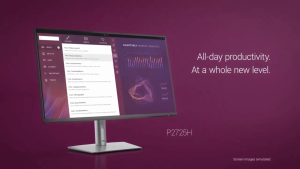
Dell P2725H Computer Monitor Screen 27" FHD IPS DisplayPort HDMI 100Hz Refresh Rate
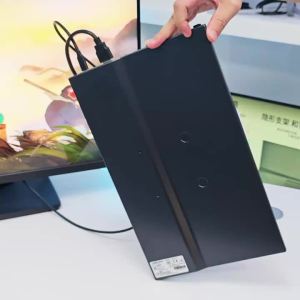
LANLIPU | LANLIPU 16inch Portable Monitor Gaming Display Extension PS4/5/Steam/Deck/Switch/PC/Mac/Phone/TV Box with Type C HDMI For
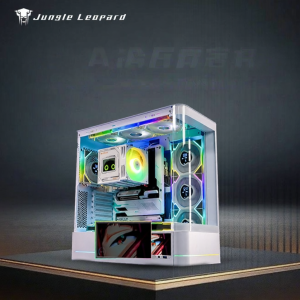
Jungle Leopard | High-definition 5.5 inch Screen Arc Glass Case

【Free Shipping】BGVP Blower Kalan De Use Oil Portable Blower Kalan Dc 12v 5500RPM Air Turbo Blower For Computer Cooling With Variable Speed Controller Strong Wind Force Stove Cabinet Dust Extractors
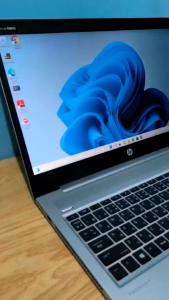
HP 450 G6 Laptop Performance Meets Style Intel Core i5 8GB DDR4 256GB SSD Windows 11
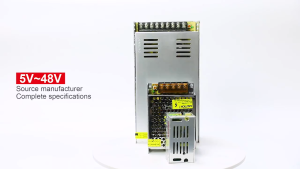
DC 12V 5A 10A 20A 30A 40A Centralize Power Supply CCTV Led Adapter PSU For CCTV Led Adapter
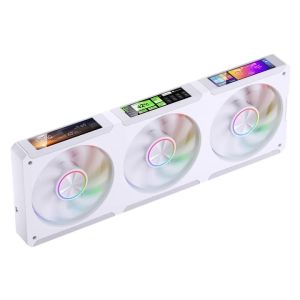
JONSBO | JONSBO ZC-360 Computer Case Fan 3.38-inch Continuous Screen Magnetic suction ARGB Quiet Cooling Fan Double ball bearings
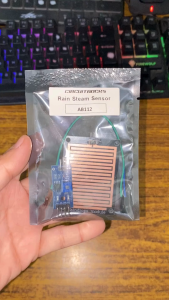
Circuitrocks Rain Steam Sensor for Arduino And Raspberry Pi ESP32 STEM Robotics
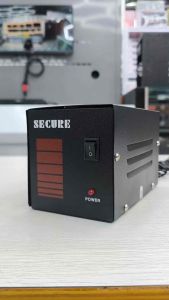
Secure AVR 220V High Performance Computer AVR (Short Circuit And Overload Protection) / S-Power / Gold Power
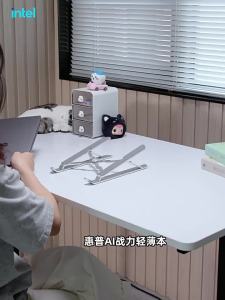
HP | Intel Core Ultra5 Design Thin Laptop New
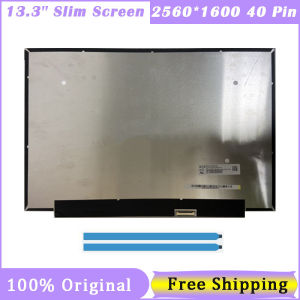
13.3 Inch Slim Laptop Screen NE133QDM-N60 LP133WQ1-SPD1 2560X1600 2.5K QHD IPS 100%SRGB 40 Pin EDP Display Panel


















