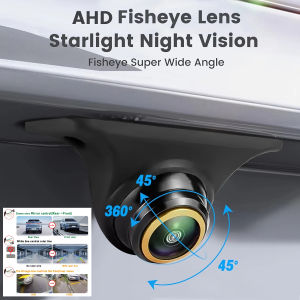
Golden Lens 1080P AHD Fisheye Rear View Camera for Cars - Full HD Night Vision 170° Wide Angle Front & Rear Parking Assistance
Signal Format Compatibility: 1.AHD Signal: Ensure your car monitor supports AHD signals. If it doesn’t, For Switch to CVBS and restart the camera’s power. 2.AHD and CVBS For Switch: If your vehicle display does not support AHD, cut the orange loop to For Switch to the CVBS signal, then restart the camera’s power. Wire Functions: Orange Wire: Default is AHD signal. To For Switch to CVBS, cut the wire. Green Wire: Default is Mirror mode. To For Switch to Non-mirror, cut the wire. White Wire: Default is Guideline ON. To turn off the guideline, cut the wire. Note: After cutting any wire, reconnect the power and restart the device for the changes to take effect. No Signal or Black Screen on Display? 1.Check Signal Format: Ensure the correct signal format (AHD or CVBS) is selected based on your monitor’s compatibility. 2.Verify Connections: Make sure the red trigger wire is connected to the reverse light and the reverse-in cable on the monitor. 3.AUX-IN Option: If your monitor supports AUX-IN, you can connect the camera to the AUX-IN port. Selecting the wrong signal standard (like PAL or NTSC) may cause a gray and white screen. NTSC is used for CVBS cameras. PAL is used for AHD 1080P cameras. Please choose the correct signal standard and restart the camera’s power.

GlobalTechMart
Review

You May Also Like
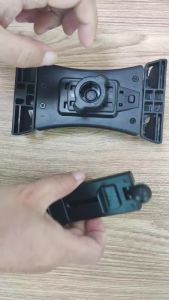
New Airplane Tablet Holder Travel Train Seat Cupboard Bar Handfree Foldable Phone Bracket Stand Desk Edge Grip 360 Rotation
Mitsubishi Triton / strada 2019 to 2026 Fender Flare black with Red and design Made in Thailand ( accessories )
dncnf For BYD Seal 06 EV/DM-I Aluminum Alloy Throttle Brake Pedal Anti-Slip Foot Pedal Accessories Car Supplies 5T9N4
JVT PULLEY SET
100PCS Auto Fastener Clip Car Body Push Retainer Pin Rivet Bumper Door Trim Panel Retainer
3 in 1 Car Dash Cam 1080P HD With Night Vision 3 Camera Car Recorder DVR Driving Night Vision
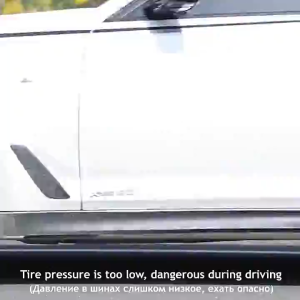
Rechargeable Wireless Tire Inflator 12V – Digital Air Pump for Fast Inflation Portable for Car Bicycle Air Beds
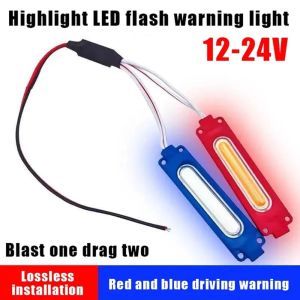
NEXASHOP 1Pcs Red Blue LED Strobe Lights 12V COB 1-to-2 Vehicle Atmosphere Lighting IP65 Warning Flash Lamp for Car/Moto/Bike Grille Decor
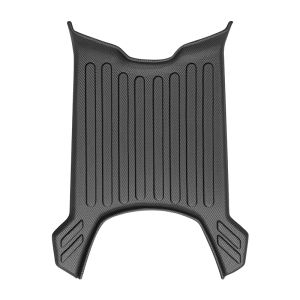
Decorative Electric Bike Accessories for Yadea New Energy T35 Sports Edition
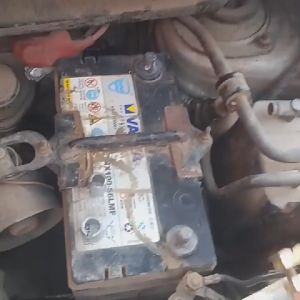
1pair Car Battery Terminal Post Sleeve Adaptors Positive Negative Post Converters Battery Post Shims
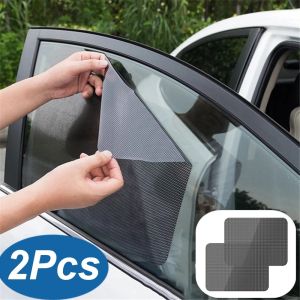
2Pcs 42x38cm DIY Car Stickers Sun Shades Sun Protection Window Cover Black PVC Sunshade Side Window Shield with Small Holes