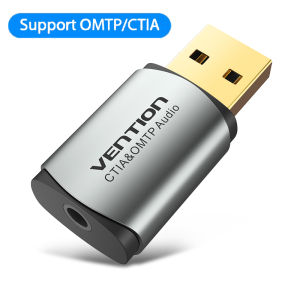
Vention | Vention Sound Card USB Audio Interface External Sound card USB Adapter 3.5mm For Laptop Speaker PS4 Earphone USB Mic SoundCard
This USB external sound card have a 3.5mm aux TRRS port (integrated audio-in and audio out interface), which enables you to connect your existing headset with 3.5mm TRRS to your PC through a USB interface. Note: The earphone must support microphone if we want voice call. High audio reproduction: External independent audio with high noise-cancellation and anti-interference. Plug and play: No drivers required. Fully plug and play. Easy carrying,and more flexible can be used anywhere. compatible with OMTP & CTIA: Supporting CTIA & OMTP earphone. Widely used: Works with any standard USB Audio Class enabled system including Windows 10/8.1/8/7/Vista/XP, Mac OS X, Linux, and PS4, Google Chromebook, Windows Surface 3 pro, Raspberry Pi etc.USB External Sound CardEnjoy music and chating on Computer,cellphone headset also worksDual Function, Listen+talkMake the headset can be voiced,and protect the sound card from being damaged.Just the Right Size You NeedEarphone to ComputerTurn USB into 2-in-1 3.5mm audio port for listening to music and voice functionsComputer to SpeakerListen to music, watch movies, and feel the immersive soundMore to EnjoyGame voice/Live recording/Voice chatCompatible with OMTP/CTIA EarphonesSolve the problem that the phone earphone only has accompaniment or background sound, microphone invalid, etc.Suitable for Many DevicesCompatible with Multiple SystemsFilter Out Noise,Purer SoundHigh fidelity noise reduction design to avoid transmission interference and restore music original soundSmart Chip, clearer SoundIndependent sound card chip, make sound clearerLight and PortableMini size, don't take up spaceDetailsProduct ParametersFAQQ: Does the sound card have noise and current? answer: 1. Check if the interface is inserted. 2.Check if there is any wireless interference around. Q: Why is the sound card hot? A: The USB sound card is an independent sound card with a smart chip, so the product will be slightly hot when working, which is normal. Q: Why am I plugged in without sound? A: Check if the earphones are plugged into the sound card. If the computer does not switch automatically, go to Control Panel - Sound - Play - select USB2.0 Audio to confirm.Rescue Silent ComputerClick to ownSmart Chip, clearer SoundIndependent sound card chip, make sound clearer

Prime Supply_Play Life
You May Also Like
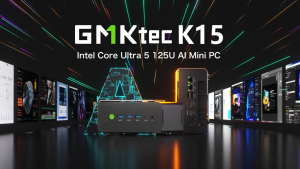
GMKtec K15 Intel Core MINI PC Ultra 5 125U Dual LAN Expandable Compact Workstation USB4.0 For Gaming Creation

Seagate Skyhawk WD Dahua 1TB SATA 3.5" HDD Hard Disk Drive Surveillance HDD Good for CCTV 24/7 Recording
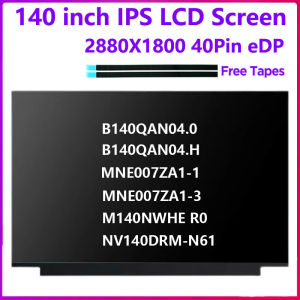
Laptop LCD Screen B140QAN04.0 04.H MNE007ZA1-3 NV140DRM-N61 M140NWHE R0 For Lenovo Ideapad 5 Pro 14ARH7 14IAP7 Display Matrix
![[REFURBISHED] Lenovo ThinkPad L570 | Intel CORE i5 7th Gen | 8GB RAM 256GB SSD | Windows 10 Pro](https://img.lazcdn.com/g/ff/kf/Sb8d4be76c337401fb637bdcfe18e6d823.png_300x300q80.png)
[REFURBISHED] Lenovo ThinkPad L570 | Intel CORE i5 7th Gen | 8GB RAM 256GB SSD | Windows 10 Pro
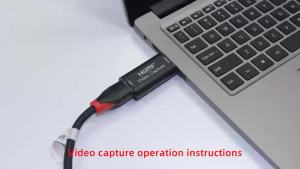
HD 4K Video Capture Card USB3.0 2.0 HDTV Video Grabber Record Box for PS4 Game DVD Camcorder Camera Recording Live Streaming
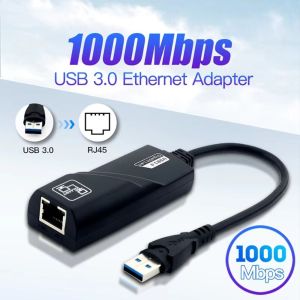
SMVU Wi-fi Dongle Network Card 3.0 Gigabit USB to LAN USB Ethernet Adapter WiFi Receiver/transmitter Freely-rotating 1000Mbps USB Wifi Adapter for Computer/Phone
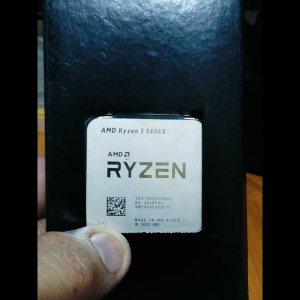
AMD Ryzen 5 5600X Processor - 6 Cores 12 Threads - 3.7 GHz Base Clock - 4.6 GHz Boost Clock - 35W TDP - Made in Malaysia
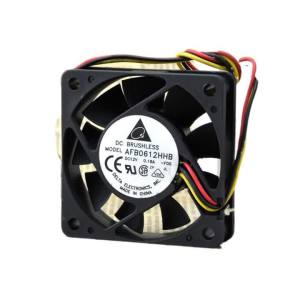
For Delta AFB0612HHB 60x60x15mm 12V 0.18A 4000RPM 15.36CFM Quiet CPU & Case Fan
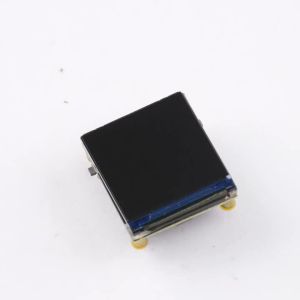
GAQQEE | ESP32-C6 Wi-Fi and Bluetooth Development Board 1.3-Inch LCD Digital Display Development Module ST7789 Driver IC Type-C Port
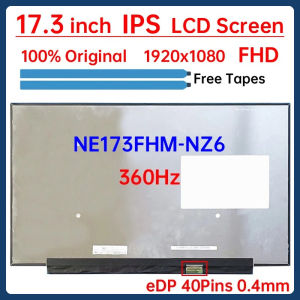
17.3 Inch 360Hz Laptop LCD Screen NE173FHM NZ6 NE173FHM-NZ6 Display Matrix Panel Replacement IPS 100% sRGB 1920x1080 eDP 40 Pins
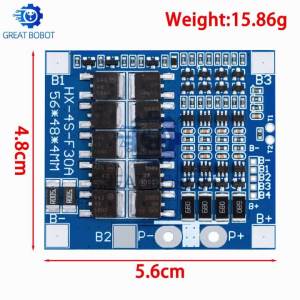
1~3PCS BMS 4S 3.2V 3.7V 30A LiFePO4 / Lithium Battery Charge Protection Board 12.8V 14.4V 18650 32650 Battery Packs With Balance