FWQWQER Trigger Activation GameClaw Keyboard Left-handed Design Supports Customizable Joystick Buttons Ergonomic Design Keyboard Gaming Use Palm Type Gaming Mechanical Keyboards
Size:30x20cm(11.81x7.87in) Name:GameClaw One-Handed Gaming Keyboard Herostech software support Connection method: USB wired (Type-C interface) Process: 3D printing Material:PLA Core feature: Joystick + button dual control system (biggest highlight)Color:As shown Package included: 1 x One-Handed Gaming Keyboard
Installation Notes: 1.When installing the switch on the split keyboard, do not apply too much force to avoid deformation of the switch pins, which may cause the key positions to malfunction. If the pins have already deformed, use tweezers or gently bend them by hand to correct them,and do not break them. 2.When using a wired split keyboard, TRS/TRRS is used to connect the recording cable in the middle of the keyboard. Do not unplug or insert the TRS cable in the middle of the keyboard when the USB data cable is plugged into the computer, because if the TRS cable in the middle is plugged in with 5V voltage, there is a certain chance of damaging the main control.
Function 1.The keyboard is for the left hand, while the right hand continues to use the mouse or joystick. 2.Press the corresponding trigger buttons with your index finger, middle finger, and ring finger (a total of more than 20 buttons). 3. Thumb controls a joystick (can be used as WASD direction keys, or to control character turning/camera movement) 4. All keys can be customized using the accompanying software, offering a high degree of freedom. 5. Suitable for playing Black Myth: Wukong, Delta, FPS (such as Apex, CS2), MMORPG (such as World of Warcraft), and simulation games (such as flight simulation). 6.It takes a little time to get used to at first, but after about 1-2 days of familiarizing yourself with the button layout, your fingers will move very naturally. Once you get used to it, you will notice that the controls are much smoother and responsive, especially when quickly dodging left and right or turning your head instantly! 7.Includes a simple screwdriver. Entirely 3D printed, PLA material.
Optimal Usage: 1.Use with a right-handed mouse for perfect coordination of left-hand movement and right-hand aiming/casting. 2.Special functions (such as F1-F12, number keys, etc.) can be used with a standard keyboard. 3.Download the official driver to customize key bindings and macros for an enhanced user experience.
Tips: 1.Due to the light and monitors effect,colors may have lightly difference. 2.Please allow slightly size errors due to manual measurement.Thank you for your understanding!

WoeStore22e6
Review

You May Also Like

PS5 Charging Cable Data Cable Fast Charging 1.8M Charging Cable USB Type-C Charging Cable
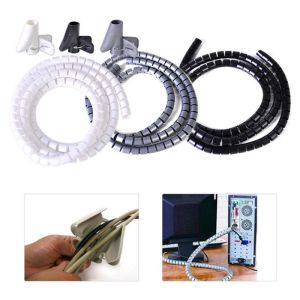
LIVELYN 8/10/16/22/28mm HDPE 1.5m Length Management Cable Holder Wire Organizer Cord Protector Flexible Spiral Tube
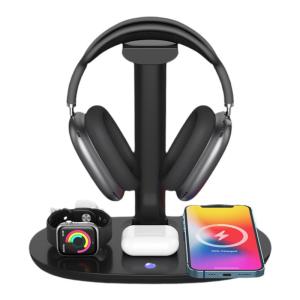
Earise | AirPods Max Stand Headset Computer Hook Holder Aluminum Alloy Multi-Function Three-In-One Wireless Charger Base For Apple Phone Watch
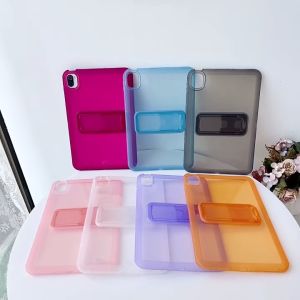
Semi-Transparent TPU Shockproof Tablet Case for Redmi pad 2 9.7 2026 11 inch pro 12.1 poco pad m1 2025 Poco pad c1 9.7 2026
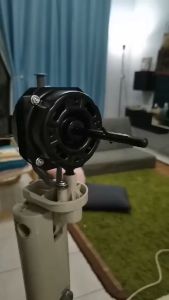
【Original+24hours delivery】Universal Pure Copper Wire 18 Electric fan motor Double ball bearing table fan motor DN
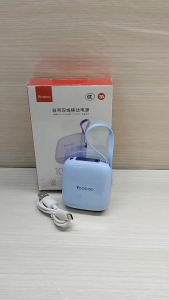
YOOBAO LK13 10000mah Powder Size Quick Charge Dual Built-in Cable Power Bank with 3C Certification
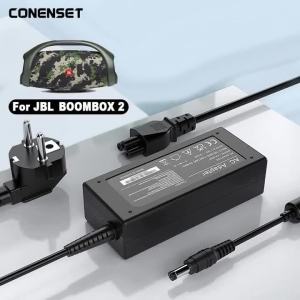
24V 4A AC Adapter Charger For JBL Boombox 2 Wireless Waterproof Portable Bluetooth Speaker Power Cord 24V 4.2A
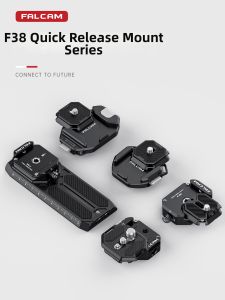
FALCAM | Quick-Release Universal Camera Mounting Plate
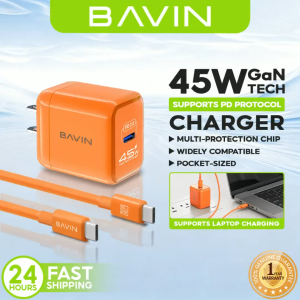
BAVIN PC2132 GaN 45W PD Mini USB-C Fast Charger Quick Wall Adapter w/ Data Cable Compatible for Android Devices & iPh 17
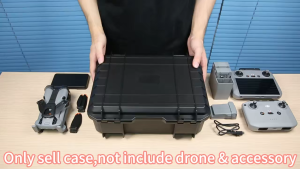
Hard Case For Dji Mini 5 Pro Drones Outdoor Portable Storage Box Drone Accessry Storage Case
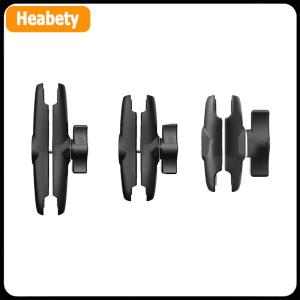
【2-3 days delivery】 Aluminum Alloy Double Socket Arm For 25mm 1 Inch Ball Head Holder Mount Clamp For Bicycle Motorcycle Camera Extension Arm