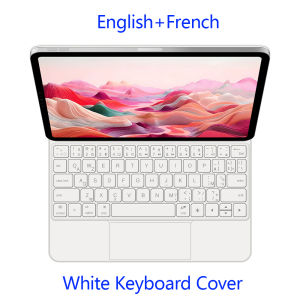
AJIUYU | Smart Keyboard For iPad Pro 11 M4 2024 Magnetic Keyboard Cover For iPad Pro 11 M4 11" A2836 A2837 A3006 Touch Pad Magic Keyboard
For iPad Magic KeyboardMagnetic separation, backlight, touch panel, multi angle support、Wireless Bluetooth connectionNote 1:You need to upgrade the system to version 14.5 or higher to use the touchpad.Note 2:Please check in the size and detail model of your Tablet. it is very importtant ! ! !Note 3:After Open the Power, Please Click "Fn" and "C" 【Fn+C】Button Together to Open the Keyboard's Bluetooth. It is Very Important.Product Details:1. Number of buttons: 642. Battery: Lithium battery 500mAh3. Stand-by time: 150 days4. Working Time: 5 hours (with backlit on),120 hours (with backlit off)5. Working Voltage: 3.0 - 4.2V6. Charging current:7. Effective distance: 10 meters8. Backlit Light: 7 colors backlit9. Charge Port: Type-c10. Material: Anti fouling and durable PU material11. Key life:3 million12. Charging times: 4 hours13. Color: Black WhiteHow To Verify Your Tablet Model1.Turn iPad tablet to the back find your specific model,Par exemple: A ****2.Find the "Settings"--Click the "About"--Find the "Model"3.Please select the correct model number for your tablet purchase after viewing it.Compatible models and codes:only For iPad Pro 11 (M4) 2024 (A2836、A2837、A3006)Note: Tablet and stylus are not included in the packaging!!Attention PleaseEnglish versionkeyboard : There are English letters on the keyboard only.Multi-language versionkeyboard : English letters and carved language letters together ..(Due to the difference in the number of keyboard keys compared to a normal office keyboard, some special character engraving positions are the same, which is a normal phenomenon)The keyboard Core defaults to English, and the characters engraved on the keyboard are only a Surface display.so in some countries, even if the input method is switched, the special symbols do not necessarily match the keyboard function layout(You can hold down the Shift or AIt combination).If you mind, please do not purchase!!Note Due to the material of the white keyboard, the engraved letters are dark gray.【1】1. After connecting Bluetooth, open your iPad - Settings - Keyboard - Add New Keyboard【1-1】Input method switching: control+spacebar.(Choose the language you need)【3】For detailed instructions, please read the user manual. If you have any questions, you can contact "Online Services" for consultation .The resolution of the machine is different, and there may be color differences in the images, which is a normal phenomenon. The actual product received shall prevail .Here is a guide on how to check the machine model (image models are for reference only)

Prime Supply_Play Life
Review

You May Also Like
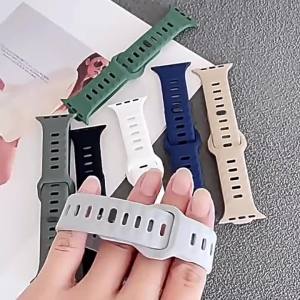
Silicone Band For Huami Amazfit T-REX 3/2/1 Smart Watch Sports Strap Bracelet For Amazfit T-Rex Pro/T-REX Ultra Rubber Correa
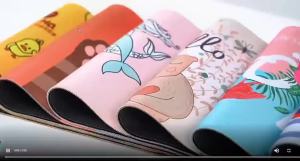
Bandai | Popular Anime Mouse Pad Naruto Gamer PC Computer HD Print Desk mat Keyboard Gaming Edge White Accessories Rubber Mousepad Carpet
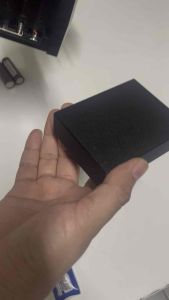
Battery Bay Expansion Cover for FlySky G7P Radio Transmitter TX for RC Car
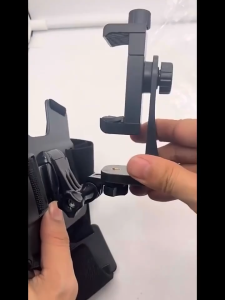
Tri-Town Mobile Phone Chest Strap Mount GoPro Chest Harness Holder for VLOG/POV Chest Mount for cellphone
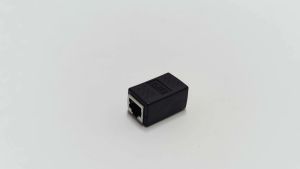
HONI RJ45 Coupler Female to Female Ethernet Network Cable Extender Connector for Cat5 Cat6 LAN Adapter
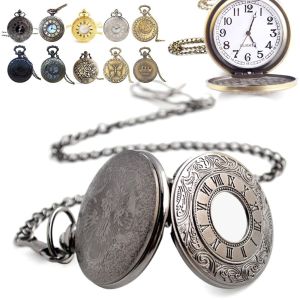
MAELIN Flip Quartz With Necklace Pocket Fob Watches Steampunk Pocket Watch
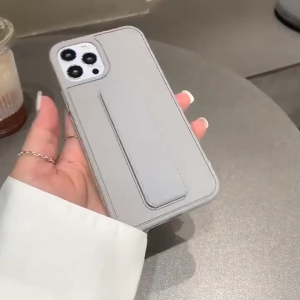
For iPhone 16 Pro Max Magnetic Leather Phone Case For iPhone 11 12 13 14 Pro Max 15 Pro Max Folding Bracket Shockproof Phone Case Wrist Strap Phone Case Silicone Hard Phone Case With Holder Support Stand Fashion Phone Cover
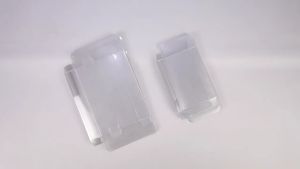
Game Card Storage Case Box Transparent Cartridge Holder For Switch NS Game Card Transparent Box
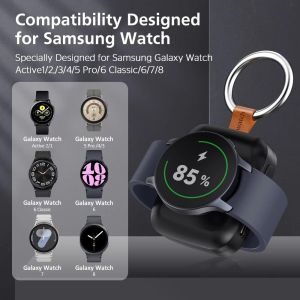
MILDPETAL ic Wireless Charger Fast Charging LED Indicator Power Bank Wireless Charging For Galaxy Watch Charger For Galaxy Watch 6 7 8
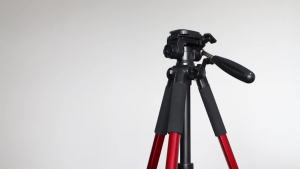
AEZomeiQ111 Mobile phone live streaming stand tripod live streaming stand camera tripod live streaming DSLR tripod

BILIBILI | cute broccoli character Phone Case for iPhone 18 17 16 15 14 13 12 11 Air Pro Max Plus Double-layer Cover