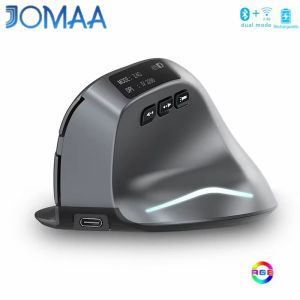
JOMAA | 7 Color RGB Bluetooth Vertical Mouse Rechargeable USB Wireless Mouse with LED Screen Ergonomic Mice for Macbook Laptop Gamer
Specification Number of buttons: 8Motion sensor type: OpticalFrequency: 2402.85MHz-2480.85MHzWireless range: ≥10mOperating voltage/current: 3.7V20mAMouse lifespan: about 5 million clicksScroll wheel lifespan: about 1.2 million rotationsItem dimension: 1107275mmItem weight: 110±5 gSensitivity stages: 1000-1600-2400-3200 DPI2.4GHz receiver: 125HzBluetooth receiver:115HzFeatures:Recharge indication:plug in the cable; if charging has commenced, the charging indicator light at the bottom of the mouse will remain lit. Once the mouse is fully charged, the indicator light will turn off; at the same time, the OLED screen will also indicate that the mouse has been “fully-charged”.Low-battery warning:the battery icon on the screen will flash as a warning once the battery’s power level drops to 30%.Status indicator lights:pick up the mouse and slide the power to “ON7”, you can tell from the two different blipping indicator lights which device is currently being connected. In addition, the OLED screen will also display this information.Mouse sensitivity:Press the DPI button (button⑦) to display the four sensitivity stages: 1000/1600/2400/3200 DPI.What to do if the mouse has no response? 1.Plug the cable into the power supply and charge the mouse.2.Plug the receiver to another USB port.3.Make sure the Power switch at the bottom of the mouse is on or has been slid to .4.Try restarting the computer.5.Simultaneously hold the right and middle mouse buttons, open the switch button, plug in USB receiver and release the buttons after 5 seconds to reset the existing pairing. (While pairing, keep the mouse and receiver within a 30-cm radius.)

Prime Supply_Play Life
Review

You May Also Like
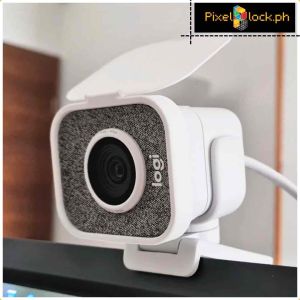
PixelBlock3D Streamcam Privacy Cover Webcam Cover
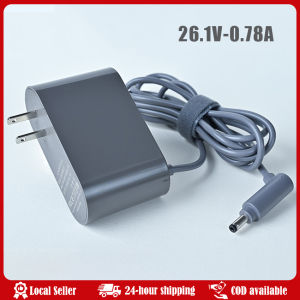
Power Supply Charger Replacement Digital Adapter for Dyson Vacuum Cleaner V6/V7/V8 V10 V11/V15 DC31 DC34 SV18 Charger Power Adapter For Dyson V10 V11 V12 V15 Charger 30.4V Cordless Vacuum Parts 217160-02 Battery Charger US Plug
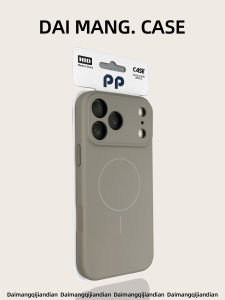
DAIMANG | Magnetic Drop Protection Phone Case Full Coverage Premium Matte Grey
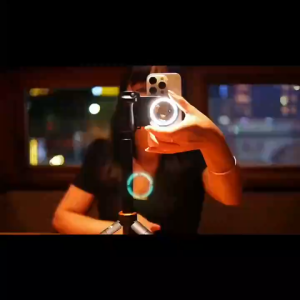
Wireless Bluetooth Camera Grip with Phone Holder 4K Video Recording Remote Selfie Shutter Portable Stabilizing Handle for Vlogging and Content Creation
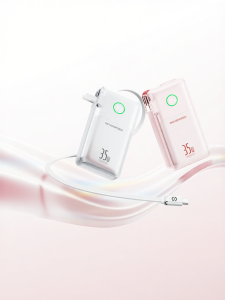
MOVESPEED | 10000mAh / 20000mAh Portable Quick Charge Power Bank 3 in 1
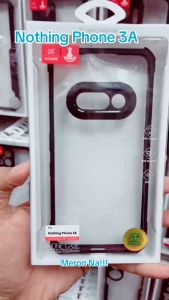
Nothing Phone 3A / Phone 3 Original Xundd Beatle Series Shockproof Case Cover
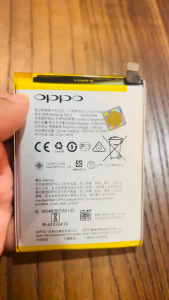
Orihinal AAA BLP673 Battery For Oppo Realme A5/AX5/A3S/A7/A5S/AX5S/A12E/A12/A12S/A31/A11/A11K/Realme C1/Realme 2
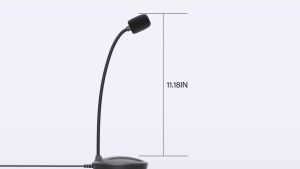
USB Microphone 360 Degree Adjustable Gooseneck Design Mute Button & LED Indicator Noise-Canceling Technology Plug & Play
ONAIR Double Microphone Holder With Mic Holder Adaptor Bar Dual Mic Mount Adapter for Mic Stand

Bandai | HD printing Jojo Bizarre Adventure Anime Mouse Pad PC Gaming Keyboard Mousepad Xxl Office Nonslip base overlock esports Desk Mat
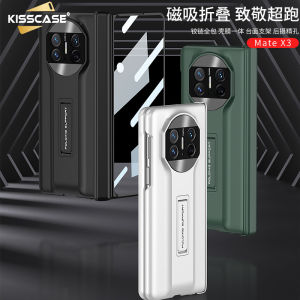
KISSCASE Hinge Coverage Case with Kickstand + Front Screen Glass for Huawei Mate X3 Full Body Protection Matte Hard PC Cover