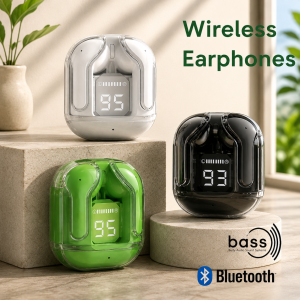
Best P: Air31 Wireless Bluetooth 5.3 Earbuds TWS Stereo Earphones Noise Reduction with Microphone
Model: TWSProduct Name: Air31 Crystal Wireless EarphoneBluetooth version: Bluetooth 5.3Earphones battery:30mAhCharging box battery:500mAhTransmission range: Speaker type: coaxial dual movingMobile coil speaker specification: 8mmSpeaker sensitivity: 106 ± 3dBFrequency range: 20Hz~20kHzMusic time: approximately 2 hoursTotal working time: approximately 5 hoursEarphone battery: 30mAhRechargeable case battery: 500mAh, capable of charging headphones 2 timesHeadphone charging time: approximately 1 hourCharging time of the charging box: approximately 1.5 hoursCharging box input: 5V/1AAudio Compatibility: Mobile, PC & Laptop with BluetoothHeadphone Accessory Type: CasesEarphones, Headphones & Headsets Features: Built-in MicrophoneConnection Type: WirelessGaming Focused: NoSports Focused: YesHeadphone Connection Type: BluetoothEarphone, Headphone, & Headset Type: In EarPacking list:1 pair earphones1 charging box1 charging cableNo retail box!!!Instruction 1.Channel: Random L&R earbud channels.2.Earphone pairing: Take out 2 earbuds, the L&R earbuds will power on and enter pairing mode. After pairing, you can hear prompt sound successful pairing of the earbuds.3.Earbuds Pair with Phone: Turn on your phone Bluetooth, search for paired earbuds, click connect, and after successful connection, the earbuds indicator light will completely off.4.Clear Pairing History: When earbuds in power on state , press and hold for about 5 seconds to turn off the earbuds, put the earbuds back into the case and closely attach to the magnetic position of the charging case,clear the TWS Bluetooth name from phone,turn off the Bluetooth. FAQQ1: Only 1 earbud pair with my phone1. Check if the single-sided earbud with low battery, as low battery may cause shutdown. Please charge the earbuds.2. Both earbuds have independent working modes.If the earbuds are taken out for too long will automatically shut down. You need to put the earbuds back into the case, then let the L&R earbuds pair first,and turn on phone Bluetooth to pair with the earbuds.3.If the L&R earbuds can't pair with each other, please clear pairing history, turn on Phone Bluetooth and search to connect the paired earbuds. Q2: Why the case can't charge the earbuds1. If the case is out of battery, please charge it, and it will normal after the case full power.2. Ensure that the earbuds are aligned with the charging port of the case, and that the magnetic attraction between the earbuds and the case is tightly connected.

Best Pickkkkk
Review

You May Also Like

BTS-2257 Bluetooth Speakers portable Sound system for party tower DJ Karaoke speaker BTS KTS
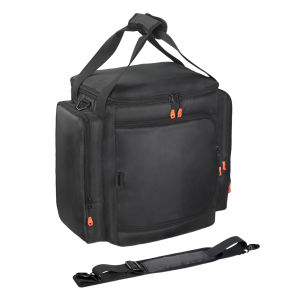
【Vodool】 For Partybox Encore Essential 2 Portable Protective Case Large Capacity
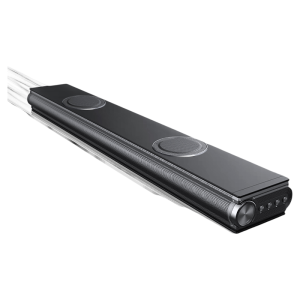
NIUMAN | Deep Bass Bluetooth Soundbar for Home Theater
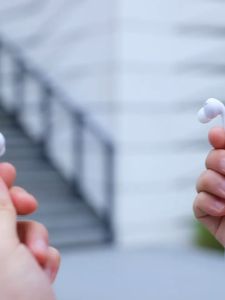
Yoobao L-C15 Wired 3D Stereo Surround Sound Earphone 3 Buttons Controlling & Microphone Compatible For Type-C Devices
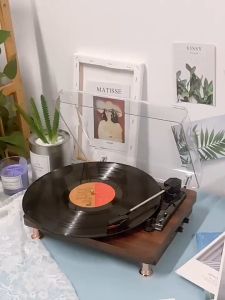
HOL 【In stock】Turntable Vinyl Record Player Suitcase Gramophone Portable Bluetooth Speaker music player phonograph Aux-in RCA output
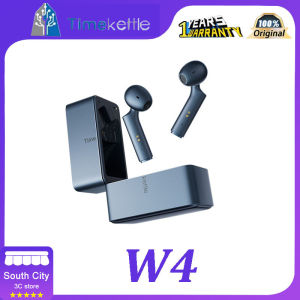
Timekettle W4 Bone Soundprint AI Simultaneous Interpretation Headphones - Real-time simultaneous conversation interpretation intelligent aut
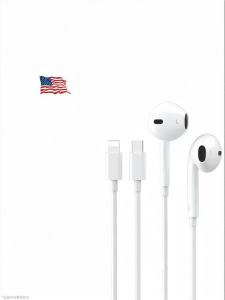
MIVOFIVO | Flat Type-C Interface Wired Earphones
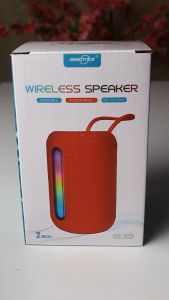
GTS -2072 Wireless Bluetooth Portable Speaker 2-inch USB TF FM Colorful Big Sound 6 Colors
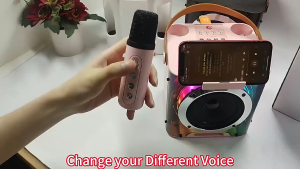
Midea Dazzling Light Bluetooth Speaker Karaoke Bluetooth Dual Microphone Wireless Bluetooth with 3D Stereo Amplifier
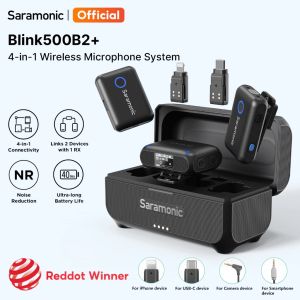
Saramonic Blink500B2+ Wireless Lavalier Microphone 4-in-1 Wireless Microphone Remote Control Camera with Intelligent Noise Reduction System 40 Hours Battery Work iPhone Android Camera Computer TikTok Youtube Live Vlog Interview
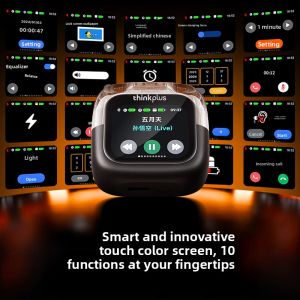
ThinkPlus | Bluetooth Earbuds Smart Touchscreen In-Ear Noise-Canceling Sport Gaming