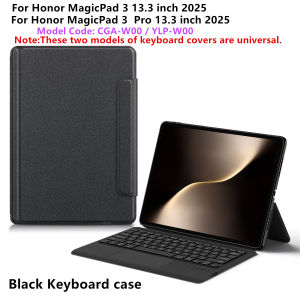
TouchPad Keyboard For Honor MagicPad 3 13.3 Case Funda for Honor Magic Pad 3 MagicPad3 3Pro 2025 13.3 inch Tablet Stand Cover
Note: The main image page video is for reference only.This is an "all-in-one" keyboard case, TPU soft shell protective case, which can effectively protect your tablet. The keyboard and protective case cannot be separated .Keyboard with Backlight and TouchPad.Bluetooth connection, with touch pad, No Backlight.How To Verify Your Tablet Model1.Turn Huawei tablet to the back find your specific model,2.Find the "Settings"--Click the "About"--Find the "Model"3.Please select the correct model number for your tablet purchase after viewing it.Applicable Models:For Huawei Honor MagicPad 3 13.3 inch 2025 Tablet (Model:CGA-W00).For Huawei Honor MagicPad 3 Pro 13.3 inch 2025 Tablet (Model:YLP-W00).Note: The keyboard covers for these two models are universal.Other models cannot be used.Please confirm your machine model before purchasing~Note: Tablet and Pencil are not included in the packaging~Attention PleaseEnglish versionkeyboard : There are English letters on the keyboard only.Multi-language versionkeyboard : English letters and carved language letters together .(Due to the material of the keyboard, the engraved characters are dark gray)【For example, if you choose French , the keyboard will display English and French letters. Please note that the same letters will not be engraved repeatedly-You can simply switch the keyboard to your desired input language to use it normally.】The keyboard Core defaults to English, and the characters engraved on the keyboard are only a Surface display.so in some countries, even if the input method is switched, the special symbols do not necessarily match the keyboard function layout.If you mind, please do not purchase)【1】 Method of connecting Bluetooth: Turn on the keyboard switch, press the Fn+C button, and then search for your Tablet Bluetooth connection keyboard.【2】Switch language: Open Settings - Language and Input Method - Physical Keyboard - Add Language Layout.Input method switching: ctrl+spacebar (Choose the language you need)Reminder: The back bracket needs to be manually opened.

GlobalLifestyle
Review

You May Also Like
1-3PCS Anti Spy Tempered Glass Screen Protectors For Redmi Note 15 Pro 5G 14 13 12 11 10 11S 4G 10S 15C 14C 13C 12C 10C A3 Glass
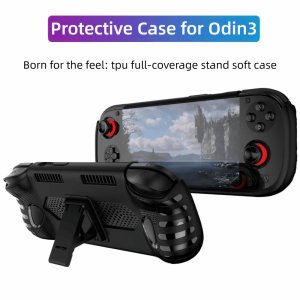
LIWU with Kickstand Handheld Game Console Case TPU Soft Host Shell Ergonomic Protective Cover for AYN Odin 3
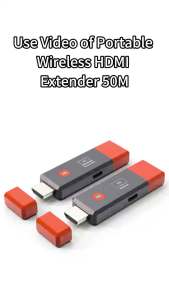
50M Wireless Video Transmitter Receiver HDMI-Compatible Extender TV Stick Screen Mirror Adapter Switch DVD PC To TV Projector
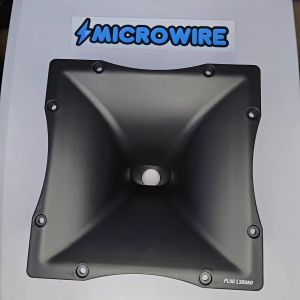
MW 10x10 Inch Plastic Curved Horn Throat with Thread for Tweeter Compression Driver – Audio Speaker Trompa
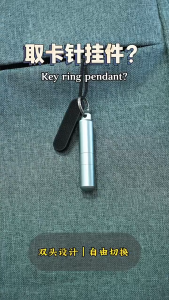
FONKEN 2 in 1 SIM Card Tray Removal Tool Portable Mini Keychain Eject Pins With Cleaning Brush For Phone Earphone
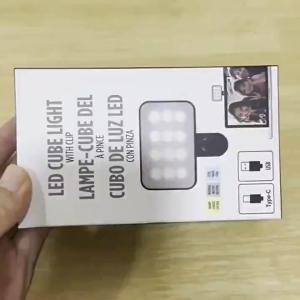
Mini Selfie Fill Light Rechargeable 3 Modes Adjustable Brightness Clip On Portable Mobile Phone Make Up Computer Fill Light Live Stream Video Lamp
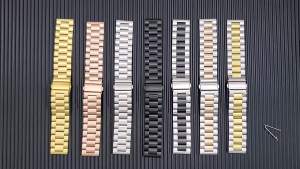
jansin | Stainless Steel Strap For Haylou RS4 Plus Metal Watchband Men Women Bracelet Replacement Band For Haylou RS4 Watch Strap Correa

BILIBILI | Brown Circle Wave Art Phone Case for iPhone 18 17 16 15 14 13 12 11 Air Pro Max Plus Double-layer Cover

BILIBILI | day of dead sugar skull Luxury Fashion Full Lens Protective Case for Samsung Galaxy S26 S25 S24 A56 A36 Plus Ultra
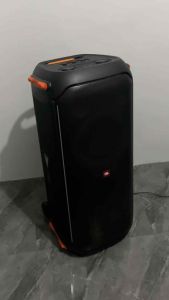
Speaker Dust Cover Case - JBL Speaker
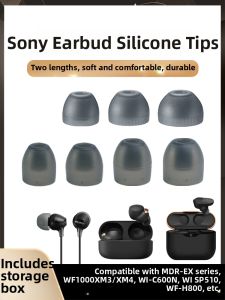
Silicone Protective Ear Tips