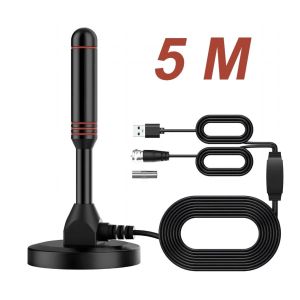
Super signal Hd Digital Indoor Amplified Tv Signal Receiver Antenna 200 Miles UltraHdtvWithAmplifier
Product details of【Product Usage Guide】1️⃣ Signal Coverage ConfirmationThis product must be used with the local terrestrial digital TV signal in the Philippines. Please confirm that your area has government-authorized signal coverage before purchasing (policies vary from place to place).2️⃣ Channel Quantity DescriptionThe actual number of channels received depends on the number of programs broadcast by the TV station in your area, which may vary in different cities/regions.3️⃣ Device Compatibility✔️ Digital TV: Supported✔️ Old TV: Additional digital set-top box is required (not included in this product)4️⃣ Signal Enhancement SolutionIf the signal is unstable, it is recommended to use it with a signal amplifier, which can significantly improve the smoothness of the picture and increase the number of received channels.5️⃣ Safety Power Supply Tips⚠️ This amplifier adopts a 5V low-voltage design and does not support the use of high-voltage chargers! There is a USB charging power port on the TV/set-top box.Description:Item type: 200-mile AntennaWorking frequency: VHF (172-240MHz) / UHF (470-860MHz)Connector: F maleType: DVB-T2 AntennaReceived signal: ATSC, DVB-T, DVB-T2, ISDBSignal range: 200 milesMaterial: MetalDimension: 2.44 x 5.12 inch (62 x 130mm)Current consumption: 20mAImpedance: 75ΩCompatibility: 720p, 1080i, 1080p / ATSCStorage temperature: -45-85 ℃Cable length: approx. 4.5 meters / 14.77ftWorking temperature: -45-85 ℃Net Weight: 7.6 oz (216g)LNA high gain: 25dBiVoltage: 5 vHow to use:Step 1: Connect the end (f-male) of attached coaxial cable to the ANT / IN connector on the back of the TV or DVB-T tuner.Step 2: In the TV's setup menu, set the tuner mode to "Antenna" or "Air". for more detailed instructions, please consult your TV manual.Step 3: In the TV's setup menu, set TV to "scan" for channels. This can sometimes be referred to as auto program, auto scan, channel search or channel scan. Consult the TV manual for detailed instructions.Step 4: If reception is sporadic, try moving the antenna to another location and rescanning the TV until optimal position is found.Step 5: fix the antenna at the optimal position you found.

egohomekitchen
You May Also Like
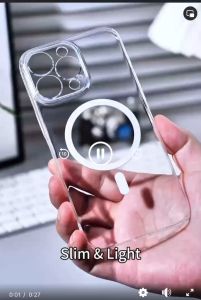
XUNDD Crystal Magnet Shockproof Case IPHONE 13 PRO MAX / 14 PRO MAX
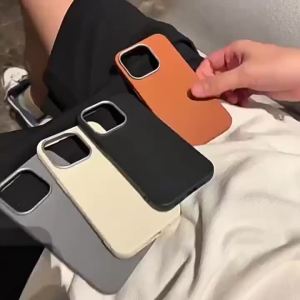
High Quality Leather Phone Case For Infinix Smart 9 8 7 Hot 50 4G Hot 50i 40i 40 Pro 30i 30 Pro Note 40 30 Pro 4G&5G Tecno Spark Go 2024 2023 Spark 20 20c 10 10C Phone Case Solid Color Soft Silicone Shockproof Plating Metal Lens Protective Cover
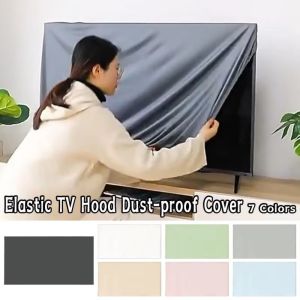
NEXTYOO 55-65 Inch TV Hood Cover Solid Color Elastic LCD Dust Cover Household Dustproof TV Dust Cloth Sun Protection
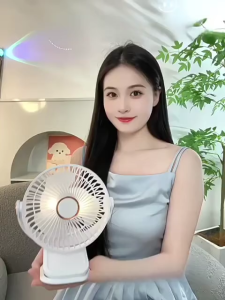
Rechargeable Hanging Clip On Fan with Night Light FAN-831
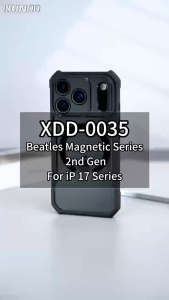
XUNDD Beatle MAGNET AIRBAG Shockproof Case IPHONE 17 PRO MAX / 17 AIR
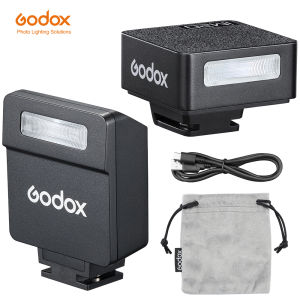
Godox iFlash IM22 IM20 Mini Camera Flash Manual Overhead Flash Built-in Lithium Battery 5 Models Levels Universal Hot Shoe Mount
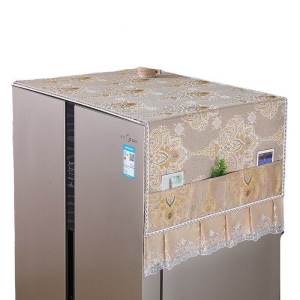
Modern Simple Style Universal Cover Towel for Refrigerator Washing Machine Single Double Door Opening Dustproof Protector

B.O.W | Vertical Dual-Mode Wireless Bluetooth Mouse Portable Ergonomic
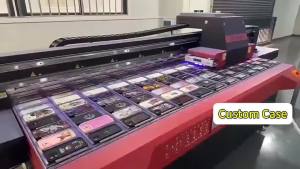
BILIBILI | Capybara Phone Case for iPhone 18 17 16 15 14 13 12 11 Air Pro Max Plus Double-layer Cover
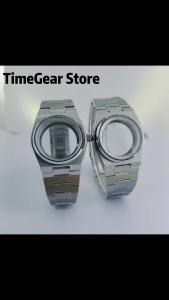
40mm NH35 Watch Case For PRX Super Player Model Men Watch Fit NH34 NH35 NH36 NH37 NH38 NH39 NH70 NH72 Movement Durable Mod Parts
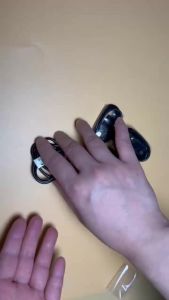
Watch Charger for Noise Pro2/Ultra/Pulse Pro/Pulse 2 Max/Pulse Grand/Pro 4 GPS/Twist/Pro 3/Spo2/Nav Agile Watch Charging Cable