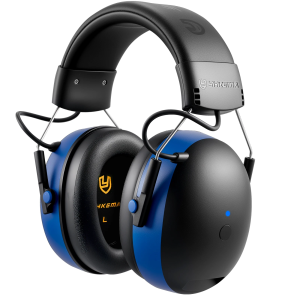
Shoot Bluetooth Headphones Combat Bluetooth Headphones NRR28DB Hearing Protection Earmuffs Noise Reduction Headphones
Shoot bluetooth headphones. Combat Bluetooth headphones, NRR28DB hearing protection earmuffs, noise reduction headphonesDESCRIPTIONThe YHKEMA® EB20 Bluetooth® Hearing Protection Headset provides effective hearing protection in noisy environments while delivering high-quality audio performance.Its modern and comfortable design allows users to listen to music and make or receive phone calls conveniently.Safety&MaintenanceInformationFor optimal protection, ensure the ear cushions seal firmlyagainst your head.Earmuffs should be inspected regularly for cracks or wornparts and replaced if necessary.Clean the exterior of the headset with mild soap and warmwater.Do not immerse the headset in water.OPERATION INSTRUCTIONSBefore UseAdjust the headband by extending both sliders so the earmuffsfully cover your ears.Shorten the sliders until the headset fits comfortablyandsecurely.Power ON/OFFPress and hold the Multi-function Button for 2 seconds to poweron.You will hear "Power On" and a battery level prompt such as"Battery Medium" or "Battery Low"Press and hold the button for 4 seconds to power off.You will hear "Power Off".Bluetooth®ModeThe headset enters Bluetooth® pairing mode automatically when powered on.The LED indicator flashes blue,you will hear "BluetoothPairing On"The BluetoothR device name is EB20Once connectedsuccessfully, you will hear"Bluetooth Connected".The headset will automatically reconnect to the last paired device.Press and hold the Multi-function Button for 7 seconds to clearthe pairing list.If there is no connection to a paired device, the headset willautomatically power off after 5 minutes.Bluetooth® operationPress once: Play /Pause musicPress twice: Next trackPress three times: Previous trackPress once: Answer an incoming callPress and hold: Reject an incoming callPress once during a call: End callAUX ModeThe headset automatically switches to AUXmode whena3.5mm audio cable is connectedVolume AdjustmentAdjust the volume directly from the connected device.CHARGINGConnect the headset to a power source usingthe Type-Ccharging cable.The LED indicator lights red during charging and switches offwhen fully charged.Warning:Do not open the battery compartment or attempt toreplace the battery yourself.SPECIFICATIONS:Battery Capacity: 1200 mAhBattery Life: Up to 120hoursCharging Current: 1AOperating Current: s 15 mAOperating Temperature: -20°C to 50°CStorage Temperature: -20°C to 70°CCharging Temperature: 0°C to 45°C

GlobalLifestyle
Review

You May Also Like
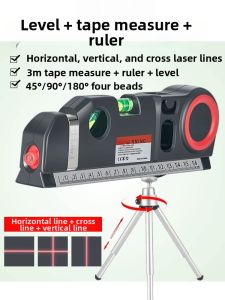
CHUANGYI | Portable Woodworking Laser Level Multi Function Cross Line
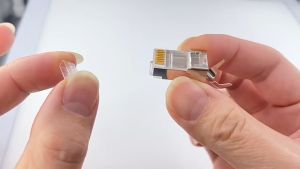
CAT7 Gold-Plated RJ45 Modular Plug Network Ethernet Fast Transmission (8pcs)
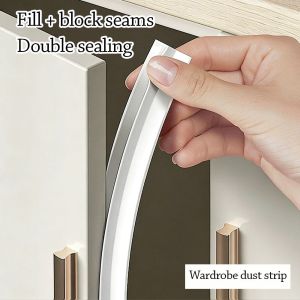
NOCASE Self-Adhesive Cabinet Door Dust Strips TPE 2.8M Seal Strip Gap Filling Strip Insect-proof
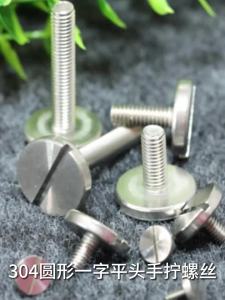
OPPU | Flat Head Large Round Manual Screw
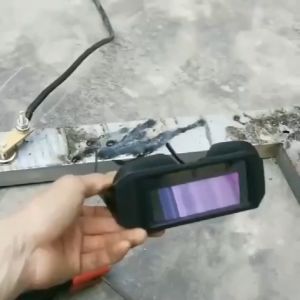
Solar Auto Shade Darkening Welding Goggles
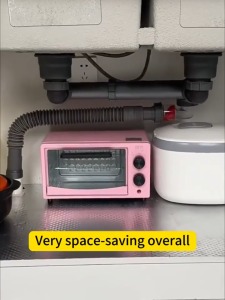
Sincecu Double sink drain pipe with stainless steel filter cup and hose odor-proof and insect-proof

10Pcs Water Toilet Bowl Natural Pumice Stone Cleaner Brush Wand Pumice Stick Cleaner
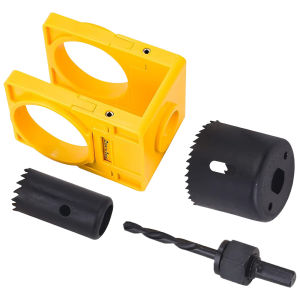
1-3/8 Inch - 1-3/4 Inch Door Lock Hole Saw Kit Carbon Steel Adjustable Wooden Door Lock Fitting Tool Set for Wood Doors

5PCS/set Household Tool Set 2M Tape Measure Utility Knife Screwdriver Set Household Repair Tool Set
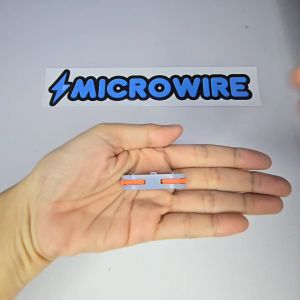
MW Heavy Duty Wire Connector 1-in-1 Out – Quick Splicing Terminal Block

Cordless Electric Grinder 4 Inch – Original Makita High Power Long Battery Life