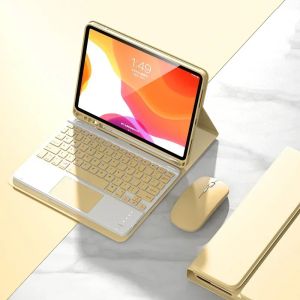
Touchpad Keyboard Shell For iPad 11th Generation 11 Inch 2025 A16 Magnetic Keyboard Case And Free Mouse Funda
How to connect Bluetooth:Step 1: Push the button to ON and the Power light will turn onStep 2: Press Fn+C for three seconds to activate BluetoothAfter connecting for the first time, the next time you use it, the keyboard will automatically link when you turn it on.For iPad 11th Generation 11 Inch 2025 A16 Basic key combinationsSwitch to Apple system: FN+ESwitch between Chinese and English input methods: FN+spaceShow physical keyboard: FN+ControlSwitch software: command+tabSwitch between uppercase and lowercase: CapslOCK (if you cannot set up the IPAD first: Settings 1 + General + Keyboard + Physical Keyboard + Turn off the Caps Lock key to switch to the Latin keyboard) Note: If you need to use different countries (Korean, Japanese, etc.), please set up the system to add a keyboard (IPAC Set one universal one keyboard → add keyboard)

GlobalLifestyle
Review
You May Also Like
Casebang | Compatible Anti-fall Protective Case for iPhone 18

3.5mm Active Clip Microphone with Mini USB Audio Adapter Mic Cable for Gopro Hero 3 3+ 4 Action Camera Accessories Kit
2pcs Deerma Vc20 Filter Vacuum Cleaner Hepa Filter Haipa Vc21/Vc20s Filter Screen Accessories
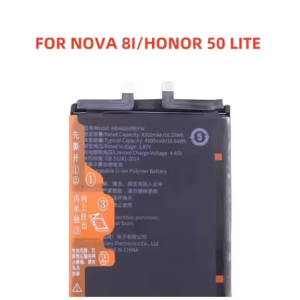
HB466589EFW Battery For Huawei Honor 50 Lite Nova 8i N-LX1 NEN-LX1 4300mah replacement Phone Batteries
Super signal Hd Digital Indoor Amplified Tv Signal Receiver Antenna 200 Miles Ultra Hdtv With Amplifier Car Antenna/antena for tv/Adapter Booster Antena
DAIMANG | Dustproof Phone Accessories

Tri-Town Wireless Induction Speaker BT Speaker Phone Stand 6 In 1 Mobile Phone & Ipad Holder 360° Rotating Phone Stand Anti-Slip Base 5000mAh Power Bank
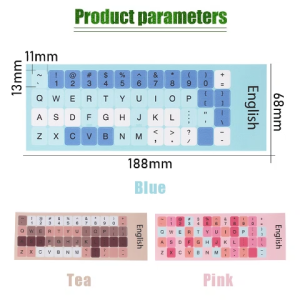
Keyboard Sticker Macaron Color Keyboard Stickers Frosted Repair Film Sticker English Language Keyboard Label Replacement Wear-resistant Anti Fingerprint Non-slip Laptop Keypad

LPO Laptop Keyboard Mini 210-2000 Compatible with HP Mini 210-100 210-2100 210-2200 606618-001
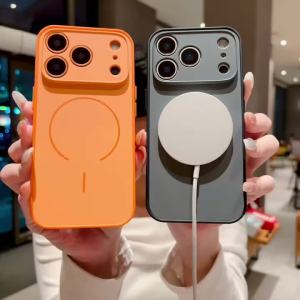
szhaiyu | Magnetic Phone Case for Samsung Galaxy S26 S25 S24 FE S23 S22 Ultra Edge A37 A07 A56 A17 A55 A26 A36 A35 Hard Protective Cover
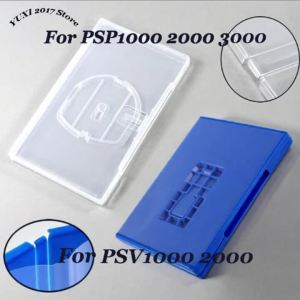
UMD Game Storage Case For PSP 1000/2000/3000 & PSV 1000/2000 Game Box Clear/Blue Plastic Holder Shell Box Storage Shell