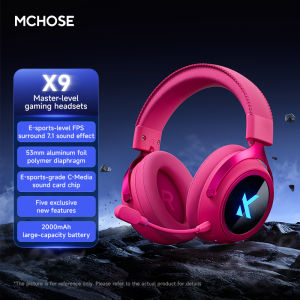
MCHOSE | MCHOSE X9 Wireless Bluetooth Headphones 7.1 Surround Sound Noise Canceling Mic Low 15ms Latency FPS Gaming E-sports Earphones
"Common problem solutions"1.Can't the headphones hear sound?1.Check if the headphone indicator light is on, and confirm if the current connection status of the headphones is correct based on the color of the indicator light (refer to the function description for details)2.Adjust the headphone volume knob, increase the volume appropriately, and check if the computer player has turned up the volume3.Find the speaker icon in the bottom right corner of the computer desktop and click to check for the current headphone device name4.Check the computer settings to confirm if the headphones are the default playback device (Settings - Sound - Output Device)2.No sound from microphone?3.Confirm if the microphone indicator light is on. If it is not on, click the microphone button to turn on the microphone (the indicator light will light up), unplug and plug the microphone again, and insert it firmly to the bottom4.Check the computer settings to confirm if the microphone is the default recording device (Settings - Sound - Input Devices)5.Check if the computer or application software has enabled microphone permission for the earphones (Settings - Privacy - Microphone Enable Permission)

Prime Supply_Play Life
Review

You May Also Like
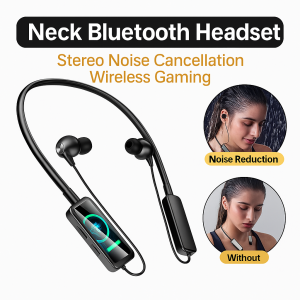
Live Streaming Wireless Earphone Wireless Sound Card Broadcasting And Audio Editing Noise Micophone For Live And Running
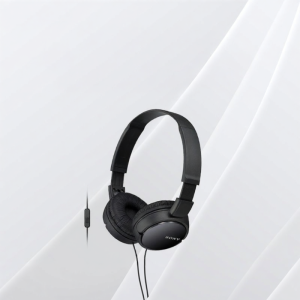
Sony | Multifunction Wired Headphones

JBL CHARGE6 Portable Outdoor Bluetooth Speaker IP68 Waterproof Built-in Powerbank Wireless Stereo Speaker For Hiking Trip
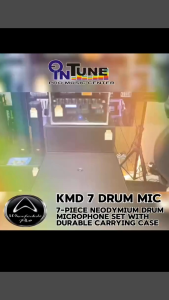
Wharfedale Pro KMD7 Drum Microphone Pack
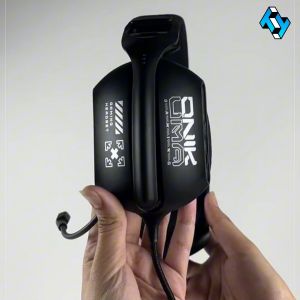
Onikuma X12 Gaming Headset USB Wired Earphone RGB Light E-Sports Gamer Headphones with Omnidirection External Microphone
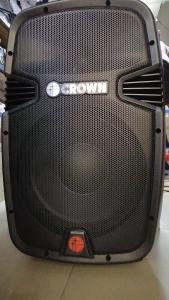
CROWN PRO-2008R PROFESSIONAL PORTABLE trolley SPEAKER
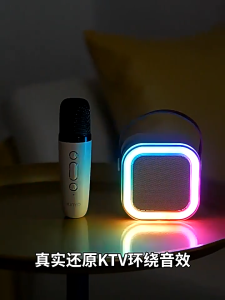
Tri-Town K12 Wireless Bluetooth with Dual Microphone Karaoke Speaker 3D Stereo Mini Portable KTV Professional Home Singing Audio
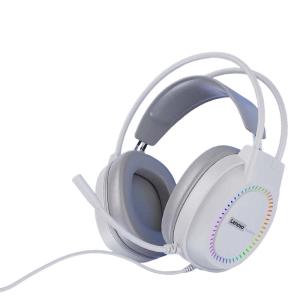
Lenovo | Wired Headset for Gaming and Office Use Compatible with Desktop and Laptop with Microphone

10MM Beryllium Film Aluminum Alloy in-Ear HiFi Pluggable 2pin0.78 Wired Headset Clear High Sound Quality Transmission
YF-002 Wireless microphone microphone charging home audio amplifier sound system KTV live broadc

Sennheiser SKM9800 Professional Wireless Microphone System UHF Conference Mic for Meeting and Stage Performance