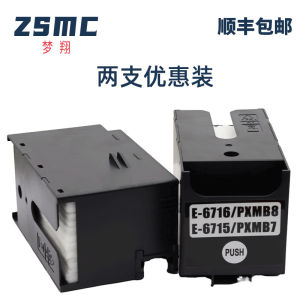
(HD1) WF-C5790a C5290a C5710 C5210 Printer maintenance T6716 Waste ink cartridge compartment
Brand: Mengxiang T6716 Waste Ink Tank Waste Ink Collector Maintenance WF-C5790a Waste Ink Cartridge WF-C5290a WF-C5710 WF-C5210 PX-S884 M884 Waste Ink Tank Maintenance Applicable ModelsWorkforce pro WF-C5790A WF-C5290A WF-C5210 C5710DW C5790DWF PRO PX-S884 S529R C579R M5299 ET-8700 C5290DW C5210DW WF-C5710 M5799 Europe: WorkForceProWF-4720DWF/WF-4725DWF/WF-4730DTWF/WF-4740DTWF;WorkForceProWF-C5210DW/WF-C5290DW/WF-C5290DWBAM/WF-C5710DWF/WF-C5790DWF;WorkForceProWF-M5298DW/WF-M5299DW/WF-M5799DWF;WorkForceProWF-C529RSeries/WF-C529RDTW/WF-C579RDTWF/WF-C579RD2TWF America:WorkForce Pro WF-4720/WF-4730/WF-4734/WF-4740/EC-4020/EC-4030/EC-4040; WorkForce Pro WF-C5210/WF-C5290/WF-C5710/WF-C5790; WorkForce Pro WF-M5299/WF-M5799/ET-8700/WF-C529R/WF-C579R Oceania:WorkForce Pro WF-4720/WF-4740/WF-4745; WorkForce Pro WF-C5290/WF-C5790/WF-M5299/WF-M5799/WF-C529R/WF-C579R Japan:PX-M780F/PX-M781F/PX-M380F/PX-M380FC0/PX-M381FL/PX-M884F/PX-M884FC0/PX-M885F/PX-M886FL/PX-S380/PX-S380C0/PX-S381L/PX-S884/PX-S884C0/PX-S885 Southeast Asia:WorkForce Pro WF-C5290/WF-C5790/WF-C5290a/WF-C5790a; WorkForce Pro WF-M5298/WF-M5299(a)/WF-M5799(a) 【Packing Method】Nude packaging or color outer packagingThe inner bag is vacuum-sealed! 【Production address】ChinaGuangdongZhongshan 【Production Date】Order now, produce now, package now! Our factory ships directly! Product guaranteedAllNew production! Upgraded chip version! 【Shelf life】2 years (please refer to the expiration date on the bottom of the outer packaging for details) 【Quality Assurance】①Factory Technical Capability:from2012Production begins in the beginning of the yearYesProfessionalizationR&D teamThere are 5Many years of experience in the production of printing consumables; ②New mold accessory designAll consumables in this factory are designed and molded by the factory itself, and are brand new components! ③Ink research and development technologyThe ink usesNewResearch and Development TechnologyForDomesticInkSmooth ink flow, no clogging, no color deviation, vibrant colors! Excellent printing quality!Good ④Chip research and development technology:Dream FlightChip Development TechnologyStrong in-house research and development capabilities, ensuring the chip is an upgraded version; The factory hereby solemnly promises: If any quality issues arise after installation and use, as long as the ink used in the cartridge does not exceed1/4, guaranteed return and exchange! You can be sure of a worry-free purchase and satisfactory use 【Inkjet printer and ink cartridge usage knowledge】 ①[Do not frequently turn the printer on and off] When an inkjet printer is powered on and ready to print, it usually automatically cleans the nozzles. If the printer is turned on and off multiple times in a short period of time, the nozzles will be cleaned automatically multiple times, which results in ink waste. Therefore, when printing text and images, try to print them together to avoid unnecessary waste. ②[Do not leave the printer unused for a long time] Some home printer users may only use their printers once every few weeks or even months, which can actually shorten the lifespan of the printer's nozzle.Because if the printer is not used for a long time, the ink in the nozzle can dry out and cause the nozzle to clog. If the clog is not serious, you can use the cleaning function to unclog the nozzle. If it is serious, the nozzle may become unusable, which would be a big loss! Recommendation: If you don't use the printer at all, at least turn it on once a week or perform a printing task to keep the nozzle moist。 ③[Do not replace used ink cartridges] Some users may only use black ink cartridges to print text, so they don't replace the color cartridges in time after they run out. This can cause the print head to become clogged over time, and when they want to print in color, they can't. Therefore, it is necessary to replace the cartridges with new ones as soon as possible after they run out。 【Warm Tips】 ①[Confirm the model is correct] Due to the wide variety of printer modelsIf you are unsure about the ink cartridge or toner cartridge model for your printer, please inform the seller. After confirming the applicable ink cartridge model with the seller, then arrange for the seller to ship the product.The information is unified and accurate! ②[Precautions Before Entering the Machine] After long-distance transportation, due to bumps in the road or accidental handling, air bubbles may form inside the ink cartridge; if you notice this situation..Don't worry, you just need to let it sit for a while, then install it in the machine, and you can start printing! If it's urgent, you can hold the ink cartridge and shake it forcefully with the ink outlet facing down to release the air from the outlet, and then you can start printing。 ③[Cartridge Storage] If you currently have ink cartridges that you are not in a hurry to useIn that case, it is recommended to place the ink cartridge with the ink outlet facing down for storage.

CoreDigital
Review

You May Also Like
(HD1) Applicable to Kyocera TK-5208 TK-5205 TK-5207 TK-5209 Powder KYOCERA 356Ci Ink Cartridge
(HD1) Compatible with HP CP5525dn Toner Cartridge 650A cp5525xh M750dn Printer Toner Cartridge CE270A
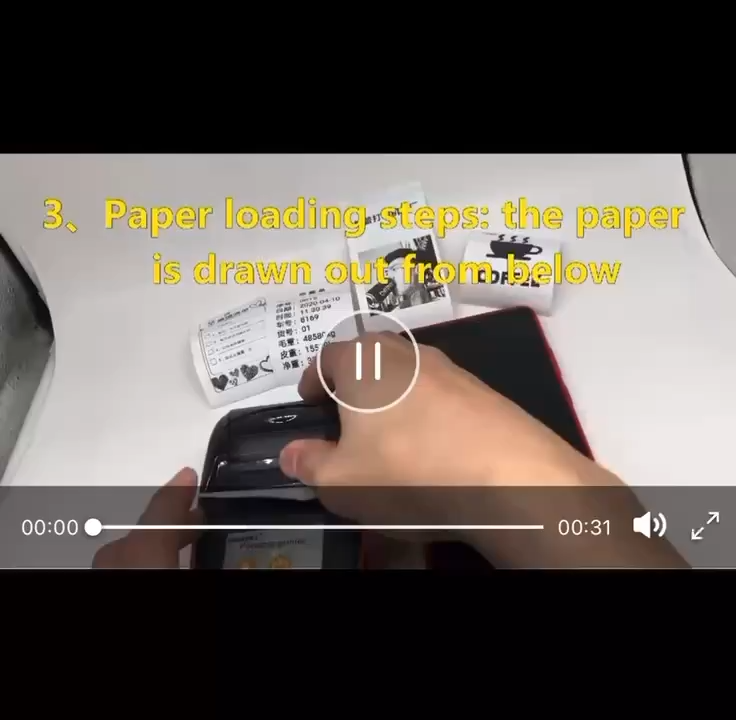
Portable BT Thermal Printer Handheld 58mm Receipt Printer for Retail Stores Restaurants Factories Logistics with 10 Paper Rolls
(HD1) Suitable for Canon GI-890 TS3380 3180 G1800 G1810 MP288 Continuous ink supply for printers
CHG | Non-Genuine Color Toner Cartridge Imaging Drum
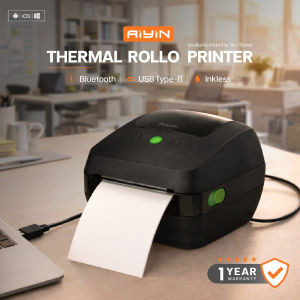
AiYin AS240Thermal Printer para sa Waybill USB/BT Label ng Produkto/Barcode Hindi nangangailangan

(HD1) Applicable Brothers LC506 LC506XL Ink Cartridge Brother MFC-J4355DW J4555DW J4557DW
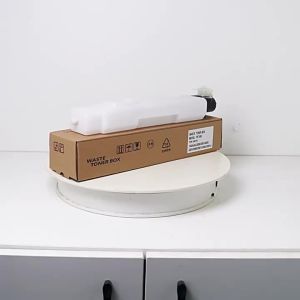
(HD1) Applicable to Kyocera WT-860 Waste toner 45013500i 4500i 5500 5550 3501 Waste toner container
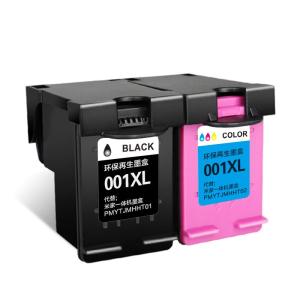
CHG | Compatible with Xiaomi Printer Refillable Continuous Ink Supply System for Home and Office Printing Scanning Copying
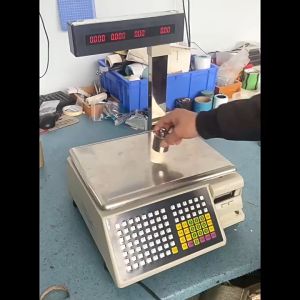
WEIAIBLD Commercial Label Printing Balance Cash Register Receipt Scale Label Printer Scale Electronic Scale Pos Retail Balance Scale With Printer
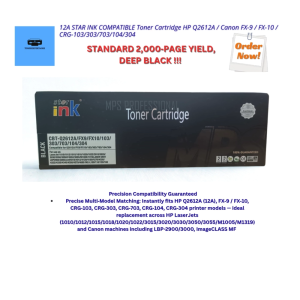
12A STAR INK COMPATIBLE Toner Cartridge HP Q2612A / Canon FX‑9 / FX‑10 / CRG‑103/303/703/104/304