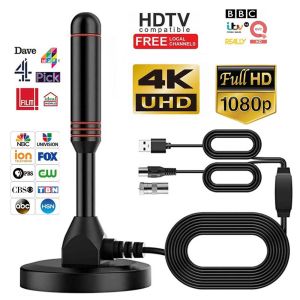
HD Digital Indoor TV Antenna Amplified 200 Miles Signal Receiver Ultra HD TV
HighlightsDescription:Item type: 200-mile AntennaWorking frequency: VHF (172-240MHz) / UHF (470-860MHz)Connector: F maleType: DVB-T2 AntennaReceived signal: ATSC, DVB-T, DVB-T2, ISDBSignal range: 200 milesMaterial: MetalDimension: 2.44 x 5.12 inch (62 x 130mm)Current consumption: 20mAImpedance: 75ΩCompatibility: 720p, 1080i, 1080p / ATSCStorage temperature: -45-85 ℃Cable length: approx. 4.5 meters / 14.77ftWorking temperature: -45-85 ℃Net Weight: 7.6 oz (216g)LNA high gain: 25dBiVoltage: 5 vHow to use:Step 1: Connect the end (f-male) of attached coaxial cable to the ANT / IN connector on the back of the TV or DVB-T tuner.Step 2: In the TV's setup menu, set the tuner mode to "Antenna" or "Air". for more detailed instructions, please consult your TV manual.Step 3: In the TV's setup menu, set TV to "scan" for channels. This can sometimes be referred to as auto program, auto scan, channel search or channel scan. Consult the TV manual for detailed instructions.Step 4: If reception is sporadic, try moving the antenna to another location and rescanning the TV until optimal position is found.Step 5: fix the antenna at the optimal position you found.Product details ofDescription:Item type: 200-mile AntennaWorking frequency: VHF (172-240MHz) / UHF (470-860MHz)Connector: F maleType: DVB-T2 AntennaReceived signal: ATSC, DVB-T, DVB-T2, ISDBSignal range: 200 milesMaterial: MetalDimension: 2.44 x 5.12 inch (62 x 130mm)Current consumption: 20mAImpedance: 75ΩCompatibility: 720p, 1080i, 1080p / ATSCStorage temperature: -45-85 ℃Cable length: approx. 4.5 meters / 14.77ftWorking temperature: -45-85 ℃Net Weight: 7.6 oz (216g)LNA high gain: 25dBiVoltage: 5 vHow to use:Step 1: Connect the end (f-male) of attached coaxial cable to the ANT / IN connector on the back of the TV or DVB-T tuner.Step 2: In the TV's setup menu, set the tuner mode to "Antenna" or "Air". for more detailed instructions, please consult your TV manual.Step 3: In the TV's setup menu, set TV to "scan" for channels. This can sometimes be referred to as auto program, auto scan, channel search or channel scan. Consult the TV manual for detailed instructions.Step 4: If reception is sporadic, try moving the antenna to another location and rescanning the TV until optimal position is found.Step 5: fix the antenna at the optimal position you found.

Kinraid Global Online Mall
Review

You May Also Like
Asina | Anti-Shock iPhone Case with Lens Protector
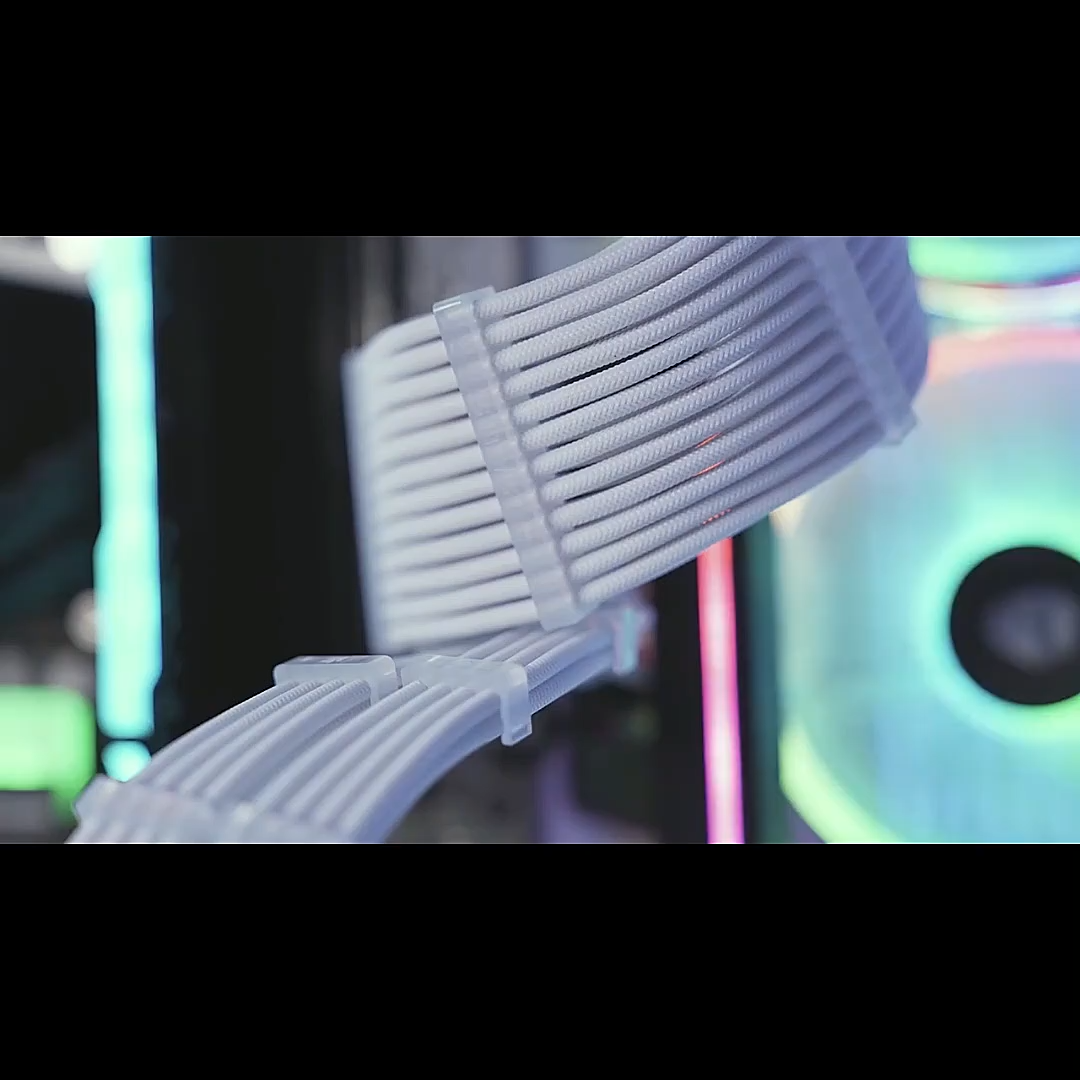
PSU Extension Cable 4MM PCIE 6+2 Pin EPS 4+4 and 24 Pin
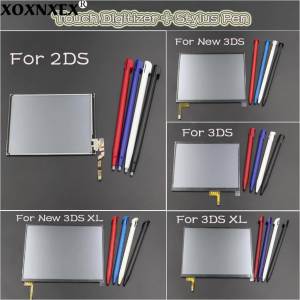
1Set Panel Display Digitizer Glass Touch Screen+Stylus Pen For 2DS/3DS/3DS XL LL/New3DS/New 3DS XL LL Console
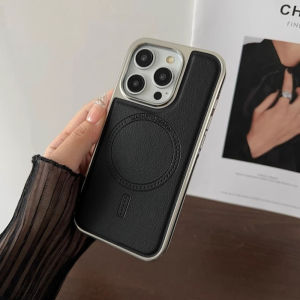
Leather Phone Case for iPhone 17 16 15 Pro Max Luxury Full Coverage Silver Plating Edges Shell Matte Pu Back Cover Capa

Compatible For Xiaomi Robot Vacuum E10 E10C E12 B112 Replacement Spare Parts Accessories Side Brush Hepa Filter Mop Cloth
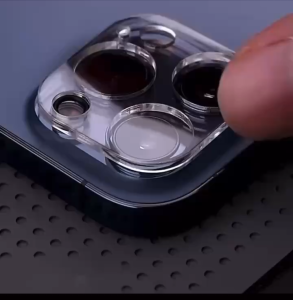
Camera Protector Tempered Glass POCO X8 PRO MAX / X8 PRO
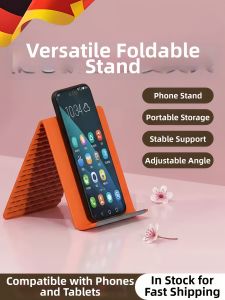
TAOKOU | Foldable and Portable Universal Phone Stand
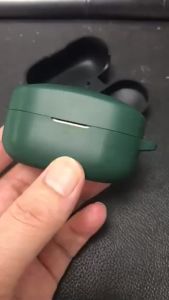
Silicone Protective Case for Sony WF-1000XM4 TWS Earbuds Shockproof Anti-Scratch Dustproof Cover for WF1000XM4 Charging Box
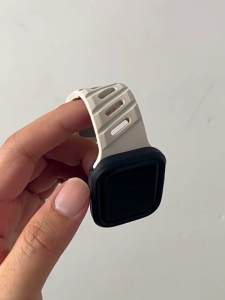
For iWatch Sports Silicone Twill breathable Band with protective soft case iWatch 40mm/41/44mm/45mm Series 6/SE/5/4/3/2/1/7/8
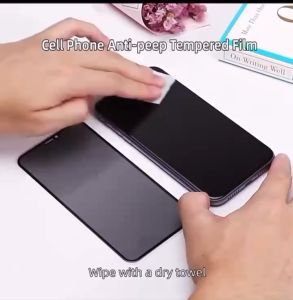
HONOR X7C Privacy Protection Tempered Glass Screen Protector
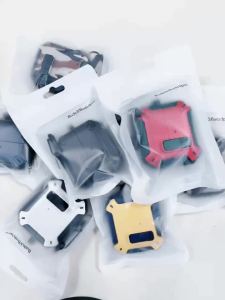
Security Lock Earphone Cover For Samsung Galaxy Buds 3/Buds3 Pro Protective Case With Keychain/Cleaning Kit For Buds3 FE Funda