Case for Xiaomi Pad 8 11.2 inch Bluetooth Keyboard Case for Xiaomi Pad 8 Pro 11.2 inch Wireless Bluetooth Removable Keyboard Ca
How to verify tablet model1. Go to the back and find your specific model.2. Find "Settings" - Click "About" - Find "Model"3. Please purchase the correct compatible model case according to the tablet after viewing.Note:The digital tablet and stylus are not included in the package. The detailed description is for reference only. Please refer to the actual product for the color of the product.How to connect keyboard and mouse?1. Connect the mouse first, then the keyboard.2. Mouse: Push the switch to the "Bluetooth" icon and find the Bluetooth connection with the "mouse" in the device Bluetooth list.3. Keyboard: Push the switch in the upper right corner to "ON", press "Connect", and find the Bluetooth connection with "Keyboard" in the device Bluetooth list.4. Touchpad keyboard: Open the keyboard, press Fn+C, and then find the Bluetooth connection with "Keyboard" in the device Bluetooth list.FAQQ:What should I pay attention to when connecting the mouse for the first time?A:When the mouse is connected for the first time, you need to press the left button, the right button and the scroll wheel at the same time for about 3-5 seconds.Q: Is the scroll direction of the mouse USB connector and Bluetooth connection the same?A: No, they are different. When using the USB connector, the scroll wheel slides in the same direction as the computer mouse. Bluetooth connection is the opposite.Q: How to switch between different systems?A: Fn+Q=Android, Fn+W=Windows, Fn+E=IOS.Please note that please switch the system before connecting the tablet.Q:The bluetooth keyboard letters are messy?A: Please check the settings according to the prompts,a. Check whether the keyboard language set on the device is English.b. Disconnect the keyboard Bluetooth, click Ignore the connected device, reopen the Bluetooth keyboard, select system, Fn+E (IOS system).Note: Fn+Q=Android, Fn+W=Windows, Fn+E=IOSc. Press the L S Z buttons at the same time to reset the keyboardQ:How to configure the input method for different languages keyboard?A:Take the samsung tablet as example,open "Settings--"ystem"--"Language & input"--"Add New Keyboard". (For other systems, please set them in the system settings according to the tips of the iPad example.)Q:How does the mouse change teh scroll wheel sliding direction on the device?A: The mouse is connected, open "General" - "Trackpad & Mouse" - close "Natural Scrolling".

GlobalLifestyle

You May Also Like
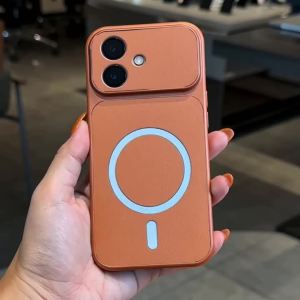
Case for OPPO a6x A6 PRO 4g A6t a6S A6c PRO A6 5g phone casing Softcase Silicone shockproof Cover new design aesthetic magnetic cute black for boys KNBS03

Logitech | Logitech Signature M750 Casual Gaming‑Focused Mouse Stable Multi‑device Pairing Mice For Office Work Desktop

Magnetic Charging Dock for Switch 2 Joy-pad | 8-in-1 Gamepad Charger Station for Switch/OLED Joy-pad RGB Lighting Base Switch 2
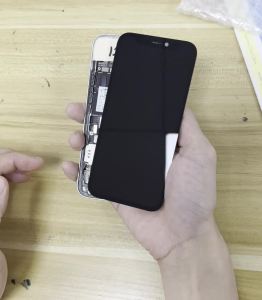
PINGSILING Screen Replacement AAA+++ OLED For iPhone X XS MAX 12 13 Mini 14 15 11 Pro Max Plus Display 3D Touch Screen
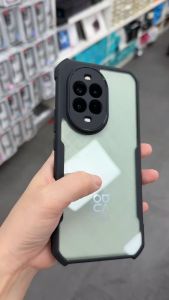
Nova 13 / 13i / Nova 13 Pro Xundd Beatle Series Shockproof Case Cover

Jieyang | 3C Certified Portable Charger 20000mAh

SUPER MOUSE | iPhone 16 Promax Case Stickers 7-Adjustable Wristband Stand Cartoon
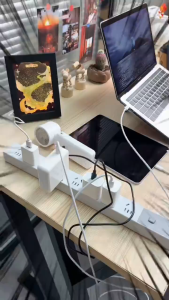
Auto Disconnect Smart Charger 140W PD3.1 with Physical Eject – Type C Overcharge Protection Separator for Phone MacBook Laptop

Strap For Samsung Gear S2 SM-R720 Stainless Steel Metal Band With Connector Bracelet For Samsung Watch Gear S2 Luxury Wristband

Nylon Silicone Band For Garmin Fenix 8 Pro E 7X 7 6X 6 5X Plus/Instinct 3 2X 970 965/Quatix 8 7 QuickFit 26mm 22mm Strap Bracele

Portable Router Pocket Free Sharing Internet Carry Colorful Lights Router