


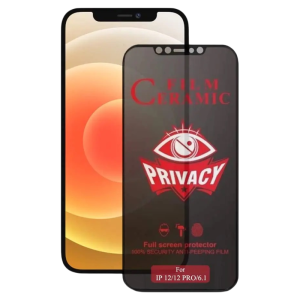
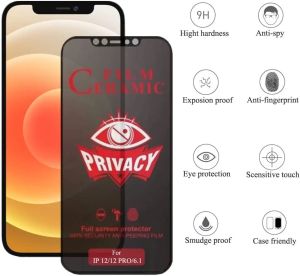
Matte Ceramic Privacy Full Film For NUBIA MUSIC pro NEO 2 3 3GT 5G V70 MAX V70 DESIGN
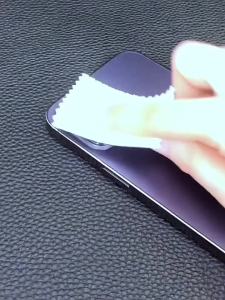
Temper Installation guideStep 1: PrepareOpen the screen protector package and set everything up on a clean, uncluttertable. You should have an alcohol wipe and a microfiber cloth in addition to the glass protector. Make sure your device is turned off.Step 2: Clean Your ScreenUse the alcohol wipe to thoroughly clean your screen, and then use the microfiber cloth to give it one last polish for good measure.Step 3: Remove the Protective LayerThere’s a protective plastic film on one side. Remove it to expose the adhesive side of the glass, but be sure to hold it by the edges so that you don’t leave fingerprints on the surface. This side will be going face down on your device screen.Step 4: AlignmentMake sure to align the glass with the display portion of your screen. The glass should line up evenly with the front speaker and home button, and it should run parallel with the screen length-wise.Step 5: Press It OnOnce the glass protector has been properly aligned, carefully lay it down on the screen. If you make a mistake and the glass looks off-kilter, you can gently lift it up and realign it. Then, once the protector is on the screen, give it a soft press in the center and allow the adhesive surface to grip to the screen naturally.Step 6: Final TouchesIf there are any bubbles remaining -- and there may not be -- use the cloth provided to gently smooth them toward the edges of the glass protector.For orders outside Luzon, please expect additional fifteen (15) days shipping due to airline safety restrictions #fulltemperglass #temperglass #PrivacyTemperglass #ceramicprotector #tabletprotector #screenprotector#cod

Omg.cn
Review
You May Also Like
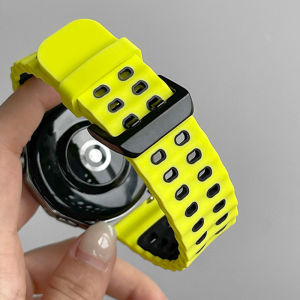
Ocean Strap For Huawei Watch GT 6 Pro GT5 GT6 46mm Smart Watch Sport Breathable Wristband Two-Tone Silicone Watchband
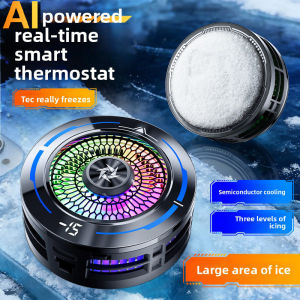
phone cooler fan gaming portable phone cooling fan for mobile phone cooler magnetic cell phone cooler for phone cooler gaming2026
Durable Gas Stove Cover Non Slip Gas Stove Windproof Cover Kitchen Stove Rack Wok Support Ring
DC Power Extension Cable 15M/20M Jack Socket 5.5mmx2.1mm Male Plug For CCTV camera
P+7 Touch Pen Dedicated For IPad10/ iPad Pro / iPad Air / iPad Mini4/5/6/7 Stylus Drawing Writing And Note-Taking Alternative Pe

LUSIT Durable Aluminium Alloy Dustproof Cover Metal Stopper Anti Dust Plug Charging Interface Cap Charger Port Block
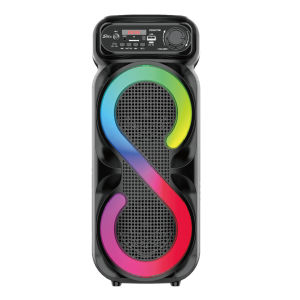
【HCS】Bluetooth-Compatible Speaker Karaoke Speaker with RGB Light Portable Boombox Remote Control Wireless Speaker for Karaoke
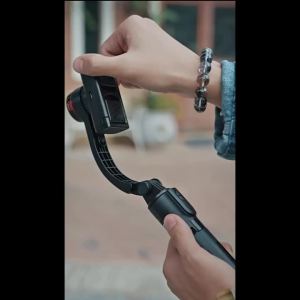
Handheld gimbal phone Bluetooth handheld stabilizer with tripod selfie stick anti shake telescopic live streaming phone stand

Leather Silicone Strap For Amazfit Active Max Smart Watch Band Magnetic Buckle Bracelet Belt

Vintage champagne color double-layer chain mobile phone lanyard light luxury handmade bead crystal chain key luggage and accessories
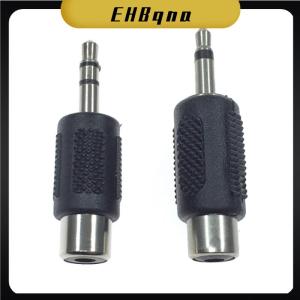
EHBqna[COD] 1Pc Mono Dual Channel Plug 3.5 To AV Adapter 3.5mm Audio Head Male To Lotus RCA Female Jack Conversion Head