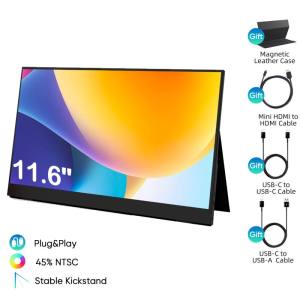
EXPOSE 16.1 inches 144Hz Portable Monitor Touchscreen for Laptop Extension 1080P FHD 103% sRGB IPS Portable Screen Monitor
EXPOSE 16.1 inches 144Hz Portable Monitor Touchscreen for Laptop Extension 1080P FHD 103% sRGB IPS Portable Screen Monitor
Introduction to the EXPOSE Portable Monitor
In today's fast-paced world, having a reliable and versatile portable monitor can significantly enhance your laptop experience. The EXPOSE 16.1 inch portable monitor is designed to provide users with a seamless extension of their laptop screen, offering a 1080P FHD IPS display, 144Hz touchscreen, and 103% sRGB color accuracy.
Key Features: 1080P FHD IPS Display & 144Hz Touchscreen
The EXPOSE portable monitor boasts a stunning 1080P FHD IPS display, providing sharp and vibrant visuals for any application. Its 144Hz refresh rate ensures smooth and fluid motion, perfect for gaming, video editing, or simply browsing the web. The touchscreen functionality adds another layer of convenience, allowing users to interact with their laptop extension monitor effortlessly.
Benefits of Using a Laptop Extension Monitor
Using a portable monitor like the EXPOSE offers several advantages. Firstly, it increases productivity by providing more screen real estate, making multitasking easier. Secondly, it enhances the viewing experience by offering a larger screen size and better image quality. Lastly, it adds portability, allowing users to work from anywhere without sacrificing screen size or quality.
Exploring the EXPOSE Monitor's Display Quality
The EXPOSE portable monitor's display quality is one of its standout features. With 103% sRGB color accuracy, users can enjoy accurate and consistent colors, making it ideal for graphic design, video editing, or simply watching movies.
103% sRGB Color Accuracy: What It Means for Your Viewing Experience
The EXPOSE monitor's 103% sRGB color accuracy means that it can display a wider range of colors compared to standard monitors. This results in more vibrant and lifelike visuals, enhancing the overall viewing experience.
How the 16.1 Inch Screen Size Enhances Portability
The 16.1 inch screen size of the EXPOSE portable monitor strikes the perfect balance between portability and screen size. It's small enough to fit easily into a backpack or carry-on luggage, yet large enough to provide a comfortable viewing experience.
How to Use the EXPOSE Portable Monitor
Setting up and using the EXPOSE portable monitor is straightforward and easy. Follow these steps to get started:
Setting Up the Monitor for Optimal Performance
- Unpack the monitor and ensure all components are included.
- Connect the power adapter to the monitor and plug it into a power outlet.
- Adjust the stand to your desired angle and position.
Connecting the Monitor to Your Laptop
- Connect the HDMI cable to both the monitor and your laptop.
- Power on the monitor and select the appropriate input source.
- Adjust any settings as needed to ensure optimal performance.
Conclusion: Why Choose the EXPOSE Portable Monitor
The EXPOSE portable monitor offers a unique combination of features that make it an excellent choice for anyone looking to enhance their laptop experience. With its 1080P FHD IPS display, 144Hz touchscreen, and 103% sRGB color accuracy, users can enjoy sharp, vibrant visuals and smooth motion. Its 16.1 inch screen size provides a balance between portability and screen size, making it perfect for on-the-go users. Whether you're a gamer, graphic designer, or simply someone who values a better viewing experience, the EXPOSE portable monitor is worth considering.

Buwan
Review
You May Also Like

1200RPM USB Router Fan Wifi Modem Cooling Rack Router Cool 120CM Wire 5V Modem Cooler Shelf Usb Cooling Fan For Laptop
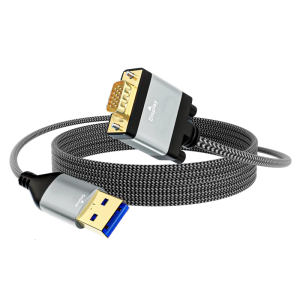
USB3.0 to VGA Converters 5Gbps Speed FHD 1920x1080 Resolution Universal Device Compatibility

Buck Converter Case for Piso Wifi

Seeko HY510 YJ-G190 Grey Thermal Paste for CPU GPU Cooler Cooling Heatsink Paste 25g 10g
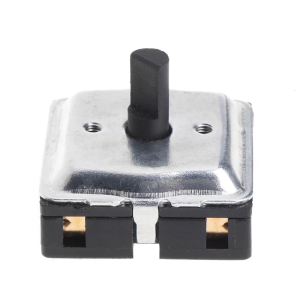
Off/Low/High 4 Position Rotary switching for Fan Heater Fan Speed Selector switching Fan Speed Selector switching

Noctua NF-A14X25 G2 PWM SX2 Chassis cooling fan140x140x25mm/SSO2 bearing/1250-1500RPM,With an NA-AVG2-LR Shock-absorbing pads
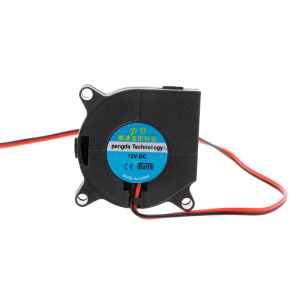
40mmx20mm Blower Fan 12V 4020 Sleeve Bearing DC Brushless Cooling Fan 2 Pin 28cm Cable for 3D Printer Accessories

2 Pin AC CPU Power Cord US Plug for Printer Monitor Rice Cooker PC Computer UH2PV50 1.2
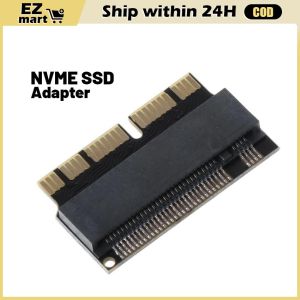
PCIe x4 SSD Adapter: Upgrade Your MacBook Air 2013-2015
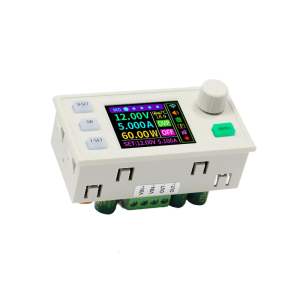
0~40V 120W Step-Down Stabilized Voltages Current Regulator Converter Constant Voltages Current Step Down Module Easy Use

iCx NINGMEI NL 100P-N50162A LAPTOP