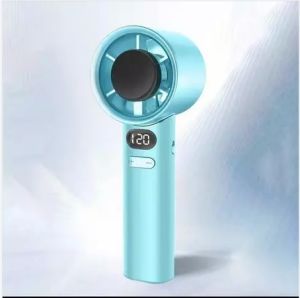
City Goods High Speed Turbo Fan (1-120) Gears HandHeld Smart Digital Display Fan
Operation manual:1. Turn on the toggle switch on the side of the fan and turn on the fan to level 12. Short press the volume + button to increase the volume by one level at a time, long press to increase the volume quickly, 1-120 levels3. Short press the volume - button to decrease the volume by one level at a time, long press to decrease the volume quickly, 120-1 level4. In any state, double-click the button to view the current power5. Turn the switch back to turn off the fan6. Flashes when charging, stops flashing when charging is complete, and the power display is 1-100%7. Charging 5V 1ASpeed Levels: 1-120 Gears Charging Method: USB RechargeableBattery Life: Long-lasting performance (Varies by speed setting) Display: Smart LED Digital Screen

CITYGOODS.PH
Review

You May Also Like
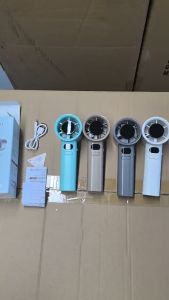
Mini Handheld Fan Portable USB Rechargeable With 120 Level Adjustable Air Volume Summer Strong Wind
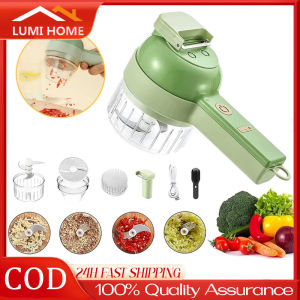
4 in 1 Portable Electric Vegetable Cutter Set Multifunctional Handheld Food Processor
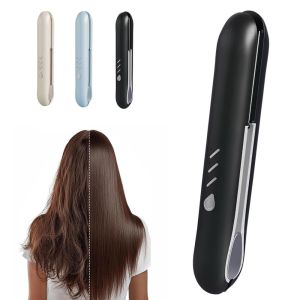
NALANILI Rechargeable Cordless Hair Straightener 2 in 1 with 3 Temperature Settings Straightener Flat Iron Type-C Curling Iron

220V 1500W Commercial Electric Quail Egg Grill Multifunctional Bird Egg Cooking Roaster Machine
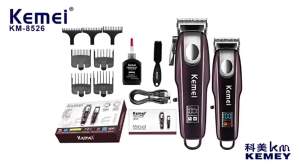
Kemei | Kemei KM-8526 Electric Hair Clippers Set Professional Rechargeable Hair Trimmer USB Charging Hair Cutting Machine Kit
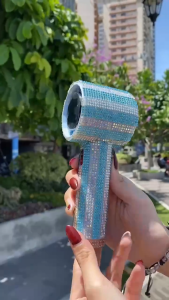
Rechargeable F08 and DIY Diamond Sticker Protective Design Handy Turbo High Speed Wind Gear Fan
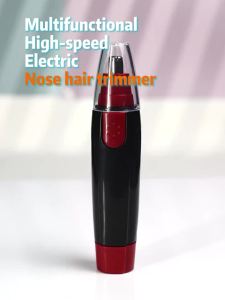
Electric Nose Hair Trimmer for Men Women Painless Eyebrow & Ear Hair Clipper Portable Facial Hair Removal Shaver Tool
Midea | Integrated Exhaust Fan Lighting Heater Bathroom Overhead
Infusion Fluid Warmer Heater Thermostat 220V Double Sided Drip Infusion Heating Clip

HAPPY HOME CREATION 3in1 360 °Ceiling Fan With Light Bedroom Ceilingfan With Lamp
6KW Electric Sauna Heater Inner Control Heater Stove Steam Room Equipment 220V 50/60HZ