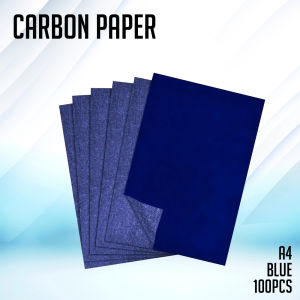
PrinTEE - Carbon Paper Black/Blue Copy Paper Film Carbon For Copying (100 sheets)
PrinTEE - Carbon Paper Black/Blue Copy Paper Film Carbon For Copying (100 sheets)
What is PrinTEE Copy Paper?
PrinTEE Copy Paper is a high-quality carbon copy material designed for creating duplicate copies of documents. This innovative product, featuring a 100 sheets copying film, offers a reliable and efficient solution for businesses and individuals who require accurate copies of their documents. The PrinTEE Copy Paper is compatible with most standard printers, allowing users to achieve professional-looking copies with ease.
Understanding the Product
PrinTEE Copy Paper consists of a thin film that contains carbon particles, which transfer onto the paper beneath when pressure is applied during printing. This process creates a duplicate copy of the original document, making it an essential tool for businesses and individuals who need to maintain accurate records.
Benefits of Using PrinTEE Copy Paper
There are several benefits to using PrinTEE Copy Paper:
- Cost-effective: By using carbon copy paper, users can save money on printing costs, as only one sheet of paper is required to create multiple copies.
- Convenient: PrinTEE Copy Paper is easy to use and compatible with most standard printers, making it a convenient solution for businesses and individuals alike.
- Reliable: With its high-quality carbon particles, PrinTEE Copy Paper ensures accurate copies every time, reducing the risk of errors and miscommunications.
How to Use PrinTEE Copy Paper
Using PrinTEE Copy Paper is simple and straightforward. Follow these steps to get started:
Setting Up Your Printer
Before using PrinTEE Copy Paper, ensure your printer is set up correctly. Follow the manufacturer's instructions to load the paper tray with regular printer paper, and then insert the PrinTEE Copy Paper film on top.
Loading the Carbon Paper Film
Load the carbon paper film onto the printer tray, ensuring it is aligned properly with the paper beneath. This will allow the carbon particles to transfer onto the paper during printing.
Printing with PrinTEE Copy Paper
Once the printer is set up and the carbon paper film is loaded, simply print your document as usual. The PrinTEE Copy Paper will automatically create a duplicate copy of your original document.
Tips for Maximizing PrinTEE Copy Paper Performance
To ensure optimal performance from your PrinTEE Copy Paper, follow these tips:
Proper Storage
Store PrinTEE Copy Paper in a cool, dry place away from direct sunlight and moisture. This will help maintain the quality of the carbon particles and ensure accurate copies every time.
Troubleshooting Common Issues
If you encounter any issues while using PrinTEE Copy Paper, such as smudging or incomplete copies, check the following:
- Ensure the printer is set up correctly and the carbon paper film is loaded properly.
- Verify that the printer settings are appropriate for the PrinTEE Copy Paper.
- Check for any debris or obstructions that may be interfering with the printing process.
Enhancing Print Quality
To achieve the best possible print quality with PrinTEE Copy Paper, consider the following:
- Use high-quality printer paper to ensure clear, sharp copies.
- Adjust the printer settings to optimize print quality for the PrinTEE Copy Paper.
- Regularly clean the printer to prevent debris buildup and ensure smooth operation.
By following these tips, you can maximize the performance of your PrinTEE Copy Paper and achieve accurate, professional-looking copies every time.

PrinTEE Supplies
Review

You May Also Like
Moutai Wine Sealing Stickers Baby One Month Celebration Baijiu Bottle Seal Labels Adhesive Paper Baby Name Tags Non-Drying Glue
Acrylic Desk Bookends Student Book Clips Book Fixed Device Desktop Storage Bookend Tabletop Book Stopper Organizer

Basic Calculator & Digital Scientific Calculator for Office & School
12/24/36/48 Colors Non-Toxic Plastic Crayons Oil Stick Plastic Not Dirty Hands Crayons Coloring Set

BINLU 5pcs Pamaypay Philippines Collection: Philippine Hand Fan Philippine Fan & Philippines Flag Fan | Folding Pamaypay with Rainbow Hand Fan Rainbow Fan Pride Flag & Rainbow Flag Design Perfect for Filipiniana Attire Souvenir Keepsakes & Philippine
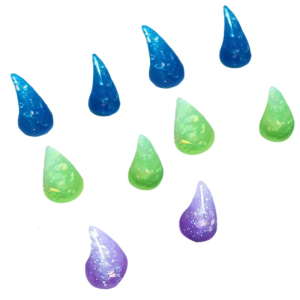
10Pcs Horn Push Pin Cork Notice Board Pushpin Decorative Thumb Tacks Pin for Displaying Picture Note
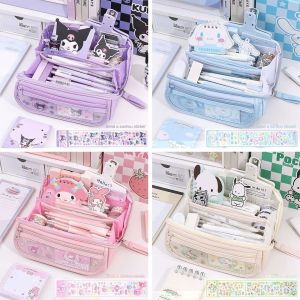
ST78FXHTC Kuromi Pen Bag & Cinnamoroll Pochacco Pencil Case: A Cute Large Capacity Stationery Bag
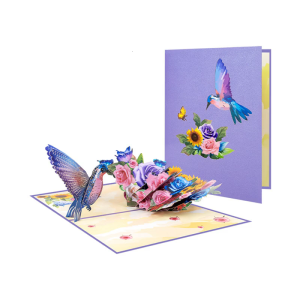
3D Mother’s Day with Envelope for Teacher Mother Grandma Anniversary 3D Bird Flower Mother’s Day Greeting
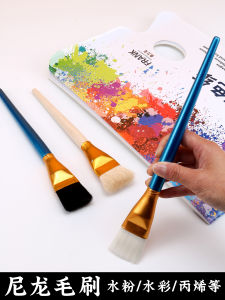
Large Wide Pen Oil Painting Brush Large Brush Nylon Hair Brush Watercolor Water Brush Opera Painting Face Oil Painting Base Color Acrylic Paint Brush Gypsum Broad Brush Comprising a Row of Penshaped Brushes Pigment Brush Kids Beginner Small Row Pen Callig
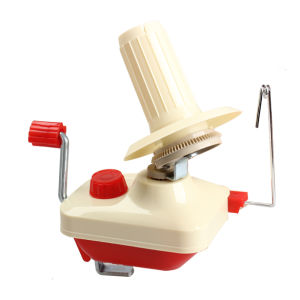
【HOSPORT】Knitting Machine Practical Wool Winder Holder Portable Hand Operated Convenient Multi-function Lightweight for Household
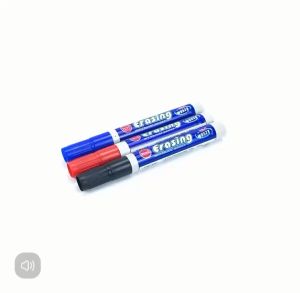
10pcs/1pcs Erasing Whiteboard Marker Non-toxic Water-soluble