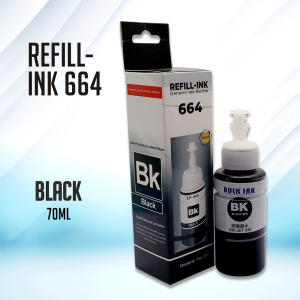
Easyprint Refill Epson 664 Ink for Printer L120 L360 L310 L130 L210 L220 L355 L358 (70ML Dye Ink)
Easyprint Refill Epson 664 Ink for Printer L120 L360 L310 L130 L210 L220 L355 L358 (70ML Dye Ink)
Introduction to Easyprint Refill Epson 664 Ink
Overview of Easyprint Refill Epson 664 Ink
Easyprint Refill Epson 664 Ink is a high-quality, cost-effective ink refill solution compatible with various Epson printers, including the L120, L360, L310, L130, L210, L220, L355, and L358 models. This 70ml dye ink cartridge offers a reliable alternative to expensive original ink cartridges while maintaining excellent print quality.
Compatibility with L130 L210 Printers
The Easyprint Refill Epson 664 Ink is designed to work seamlessly with L130 and L210 printers, providing users with a convenient and affordable printing solution. By using this refill ink, you can save money on ink costs without compromising on print quality.
Step-by-step Guide to Refilling Epson Printer Ink
Preparing Your Printer for Refill
Before refilling your Epson printer with Easyprint Refill Epson 664 Ink, it's essential to prepare your printer properly. Follow these steps:
- Turn off your printer and unplug it from the power source.
- Open the ink cartridge access door and remove the original ink cartridges.
- Clean the print head and cartridge slots using a soft, lint-free cloth.
- Turn on your printer and allow it to initialize.
Refilling Process for L120 L360 L310 Printers
Now that your printer is ready, follow these steps to refill your Epson printer with Easyprint Refill Epson 664 Ink:
- Carefully insert the Easyprint Refill Epson 664 Ink cartridge into the designated slot.
- Close the ink cartridge access door and press the 'Continue' button on the printer control panel.
- Follow the on-screen instructions to initialize the new ink cartridges.
- Print a test page to ensure proper alignment and print quality.
Troubleshooting Common Issues
If you encounter any issues during the refilling process, refer to the troubleshooting guide below:
- Ink cartridge not recognized: Ensure that the ink cartridge is properly inserted and the printer is set to the correct model.
- Print quality issues: Clean the print head and check the ink levels. If necessary, refill the ink cartridge and reprint the test page.
Benefits of Using Easyprint Refill Epson 664 Ink
Cost-effective Printing Solution
By using Easyprint Refill Epson 664 Ink, you can significantly reduce your printing costs compared to purchasing original ink cartridges. This cost-effective solution allows you to enjoy affordable printing without sacrificing print quality.
High-Quality Output
Easyprint Refill Epson 664 Ink is designed to provide excellent print quality, ensuring sharp text and vibrant images. This high-quality output makes it ideal for both personal and professional printing needs.
Environmentally Friendly
Using Easyprint Refill Epson 664 Ink helps reduce waste by extending the life of your printer's ink cartridges. By minimizing the number of cartridges you need to purchase, you contribute to a more sustainable future.
Conclusion and Final Thoughts
Easyprint Refill Epson 664 Ink is a reliable, cost-effective, and environmentally friendly solution for refilling your Epson printer's ink cartridges. With its compatibility with various Epson models, including the L120, L360, L310, L130, L210, L220, L355, and L358, you can enjoy affordable printing without compromising on print quality. Follow our step-by-step guide to easily refill your printer and troubleshoot any issues you may encounter.

Easy Print.ph
Review
You May Also Like
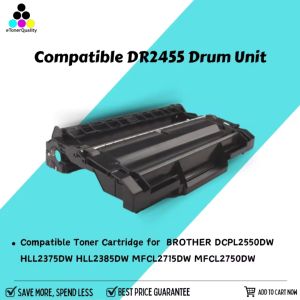
eTONER Compatible Drum Unit for DCP-L2550DW DCP L2550DW MFP Printer
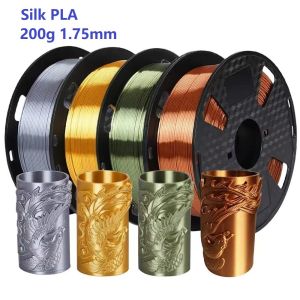
200G Filament Silk PLA 1.75mm FDM 3D Printer Plastic Material Shiny Filament Smooth PLA Gold Silver Bronze Copper Vacuum Package
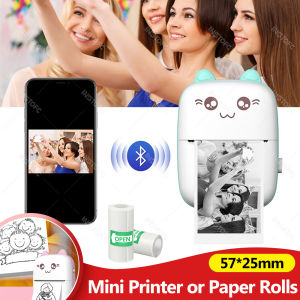
58mm Photo Label Portable Mini Thermal Printer Sticker Memo Tag Printing Cute Bluetooth Printer for IOS Android or 57mm Paper
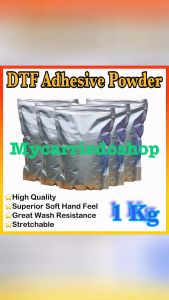
DTF Adhesive Powder Hot Melt Powder High Quality 1Kg For DTF Printer PET Film Laser Toners
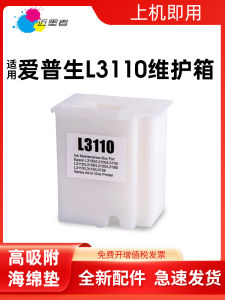
Comprehensive Guide: Epson L3110 Maintenance Box & Compatible Ink Cartridges
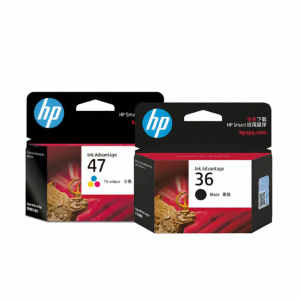
HP | Black & Color Ink Cartridges for Printers

Mini Barcode Scanner QR Code Wireless 2D Barcode Reader Plug and Play With Charging Base
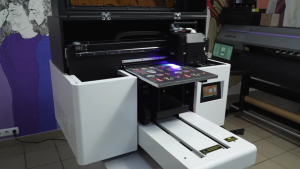
AGP UV-3040 Flatbed UV Printer
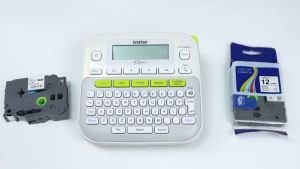
Mixed Colors 6mm 9mm 12mm 18mm 24mm Label Tapes Compatible for Brother P-touch Printers
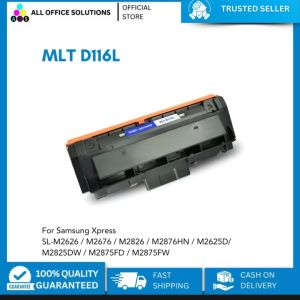
Compatible MLT-D116L MLTD116L MLT D116L Toner Cartridge for Samsung Printer
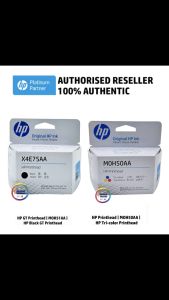
HP Black Printhead (X4E75AA) for HP Smart Tank & Ink Tank Series