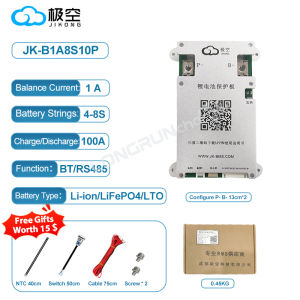
Jikong BMS 4S 5S 6S 7S 8S 12V 24V Smart BT JK BMS Active Balance Smart Bms 100A 200A 300A Lifepo4
Jikong BMS 4S 5S 6S 7S 8S 12V 24V Smart BT JK BMS Active Balance Smart Bms 100A 200A 300A Lifepo4
Introduction to Jikong BMS
Understanding the Jikong BMS
Jikong BMS is a high-performance battery management system designed specifically for LiFePO4 batteries. It offers smart BT JK BMS active balance capabilities, ensuring efficient battery performance and extended lifespan. This article will provide a comprehensive guide to understanding, choosing, installing, and maintaining the Jikong BMS.
Key Features of Jikong BMS
- Smart BT JK BMS Active Balance
- Lifepo4 Battery Management System
- 100A, 200A, and 300A current ratings
- Available in various configurations (4S, 5S, 6S, 7S, 8S)
- Supports 12V and 24V voltage options
Benefits of Using Jikong BMS
Using the Jikong BMS offers several advantages, including:
- Enhanced battery performance
- Extended battery lifespan
- Improved safety and reliability
- Simplified installation and maintenance
How to Choose the Right Jikong BMS
Identifying Your Battery Needs
Before selecting a Jikong BMS, it's crucial to understand your battery requirements. Consider factors such as battery capacity, current ratings, and voltage levels.
Comparing Jikong BMS Models (4S, 5S, 6S, 7S, 8S)
Jikong BMS is available in various configurations, each offering different cell counts and current ratings. Compare the features of each model to determine which one best suits your needs.
Choosing the Appropriate Voltage (12V, 24V)
Jikong BMS supports both 12V and 24V voltage options. Select the appropriate voltage based on your battery system requirements.
How to Install Jikong BMS
Preparing Your Battery System
Before installing the Jikong BMS, ensure your battery system is properly prepared. This includes verifying battery connections, checking voltage levels, and confirming compatibility with the BMS.
Connecting Jikong BMS to Battery
Follow the manufacturer's instructions to connect the Jikong BMS to your battery system. Pay close attention to polarity and ensure secure connections.
Configuring Jikong BMS Settings
Configure the Jikong BMS settings according to your specific needs. This may include adjusting balance settings, setting voltage thresholds, and configuring communication protocols.
Jikong BMS Maintenance and Troubleshooting
Regular Maintenance Tasks
Regular maintenance is essential to ensure optimal performance and longevity of your Jikong BMS. This includes monitoring battery health, cleaning connections, and updating firmware.
Common Issues and Solutions
Some common issues associated with Jikong BMS include communication errors, imbalance, and overheating. Refer to the manufacturer's troubleshooting guide for solutions to these problems.
When to Seek Professional Help
If you encounter persistent issues or are unsure about how to resolve a problem, consult a professional for assistance. They can provide expert advice and support to help you maintain and troubleshoot your Jikong BMS.
In conclusion, the Jikong BMS is a powerful tool for managing LiFePO4 batteries, offering smart BT JK BMS active balance capabilities and various configuration options. By understanding its features, choosing the right model, installing it correctly, and performing regular maintenance, you can ensure optimal performance and longevity of your battery system.

GlobalLifestyle
Review

You May Also Like

【COD&READY STOCK】16:9 Foldable Design Home Translucent Projection Screen Film Theater Outdoor 84/100 Inch Movie Video Screen for Projector
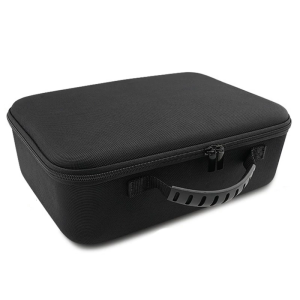
EVA Hard Outdoor Travel Carrying Case for Play6 Portable Video Projectors Storage Bag Protections Box
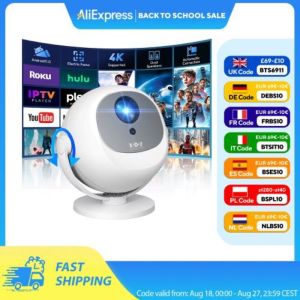
XGODY 350 ANSI 4K Portable Android Projector with WiFi6 Bluetooth 50% Zoom Electric Focus for Home Theater
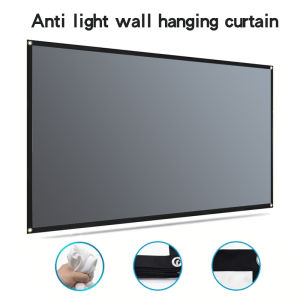
60-133 inch foldable high-definition metal anti light suitable for office outdoor and indoor use projection screen
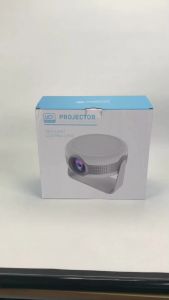
F900 Android 12.0 Portable Projector: Features & Benefits
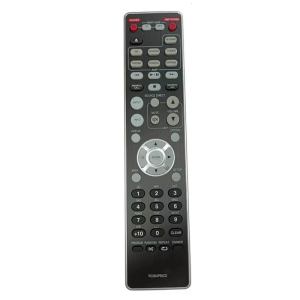
Portable Remote Controller for CD6007 PM7000N PM6007 Players Replacement RC004PMCD Remote Substitute Black

Screen Aisle Fence Restaurant Ding Room Hot Pot Milk Tea Card Holder Fence Iron Decoration Punch-Free Low Wall Partition
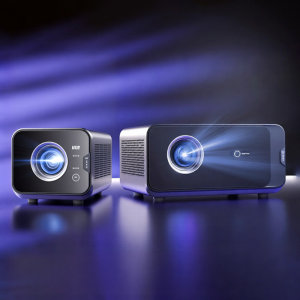
Tencent Aurora D3 Projector High Definition Home Theater Room Projector Large Meeting Hotel Smart Home Cinema with WiFi Sharing
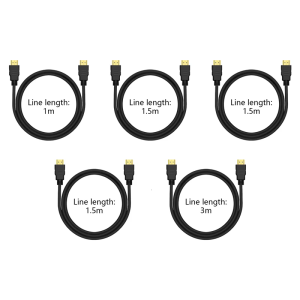
HDTV to HDTV Cable 18Gbps 4K/60Hz for Gaming Consoles and UHD TVs More Devices
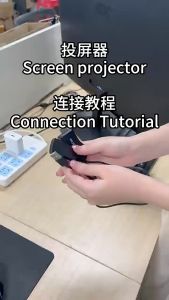
HDMI Wireless Display Adapter & WiFi Mobile Screen Mirroring
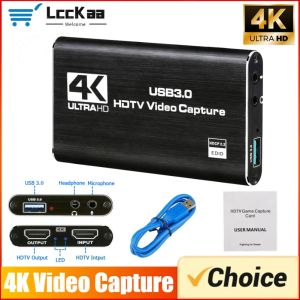
4K USB 3.0 Video Capture Card 30HZ HDMI-Compatible HD Live Video Recorder Grabber for PC PS4 OBS Game Recording Game Audio Mic