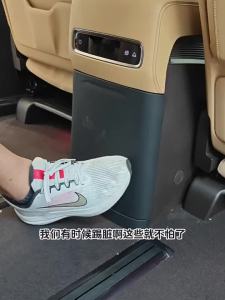
2X Ultra Clear/Anti-Glare/Anti Blue-Ray Screen Protector for HP Pavilion x360 Convertible 14-dh0xxx 14-dh0013nr 14\" Laptop 16:9
2X Ultra Clear/Anti-Glare/Anti Blue-Ray Screen Protector for HP Pavilion x360 Convertible 14-dh0xxx 14-dh0013nr 14" Laptop 16:9
Product Overview
The 2X Ultra Clear/Anti-Glare/Anti Blue-Ray Screen Protector for HP Pavilion x360 convertible 14-dh0xxx 14-dh0013nr 14" laptop 16:9 is a top-of-the-line screen guard designed to protect your device from scratches, glare, and harmful blue light. This high-quality screen protector is specifically tailored for the HP Pavilion x360, providing a seamless fit and superior protection.
Key Features
- Ultra Clear: Enjoy crystal-clear visuals with minimal distortion thanks to the ultra-clear design.
- Anti-Glare: Reduce eye strain and fatigue with the anti-glare technology that minimizes reflections and glare.
- Anti-Blue-Ray: Protect your eyes from harmful blue light emitted by your device's display.
- Easy Installation: The screen protector comes with installation tools, making it simple to apply without leaving bubbles or air pockets.
- Warranty: A satisfaction guarantee and return policy ensures peace of mind.
Compatibility & Specifications
- Brand Name: KH
- Model Number: 14"
- Origin: Mainland China
- Color: Transparent
- Products Status: Stock
- Quantity: 2
How to Install the Screen Protector
Installing the 2X Ultra Clear/Anti-Glare/Anti Blue-Ray Screen Protector is a straightforward process. Follow these steps to ensure a flawless application:
Preparation Steps
- Clean the screen thoroughly using a microfiber cloth and alcohol wipes.
- Lay down the installation tools on a clean, flat surface.
- Remove the protective film from the screen protector.
Application Process
- Align the screen protector with the edges of your device's display.
- Slowly apply the screen protector, starting from one corner and working your way to the opposite corner.
- Use the squeegee tool to remove any air bubbles or wrinkles.
Final Touches
- Inspect the screen protector for any remaining bubbles or wrinkles.
- If necessary, reapply the screen protector following the previous steps.
Benefits of Using the Screen Protector
Using the 2X Ultra Clear/Anti-Glare/Anti Blue-Ray Screen Protector offers numerous advantages:
Protection Against Scratches & Glare
The screen protector acts as a barrier against scratches, dings, and other damage that could affect your device's display. Additionally, the anti-glare technology minimizes reflections and glare, reducing eye strain and fatigue.
Reduced Eye Strain with Anti-BlueRay Technology
Exposure to blue light emitted by electronic devices can cause eye strain, headaches, and disrupted sleep patterns. The anti-blue-ray technology in this screen protector helps mitigate these effects, allowing you to use your device more comfortably.
Enhanced Viewing Experience
With the ultra-clear design, you'll enjoy crystal-clear visuals with minimal distortion. The anti-glare and anti-blue-ray technologies work together to provide a superior viewing experience, making it easier to read, watch videos, and work on your device.
Frequently Asked Questions
Is the screen protector easy to apply?
Yes, the screen protector comes with installation tools, making it simple to apply without leaving bubbles or air pockets.
Does the product come with installation tools?
Yes, the screen protector includes installation tools, such as a squeegee tool and alcohol wipes, to help you apply it smoothly.
Are there any warranty or return policies?
Yes, the product comes with a satisfaction guarantee and return policy, ensuring peace of mind.

fwseoq
Review

You May Also Like
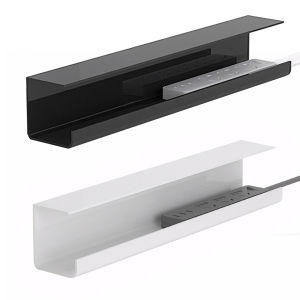
Vktech Heavy Duty Metal Cable Storage Rack with Self Adhesive Design for Power Strip Cables
For iPhone 17 16e SE4 16 15 13 12 14 11 Pro Max 13 12 mini Xs Max XR X XS 7 8 Plus SE 3 2022 2020 Magnetic Circle Clear Soft Case Cover For iPhone 17pro 16pro 15pro 14pro 13pro 12pro 11pro Max 14plus 15plus 16plus
Xiaomi 10 Youth Version Tempered Film: A Comprehensive Guide for Your 5G Mobile Phone Screen Protection
Realme GT Original High Definition Ultra Clear Tempered Glass Film Blue Light Protection Eye Protection Full Screen Anti Fall Explosion Proof
OPPO 65W 6A Fast Charger: A Comprehensive Guide
HDB15 15Pin D Sub Monitor Connection Wire Gold Contact 15Pins SVGA Sync Cable 150cm
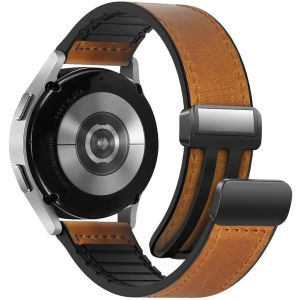
22mm Watch Band for Huawei GT4 Pro/GT4 46MM Strap Silicone Leather Bracelet Magnetic Wristband For Samsung Galaxy Watch 6/5/4
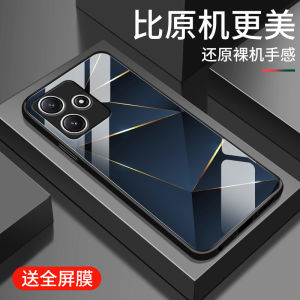
Redmi12 5G Grid Line Pattern Glass Phone Case Mens Style Full Cover Square Creative Brand Shockproof Camera Protection
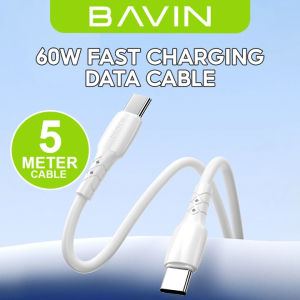
BAVIN CB351 12W 18W 30W 60W Data Cables 5 / 4 / 3 / 2 Meters Interface w/ Fast Charging for Micro / iPh / Type-C
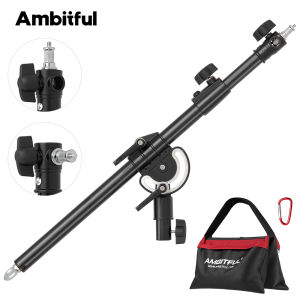
Ambitful LS-12/13/15 108/157/238cm Metal Photography Boom ArmLength Adjustable 1/4"&3/8" Screw Interface with Sandbag Max 5kg
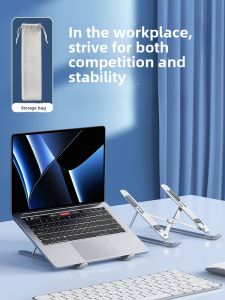
NUOPUCHI | Portable Aluminum Alloy Laptop Stand Desktop Metal Cooling Bracket Adjustable Neck Support Handheld Gaming Notebook Holder