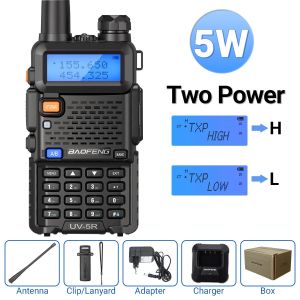
1/2PCS Baofeng UV5R 5W 8W Walkie Talkie Ham CB Radio Long Range Dual Band VHF UHF FM Transceiver Two Way Radio UV5R K5 Plus
1/2PCS Baofeng UV5R 5W 8W Walkie Talkie Ham CB Radio Long Range Dual Band VHF UHF FM Transceiver Two Way Radio UV5R K5 Plus
What is the Baofeng UV5R?
The Baofeng UV5R is a popular dual-band walkie-talkie that supports both VHF and UHF frequencies. This versatile radio is perfect for ham radio enthusiasts, long-range communication, and general two-way radio use. It comes in two power options: 5W and 8W.
Key Features & Specifications
- Power Output: 5W or 8W
- Frequency Bands: VHF (136-174 MHz) and UHF (400-470 MHz)
- Channels: 128 channels
- Display: LCD screen with backlight
- Battery Life: Up to 12 hours
- Dimensions: 4.9 x 2.3 x 1.2 inches
Comparison with Other Models
Compared to other models, the Baofeng UV5R offers excellent value for its price. Its dual-band capabilities and long battery life make it a top choice among users. The 8W version provides extended range for those who require longer-distance communication.
How to Set Up Your Baofeng UV5R
Setting up your Baofeng UV5R is easy and straightforward. Follow these steps to get started:
Preparing Your Device
- Charge the battery fully before using the device.
- Familiarize yourself with the buttons and controls.
Configuring Channels & Frequencies
- Press the "Menu" button to access the settings menu.
- Use the up/down arrows to navigate through the options.
- Select "Channel" to configure your preferred channels and frequencies.
Connecting Accessories
- Connect the optional external antenna for improved signal strength.
- Pair the device with compatible headsets or earpieces for hands-free operation.
Using Your Baofeng UV5R for Communication
Now that your Baofeng UV5R is set up, it's time to start communicating!
Basic Operation & Controls
- Press the PTT (Push-to-Talk) button to transmit a message.
- Listen to incoming messages by releasing the PTT button.
- Adjust the volume using the up/down arrow buttons.
Advanced Features & Settings
- Enable CTCSS (Continuous Tone-Coded Squelch System) for private conversations.
- Configure the squelch level to filter out unwanted noise.
- Set the scan mode to automatically search for active channels.
Troubleshooting Common Issues
- If you experience poor reception, try adjusting the antenna position or moving closer to your intended recipient.
- If the battery drains quickly, check if the backlight is enabled or if the device is set to continuously scan channels.
Understanding the Different Types of Two-Way Radios
There are several types of two-way radios available on the market, each with unique features and capabilities.
5W Ham Radio Walkie Talkie
The 5W version of the Baofeng UV5R is ideal for ham radio enthusiasts who require a reliable and affordable communication device. Its VHF and UHF bands allow for versatile use in various scenarios.
8W Long Range CB Radio
For those who need extended range, the 8W version of the Baofeng UV5R is the perfect choice. It provides increased power output, allowing for longer-distance communication without sacrificing clarity.
Dual Band VHF UHF Transceiver
The dual-band capability of the Baofeng UV5R makes it a versatile option for users who need to communicate on both VHF and UHF frequencies. This feature is particularly useful for emergency responders, hikers, and outdoor enthusiasts.
Maximizing Your Experience with the Baofeng UV5R
To get the most out of your Baofeng UV5R, consider the following tips:
Enhancing Range & Signal Strength
- Use an external antenna to improve signal strength.
- Adjust the squelch level to filter out unwanted noise.
- Position the device at a higher elevation for better reception.
Customizing Your Device
- Customize the channel settings to match your preferred frequencies.
- Enable CTCSS for private conversations.
- Set the scan mode to automatically search for active channels.
Exploring Additional Applications
- Use the Baofeng UV5R for emergency communication during natural disasters or power outages.
- Communicate with fellow hikers or outdoor enthusiasts while exploring remote areas.
- Utilize the radio for business purposes, such as coordinating with employees or managing events.

Global Merch Park
Review

You May Also Like
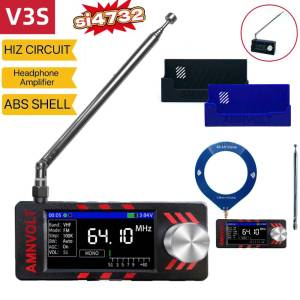
Upgraded V3S AMNVOLT Mini SI4732 DSP Radio Receiver FM AM SSB LSB USB Full Band Pocket Radio with Hi-Z Headphone Amplifier
Ortizan X30 Portable Bluetooth Speaker Bluetooth 5.3 Wireless Speaker with 40W HD Loud Stereo Sound and RGB Colorful Lights AUX
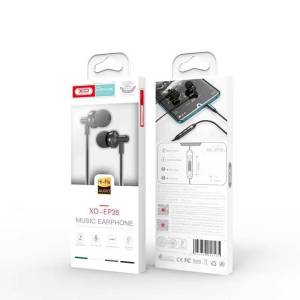
XO-EP 35 Music Earphone: A Wireless Listening Experience
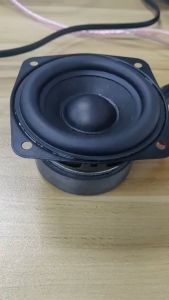
【In stock】 3 inch Subwoofer Speaker 4 Ohm 25W BASS Speaker 3 inch Car Speaker Subwoofer Car Stereo Only 1PC
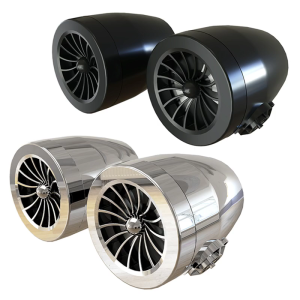
Waterproof Motorcycle WirelessSpeaker Built In Phone Charging For Outdoor Riding Clear Sound And Shockproof Construction
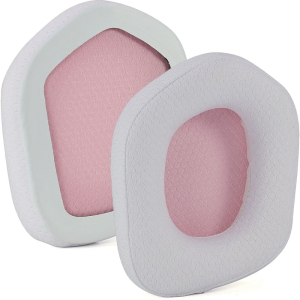
Comfortable Ear Pads Breathable Football Mesh Sponge Earmuffs Repair Accessory For G733 Headphone
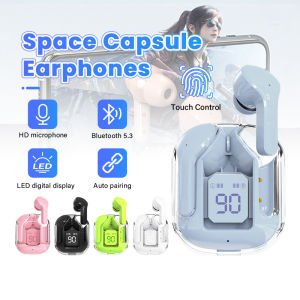
5 Colors Transparent Capsule Bluetooth 5.3 Earphone Wireless Earphones with LED Digital Display Noise Reduction Portable in-ear Earbuds
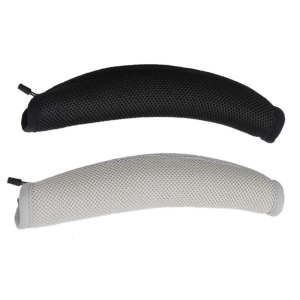
Headband Cushion Pad Cover Head Band Protector Headband Cover Cushion Protector Pad for Cloud III
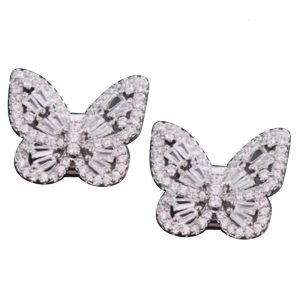
Ear Clip Wireless Headphones Rhinestones Earphone Accessories 1Pair Noise Reductions Waterproof Earphone Clip
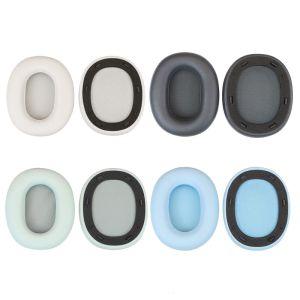
Quick Replacement Ear Pad Compatible for W830NB Headphones Earpads Easy Installation Durability Breathable Materials
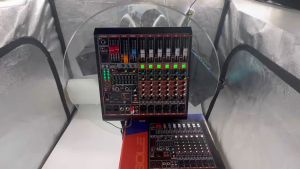
CVTA FTstar EX-6USB: A Professional 6-Channel Power Amplifier Mixer