Vivo Z3 Z3i Standard Edition Tempered Glass Screen Protector Anti Blue Light Eye Protection Privacy Guard Black Edge Phone Film
Vivo Z3 Z3i Standard Edition Tempered Glass Screen Protector Anti Blue Light Eye Protection Privacy Guard Black Edge Phone Film
Introduction to Vivo Z3 Z3i Standard Edition Phone Film
The Vivo Z3 Z3i Standard Edition Phone Film is a high-quality tempered glass screen protector designed specifically for the Vivo Z3 and Z3i smartphones. It offers enhanced protection against scratches and shocks while also providing anti-blue light eye protection and a privacy guard feature.
What is a Tempered Glass Screen Protector?
A tempered glass screen protector is a thin layer of toughened glass that is applied directly onto the screen of a smartphone or tablet. This type of screen protector provides superior protection against scratches, cracks, and other damage caused by accidental drops or impacts. Tempered glass screen protectors are known for their durability, clarity, and ease of installation.
Understanding Anti-Blue Light Eye Protection
Anti-blue light eye protection is a feature that helps reduce the amount of blue light emitted by the screen of a smartphone or tablet. Blue light can cause eye strain, headaches, and disrupted sleep patterns, especially when exposure occurs late at night. By filtering out some of this harmful blue light, the Vivo Z3 Z3i Standard Edition Phone Film can help protect your eyes and promote better sleep.
Key Features of Vivo Z3 Z3i Standard Edition Phone Film
Enhanced Protection Against Scratches & Shocks
The Vivo Z3 Z3i Standard Edition Phone Film offers enhanced protection against scratches and shocks due to its tempered glass construction. This type of screen protector is much stronger than traditional plastic screen protectors, making it less likely to crack or shatter when dropped or bumped.
Privacy Guard & Black Edge Design
The privacy guard feature of the Vivo Z3 Z3i Standard Edition Phone Film helps prevent others from viewing your screen from certain angles, ensuring your privacy is maintained while using your smartphone in public places. Additionally, the black edge design provides a sleek, modern look that complements the aesthetics of the Vivo Z3 and Z3i smartphones.
How to Install Vivo Z3 Z3i Film?
Installing the Vivo Z3 Z3i Standard Edition Phone Film is a simple process that can be completed in just a few minutes. Here's how:
Preparing Your Device & Film
Before installing the screen protector, make sure your smartphone is clean and free of dust or debris. Also, ensure the film is free of any bubbles or creases before applying it to the screen.
Step-by-Step Installation Process
- Clean the screen of your smartphone using a microfiber cloth and alcohol wipes.
- Remove the protective film from the tempered glass screen protector.
- Align the film with the edges of your smartphone screen.
- Slowly apply the film to the screen, using a squeegee tool to remove any air bubbles or creases.
- Once the film is applied, trim any excess material around the edges of the screen.
Tips for Maintaining Vivo Z3 Z3i Film
To keep your Vivo Z3 Z3i Standard Edition Phone Film looking its best, follow these simple maintenance tips:
Cleaning & Care Instructions
- Clean the screen protector regularly using a microfiber cloth and alcohol wipes.
- Avoid using abrasive materials or harsh chemicals that could damage the film.
- Handle the film gently to avoid scratches or other damage.
Troubleshooting Common Issues
If you encounter any issues with your Vivo Z3 Z3i Standard Edition Phone Film, here are some troubleshooting tips:
- If there are air bubbles under the film, try using a squeegee tool to remove them.
- If the film is loose or peeling, try reapplying it to the screen.
- If the film is scratched or damaged, consider replacing it with a new one.

TB EL SHOP
You May Also Like
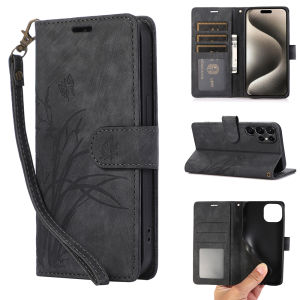
Ultimate Guide to Samsung Card Case with Short Lanyard Wallet
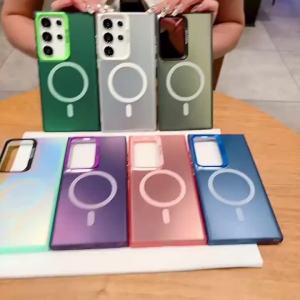
Infinix Smart 9 Phone Case: Hard TPU Protector & Wireless Magnetic Attraction
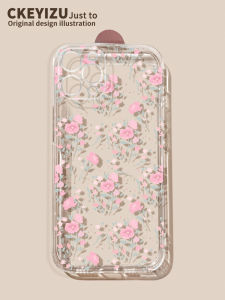
Women's Floral Transparent Silicone Case for Apple 13 & 14 Pro Max Thin Full Cover Lens Protection
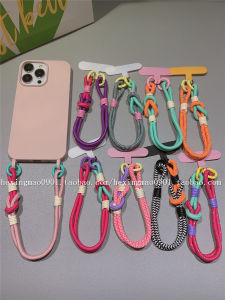
Fashionable Short Hand Cord Phone Strap Creative Clip Womens Style Anti-Fall Slip-Resistant Mobile Phone Pendant Handheld
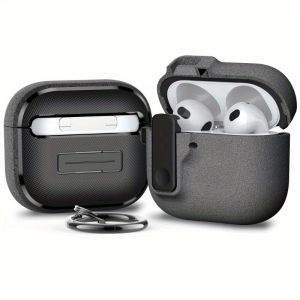
New for AirPods 4th Generation Case (2024) Rugged Shockproof Protective Cover with Secure Lock for Apple AirPods 4 Earphone Accessories
Dopamine Jelly Silicone Phone Case Pure Color Anti-Fall for OnePlus Ace5 13 12 11 Ace3Pro Soft Shell Womens Style Protection
iTEL P65 4g Xundd Beatle Series Shockproof Case Cover
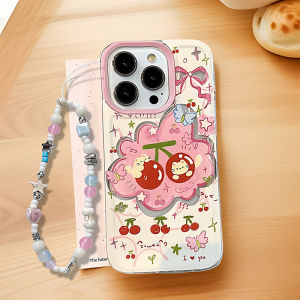
Full Cover Cherry Cat Phone Case for Redmi Turbo4Pro/3 Note15Pro/14/13Pro Anti-Fall Protection Silicone Cartoon Simple Design
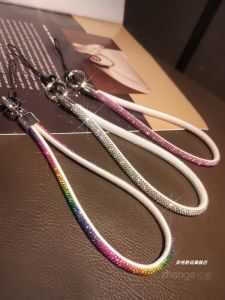
High-End Crystal Short Mobile Phone Lanyard Anti-Loss Fashion Accessory Luxury Water Diamond Pendant Wrist Cord for Phones And Cameras

10 pcsTracheostomy Trach Vent HME Filter Moisture Exchangers Tracheostomy Trach Filter Humidification Trach Vent Hme Filter Disposable Steriled Heat Moisture Exchangers Tracheostomy Trach Vent HME Filter - Lazada
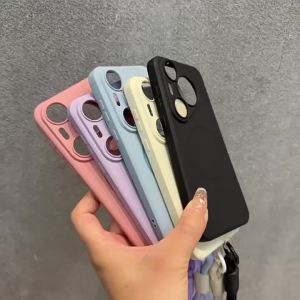
Case for oppo Reno 14 pro 5g reno 14F 5g phone casing Softcase Liquid Silicone shockproof Cover new design aesthetic with lanyard YTDTGS01