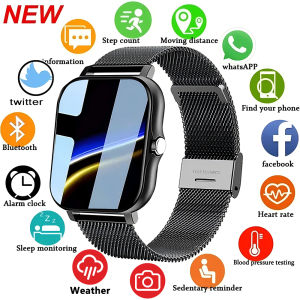
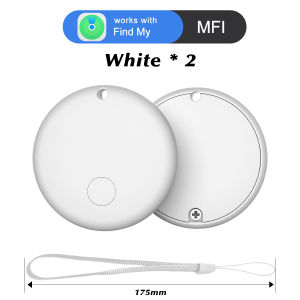
Smart Item Locator Tracker: Real-Time Monitoring & Compatibility with Apple Find My Key
Smart Item Locator Tracker: Real-Time Monitoring & Compatibility with Apple Find My Key
What is a Smart Item Locator Tracker?
A Smart Item Locator Tracker is a compact, battery-powered wireless device designed to help users keep track of their valuable items, pets, and even family members. This innovative technology ensures that you never lose sight of what matters most. With real-time monitoring capabilities and compatibility with Apple's Find My Key feature, this tracker offers a reliable solution for everyday life.
Key Features & Benefits
- Compact Design: Sleek and lightweight, the Smart Item Locator Tracker easily attaches to wallets, keys, and pet collars.
- Real-Time Monitoring: Monitor the location of your items, pets, or loved ones using the companion app.
- Long Battery Life: Equipped with a replaceable CR2032 battery, the tracker provides extended usage without frequent replacements.
- Waterproof: Built to withstand splashes and light rain, ensuring reliability in various weather conditions.
- Compatibility with Apple Find My Key: Seamlessly integrate the tracker with Apple devices for enhanced functionality.
How It Works
The Smart Item Locator Tracker works by connecting to your iOS device via Bluetooth Low Energy (BLE). Once paired, the tracker sends signals to your phone, which are then relayed through the Apple Find My network. By using the companion app, you can monitor the location of your tracker and receive notifications if it moves out of range.
Setting Up Your Smart Item Locator Tracker
To get started with your Smart Item Locator Tracker, follow these simple steps:
Installing the Battery
- Carefully remove the battery cover from the back of the tracker.
- Insert a new CR2032 battery, making sure the positive side faces up.
- Securely replace the battery cover.
Pairing with Your iOS Device
- Download the companion app from the App Store.
- Open the app and sign in or create a new account.
- Follow the on-screen instructions to pair the tracker with your iOS device.
Using Your Smart Item Locator Tracker
Once your Smart Item Locator Tracker is set up, you can start using it to locate lost items, track pets, and more.
Locating Lost Items
If you misplace your wallet, keys, or other valuables, simply open the companion app and use the real-time monitoring feature to find them. The app will display the last known location of the tracker, helping you quickly recover your lost item.
Tracking Pets with GPS
Attach the Smart Item Locator Tracker to your pet's collar to keep tabs on their whereabouts. The GPS feature allows you to monitor your pet's location, ensuring their safety and well-being.
Maintenance & Troubleshooting
Regular maintenance and troubleshooting can help keep your Smart Item Locator Tracker functioning optimally.
Replacing the Battery
When the battery runs low, replace it with a new CR2032 battery by following the steps outlined in the Installing the Battery section.
Common Issues & Solutions
If you encounter any issues with your Smart Item Locator Tracker, refer to the User Manual for troubleshooting tips. Some common problems and their solutions include:
- Tracker Not Connecting: Ensure that Bluetooth is enabled on your iOS device and that the tracker is within range.
- Low Battery: Replace the battery as needed to maintain optimal performance.

Kaixinshop88
You May Also Like
Watch Connectors Metal Link for Smartwatch Rust Proof Alloy Material Perfect for All Bands Enhances Watch Security 2pcs
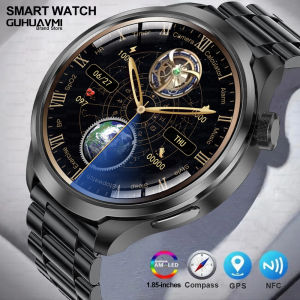
2025 New Military GPS Sports Smart Watches Man 1.85 AMOLED Screen Compass Altimeter Heart Rate BP NFC Bluetooth Call Smart Watch
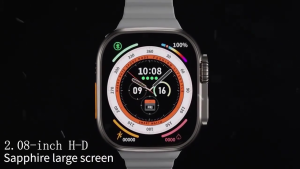
Samsung Smart Watch 8 Ultra: Features & Benefits
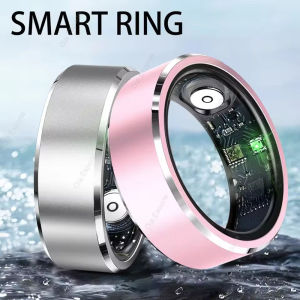
2025 New For Samsung Galaxy Ring: Heart Rate Blood Oxygen Monitoring Rings with Multi Sport Modes and IP68 Waterproof Smart Ring for Men and Women
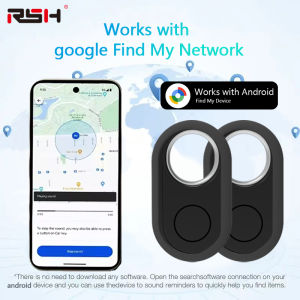
GPS Tracker for Samsung Android Tracker Work with Google Find My Bluetooth Locator Finder Global Positioning Anti-lost Smart Tag
Android Smart Tracker Tag - Find My Device Real Time Tracking for Keys Wallets setc
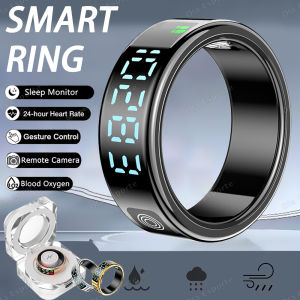
SR08 Smart Ring with Charging Box for Men Women LED Display Screen Gesture Control Health Monitor 5ATM Waterproof Sports Rings
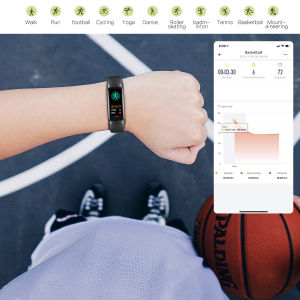
NineWind C60 smart watch blood pressure heart rate sleep health monitoring mountaineering cycling 3AM waterproof swimming smart sports bracelet
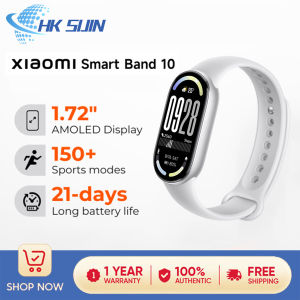
Xiaomi Smart Band 10 1.72 AMOLED Display Smartwatch Heart Rate Monitoring Sleep Reports 150+ Sports Modes Up to 21-day Long Battery Life Smart Connection Wristband
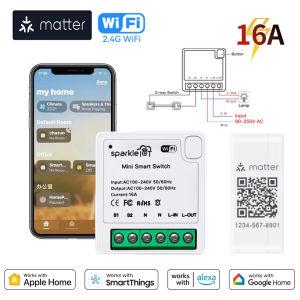
Matter WIFI Smart Switch Relay Smart Breaker Voice Control Homekit Siri 1 CH Module Automation Alexa Google Home
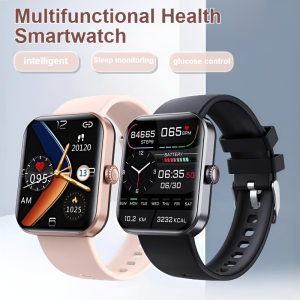
Smart Watch Painless Blood Glucose Measurement Watch Bluetooth Call Waterproof Sport Fitness Watches