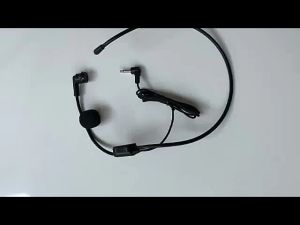
BOYA BY-V3 Microphone: A Comprehensive Guide
BOYA BY-V3 Microphone: A Comprehensive Guide
What is the BOYA BY-V3 Microphone?
The BOYA BY-V3 Microphone is a wireless lavalier microphone designed specifically for content creators, vloggers, and live streamers. It offers exceptional noise cancellation, a 100M transmission range, and compatibility with various devices, making it an ideal choice for professionals and enthusiasts alike.
Key Features
-
Noise Cancellation: The BOYA BY-V3 features advanced noise cancellation technology, allowing for clear audio recordings even in noisy environments.
-
100M Transmission Range: With a 100-meter transmission range, the BY-V3 ensures uninterrupted audio transmission, even during live streams or interviews.
-
Compatibility: The microphone is compatible with a wide range of devices, including smartphones, DSLR cameras, laptops, and PCs, making it a versatile choice for content creators.
Comparison with Other Models
While the BOYA BY-V3 shares similarities with other models in the BY-V series, such as the BY-V10, BY-V20, and BY-V30, it offers unique features that make it stand out. The BY-V3 provides exceptional noise cancellation and a long transmission range, making it an excellent choice for content creators who require high-quality audio recordings.
How to Use the BOYA BY-V3 Microphone
Setting Up the Microphone
To set up the BOYA BY-V3 Microphone, first, ensure that the transmitter and receiver are fully charged. Then, attach the lavalier microphone to your clothing or collar, ensuring that it is positioned close to your mouth for optimal audio quality.
Connecting to Devices
Connecting the BOYA BY-V3 to your device is simple. First, turn on the transmitter and receiver, then connect the receiver to your device via USB or 3.5mm audio jack. Finally, select the correct input source on your device to begin recording or streaming.
Troubleshooting Tips
If you encounter any issues with the BOYA BY-V3 Microphone, try the following troubleshooting tips:
-
Check Battery Levels: Ensure that both the transmitter and receiver have sufficient battery power.
-
Reset the Microphone: Press and hold the reset button on the transmitter and receiver simultaneously for 5 seconds.
-
Check Device Compatibility: Verify that your device is compatible with the BOYA BY-V3 Microphone.
Benefits of Using the BOYA BY-V3 Microphone
Noise Cancellation & Clarity
The BOYA BY-V3 Microphone features advanced noise cancellation technology, ensuring clear audio recordings even in noisy environments. This makes it an ideal choice for content creators who require high-quality audio recordings.
100M Transmission Range
With a 100-meter transmission range, the BOYA BY-V3 Microphone ensures uninterrupted audio transmission, even during live streams or interviews. This makes it an excellent choice for content creators who require reliable audio transmission over long distances.
Compatibility with Various Devices
The BOYA BY-V3 Microphone is compatible with a wide range of devices, including smartphones, DSLR cameras, laptops, and PCs. This makes it a versatile choice for content creators who require a microphone that can be used with multiple devices.
Conclusion
In conclusion, the BOYA BY-V3 Microphone is an excellent choice for content creators, vloggers, and live streamers who require high-quality audio recordings. With its advanced noise cancellation technology, long transmission range, and compatibility with various devices, the BOYA BY-V3 Microphone is a must-have for professionals and enthusiasts alike.

COCOGEAR Store
You May Also Like
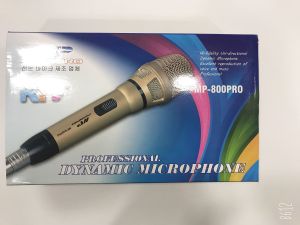
100% Original FT STAR Megapro MP-800PRO Model Heavy Duty 10M Wire Microphone
100 Hours Play Music Sports Earphone Neck-Mounted Wireless with Microphone Noise Reduction Magnetic Binaural 9D Stereo Sound Extra Bass IPX5 Sweat-Proof Waterproof
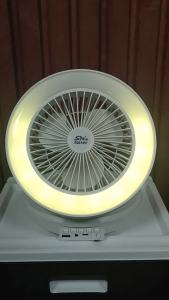
TECHZONE HM-1857 3 in 1 Foldable Wireless Bluetooth Speakers Portable Desktop Fan with RGB Ring Light for Travel
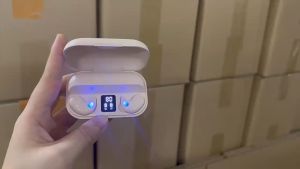
X57 Mini Invisible Sleeping Earphones: A Comprehensive Guide
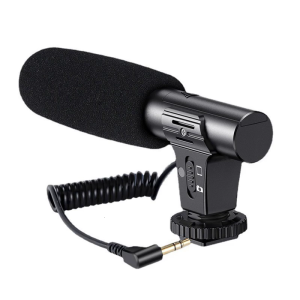
DSLR Shotguns Microphones Extended 70Hr Life Clear Sound Capture For Vlog Interviews Podcast Microfone
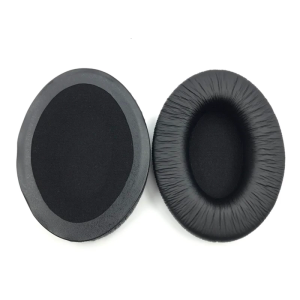
Replacement Ear Pads Cushion Muffs for HD280 PRO Headphone Earpads Headset Sleeves Earmuffs Repair Part
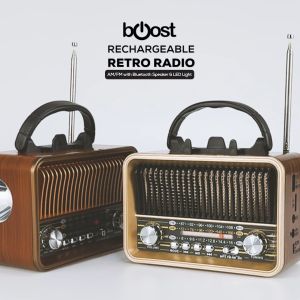
Compact Radio: A Comprehensive Guide to the Surplus Rechargeable Retro Radio
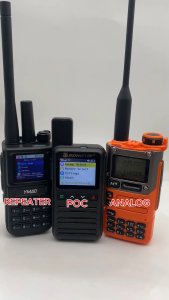
YMAO U82 POC Network Radio Analog V/UHF Two Mode Walkie Talkie 10W High Power Intercom 6000mAh Two Way Radio Support Repeater
![[COD] PkYeG Tool DIY MX500 Heavy Bass Flat Head Earphone Earbuds With Mic High Quality Study Headphone](https://img.lazcdn.com/g/p/924653bc512c2366bf3bda05e51fdc27.jpg_300x300q80.jpg)
[COD] PkYeG Tool DIY MX500 Heavy Bass Flat Head Earphone Earbuds With Mic High Quality Study Headphone
SteelSeries Arctis Nova 7X Multi-Platform Wireless Gaming Headset Black/Green (61565)
Aigo TJ07 AI Active Noise Bluetooth Earphone Colorful Cute Wireless with Audio Electronic Earbuds Chargeable