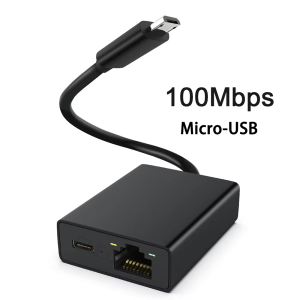
Zexmte Chromecast Ethernet Adapter For Fire TV Stick Micro to 100Mbps Network Card for Ultra Audio Google Ethernet Switch Adapter
Zexmte Chromecast Ethernet Adapter For Fire TV Stick Micro to 100Mbps Network Card for Ultra Audio Google Ethernet Switch Adapter
Introduction to Zexmte Chromecast Ethernet Adapter
The Zexmte Chromecast Ethernet Adapter is a versatile network adapter designed specifically for Fire TV Stick users. This micro-to-100Mbps network card is compatible with the Ultra Audio Google Ethernet Switch, making it an excellent choice for enhancing streaming quality and connectivity.
Key Features & Benefits
- Enhanced Connectivity: The Zexmte Chromecast Ethernet Adapter offers a reliable connection to your network, eliminating buffering and lag issues associated with Wi-Fi.
- Micro-to-100Mbps Speed: With a maximum speed of 100Mbps, this adapter ensures smooth streaming and faster downloads.
- Compatibility: The adapter is compatible with the Ultra Audio Google Ethernet Switch, making it easy to integrate with your existing setup.
- Compact Design: The compact design of the Zexmte Chromecast Ethernet Adapter makes it easy to install and use with your Fire TV Stick.
Compatibility with Ultra Audio Google Ethernet Switch
The Zexmte Chromecast Ethernet Adapter is fully compatible with the Ultra Audio Google Ethernet Switch, providing seamless integration with your existing setup. This ensures that you can enjoy uninterrupted streaming and connectivity without any compatibility issues.
How to Install Zexmte Chromecast Ethernet Adapter
Installing the Zexmte Chromecast Ethernet Adapter is a straightforward process. Follow these steps to get started:
Preparing Your Fire TV Stick
Before installing the adapter, ensure that your Fire TV Stick is powered off and disconnected from the power source. This will prevent any potential damage during installation.
Connecting the Network Adapter
Once your Fire TV Stick is powered off, connect the Zexmte Chromecast Ethernet Adapter to the micro USB port on your device. Next, connect the adapter to your router using an Ethernet cable.
Configuring Your Device
After connecting the adapter, power on your Fire TV Stick and allow it to connect to your network. Once connected, you can configure your device settings to optimize performance.
Maximizing Performance with Micro to 100Mbps Network Card
To maximize the performance of your Zexmte Chromecast Ethernet Adapter, follow these tips:
Optimal Placement & Cables
- Placement: Place your Fire TV Stick and adapter in a location that minimizes cable clutter and provides easy access to your router.
- Cables: Use high-quality Ethernet cables to ensure optimal performance and minimize signal loss.
Advanced Settings & Tweaks
- Network Settings: Configure your network settings to prioritize streaming traffic and reduce latency.
- Firmware Updates: Keep your Fire TV Stick and adapter firmware up-to-date to ensure optimal performance.
Troubleshooting Common Issues
Despite its reliability, some users may encounter connectivity problems or speed and latency concerns. Here are some troubleshooting tips:
Connectivity Problems
- Check Connections: Ensure that all cables are securely connected and not damaged.
- Restart Devices: Restart your Fire TV Stick and router to resolve any temporary connectivity issues.
Speed & Latency Concerns
- Network Settings: Adjust your network settings to prioritize streaming traffic and reduce latency.
- Firmware Updates: Keep your Fire TV Stick and adapter firmware up-to-date to ensure optimal performance.
Conclusion & Final Thoughts
The Zexmte Chromecast Ethernet Adapter is a reliable and versatile network card designed specifically for Fire TV Stick users. With its micro-to-100Mbps speed and compatibility with the Ultra Audio Google Ethernet Switch, this adapter offers enhanced connectivity and performance. By following the installation and configuration steps outlined in this guide, you can enjoy uninterrupted streaming and connectivity with your Fire TV Stick.

GlobalLifestyle
Review
You May Also Like

Source Factory 6015 Cooling Fan: 12V & 24V Solutions for Power Supply & Equipment
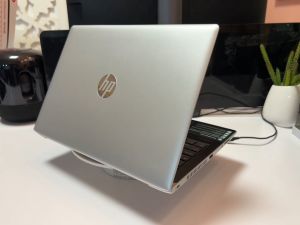
HP 13" Laptop Intel Core i5 8-Gen 8250u /Wifi/ Camera/For basic gaming work office use and online education 1-year warranty
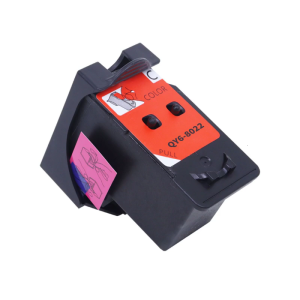
Reliabled Printer Head QY6 8010 QY6 8022 For G1310 G3310 Printers Printer Header Optimized Print Quality Design
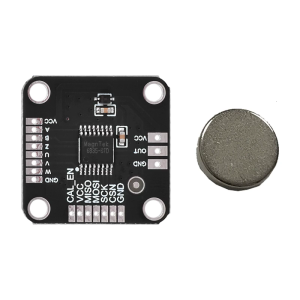
MT6835 Magnetic Encoders Module Board With 21BIT Resolution PWM SPI Interfaces For Robotics And Industrial Automation
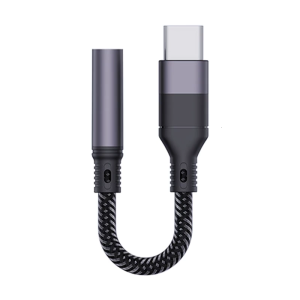
Type C to 3.5mm Jacks Headphone Converters Earphone Sound Adapter Cable for Phone 16 15
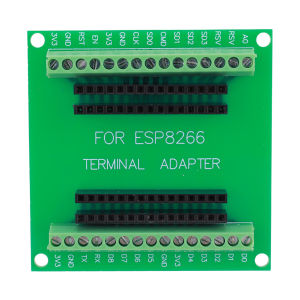
【New Arrival】ESP8266 Breakout Board GPIO Breakout Expansion Board for ESP8266 ESP-12E NodeMCU Compatible with GPIO Expansion Board
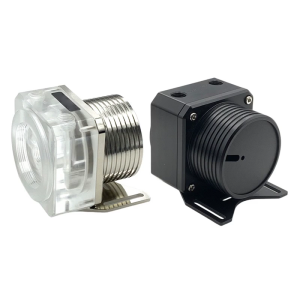
Water Pump Cover PC Water Cooling Pump Cover Clear Pump Cover Easy Installation Replacement For Computer
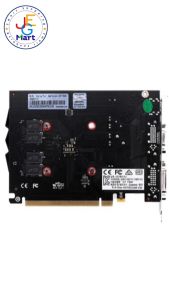
BIOSTAR GEFORCE NVIDIA GT730 DDR3 4GB
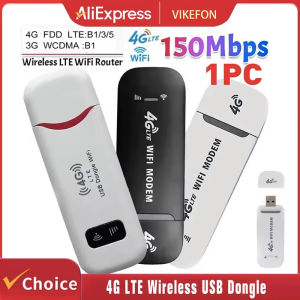
4G LTE Wireless USB Modem Stick 150Mbps Portable WiFi Hotspot with SIM Card Slot for Globe Smart
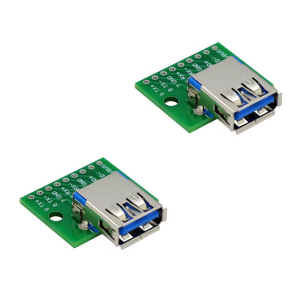
Compactly USB3.0 Female Interfaces DIP Module 2.54mm Pitches for Fast Data Transfer and Easy Soldering 5Gbps Speed
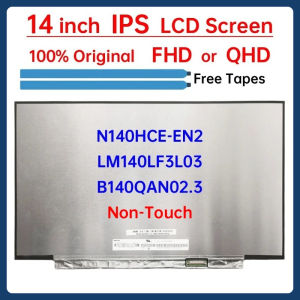
14 Inch LCD Screen LM140LF3L03 N140HCE-EN2 B140QAN02.3 For Asus ZenBook UX425 UX425E UX425J UX425U Display Matrix Panel No-Touch