



Replacement Earpads for JBL TUNE 700BT 710BT 750BTNC Soft Foam Ear Cushions Earbuds Cover Earmuffs Headset Headphones Accessorie
Replacement Earpads for JBL TUNE 700BT 710BT 750BTNC Soft Foam Ear Cushions Earbuds Cover Earmuffs Headset Headphones Accessorie
Background
JBL TUNE Series Overview
The JBL TUNE series is a popular range of wireless headphones that offers a great listening experience. Among the many models available, the JBL TUNE 700BT, 710BT, and 750BTNC have gained immense popularity due to their sleek design, comfort, and powerful audio performance. These headphones are equipped with Soft Foam Ear Cushions that provide a comfortable fit and isolate external noise.
Understanding Earpad Replacement
Earpads are the soft cushions that cover the ear cups of headphones. Over time, these earpads may wear out due to frequent use, leading to discomfort and reduced sound quality. Replacing the earpads can help improve the overall listening experience and extend the lifespan of your headphones.
Why Replace Earpads
Improve Comfort
One of the primary reasons to replace earpads is to improve comfort. As earpads wear out, they may lose their shape and become less effective at isolating external noise. Replacing them with new Soft Foam Ear Cushions can help restore the comfort and noise isolation you once enjoyed.
Extend Headphone Lifespan
Replacing earpads can also help extend the lifespan of your headphones. By replacing worn-out earpads, you can prevent further damage to the ear cups and other components of the headphones. This will help ensure that your headphones continue to function optimally for years to come.
Customization & Personalization
Another reason to replace earpads is to customize and personalize your headphones. With a wide range of replacement earpads available, you can choose the ones that best suit your preferences in terms of comfort, style, and functionality. For example, you can choose Comfortable Earbuds Cover that are designed to provide a snug fit and reduce ear fatigue during extended listening sessions.
How to Replace Earpads
Tools & Materials Needed
To replace the earpads on your JBL TUNE headphones, you will need the following tools and materials:
- Replacement earpads (e.g., Soft Foam Ear Cushions)
- Screwdriver (if required)
- Tweezers (optional)
Step-by-Step Guide
Follow these steps to replace the earpads on your JBL TUNE headphones:
- Remove the old earpads by gently pulling them off the ear cups.
- If necessary, use a screwdriver to remove any screws securing the earpads in place.
- Insert the new earpads onto the ear cups, making sure they are properly aligned.
- Secure the new earpads in place by replacing any screws that were removed.
- Test the new earpads to ensure they are functioning correctly and provide the desired level of comfort.
Troubleshooting Common Issues
If you encounter any issues while replacing the earpads, here are some common solutions:
- If the new earpads are too loose or too tight, try adjusting the screws or using tweezers to reposition them.
- If the new earpads are not providing the desired level of comfort, consider trying different replacement earpads until you find the ones that work best for you.
Best Practices for Earpad Maintenance
Cleaning & Storage Tips
To ensure the longevity of your replacement earpads, follow these cleaning and storage tips:
- Clean the earpads regularly using a soft cloth and mild soap.
- Store the earpads in a cool, dry place away from direct sunlight.
- Avoid exposing the earpads to extreme temperatures or humidity.
Choosing Quality Earpads
When choosing replacement earpads, consider the following factors:
- Material: Look for earpads made from high-quality materials that are durable and comfortable.
- Design: Choose earpads that are specifically designed for your JBL TUNE model to ensure a proper fit.
- Comfort: Opt for earpads that provide a snug fit and reduce ear fatigue during extended listening sessions.
Extending Earpad Lifespan
To extend the lifespan of your replacement earpads, follow these tips:
- Handle the earpads with care to avoid damaging them.
- Store the earpads properly to prevent exposure to extreme temperatures or humidity.
- Replace the earpads before they become worn out to prevent further damage to the ear cups and other components of the headphones.

GlobalLifestyle
You May Also Like
Joyroom Magnetic Airplane Phone Holder: A Compact & Flexible Solution
Original Huawei Nova5Pro Fast Charge Data Cable 5A Smartphone Charger High Speed Data Transmission USB 3.2 Type-C Interface
BAVIN PC1008 30000mAh / PC1007S 20000mAh 22.5W Super Fast Charging Powerbank LED Digital Power Display Scrub Material w/ Handle 18W 20W 22.5W PD Type-C & USB Output Quick Charging Power Bank
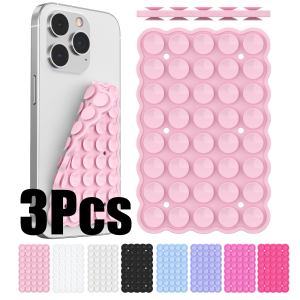
Silicone Suction Cup Phone Holde Multifunctional Fixed Anti-slip Mobile Fixture Double Sided Detachable Phone Rubber Sucker Pad
Softening Filter & Water Purifier P2483: A Comprehensive Guide
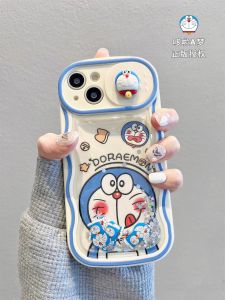
Full Coverage iPhone 15 Phone Case Fun Doraemon Cartoon Sandfall Cute Protective Shell Apple 14Promax 13FlowingSand 14Pro 12Interest 11Cartoon Lovely 15Pro Anti-Fall
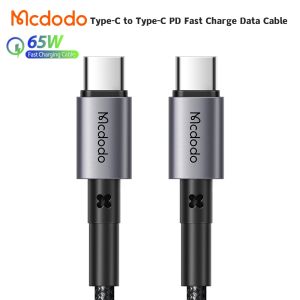
(For iPhone 15 Series)Mcdodo USB C To USB C Cable 3.25A PD60W/65W Fast Charge Mobile Cell Phone Charging Cord Wire For Xiaomi Samsung Huawei Macbook iPad Type-C to Type-C PD Fast Charge Data Cable
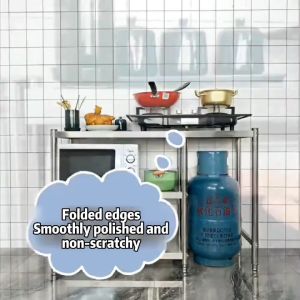
304 Stainless Steel Gas Stove Stand Rack with Tiles Kitchen Stand Organizer with LPG Roller KGS 124 Kitchen Stand Organizer Space Saver Multi-layer Gas Stove Bench Vegetable Cutting Table Combination Storage Rack
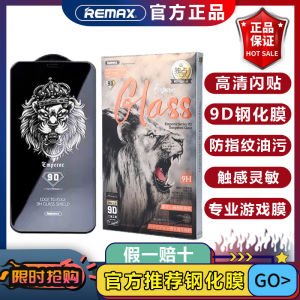
Remax King Clear Full Screen Tempered Glass for Apple iPhone 17ProMax 16ProMax 17Pro 17Air 15Plus 13Pro 12Pro 12 13 14 16e
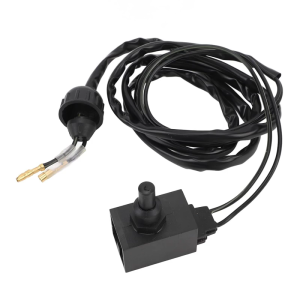
278000072 278000552 Safety Switch Tether Safety Switch Retaining Strap Replacement Accessory for SPI SPX
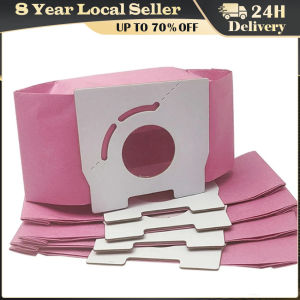
5PCS Pink Paper Dust Bags Vacuum Cleaner Accessories for Panasonic MC-CA291 MC-CA293 MC-CA391 Etc



















