16MP 8K WiFi Camera: Ultimate Outdoor Surveillance Solution
16MP 8K WiFi Camera: Ultimate Outdoor Surveillance Solution
What is a 16MP 8K WiFi Camera?
A 16MP 8K WiFi camera is a high-resolution outdoor surveillance camera that combines advanced features like 8K resolution, WiFi connectivity, and 12X zoom capabilities. This cutting-edge device provides superior image quality and real-time monitoring, making it an ideal choice for home security, street surveillance, and commercial/industrial applications.
Key Features & Benefits
- High Resolution: With a 16MP sensor, this camera delivers crystal-clear images, allowing you to capture every detail with ease.
- 8K Resolution: The 8K resolution ensures smooth, lifelike video playback, providing an immersive viewing experience.
- WiFi Connectivity: Connect your camera to your home or office WiFi network for seamless integration and remote access.
- 12X Zoom: The powerful 12X zoom feature enables you to zoom in on distant objects without losing clarity, making it perfect for long-range surveillance.
- Weatherproof Design: Built to withstand harsh weather conditions, this camera offers reliable performance in any environment.
How Does It Compare to Other Cameras?
Compared to other cameras on the market, the 16MP 8K WiFi camera stands out due to its superior resolution, advanced features, and robust design. While some cameras may offer similar resolutions, they often lack the 12X zoom capability, weatherproof design, or seamless WiFi connectivity that this camera provides.
How to Install & Set Up Your Camera
Setting up your 16MP 8K WiFi camera is a straightforward process that involves connecting it to your WiFi network and configuring alerts and notifications.
Connecting to WiFi
To connect your camera to your WiFi network, follow these steps:
- Power on your camera and connect it to your router using an Ethernet cable.
- Open your web browser and enter the camera's IP address (found in the user manual) to access the setup page.
- Follow the on-screen instructions to connect your camera to your WiFi network.
Setting Up Alerts & Notifications
Once your camera is connected to your WiFi network, you can configure alerts and notifications to receive real-time updates about any suspicious activity.
- Log in to your camera's web interface.
- Navigate to the 'Alerts' or 'Notifications' section.
- Configure the settings according to your preferences, such as motion detection sensitivity and email notifications.
Maximizing Security & Protection
To make the most of your 16MP 8K WiFi camera, consider implementing the following features:
360° Surveillance & Three Screen CCTV
With 360° surveillance capabilities, this camera offers a comprehensive view of your surroundings. For added security, you can also set up a three-screen CCTV system to monitor multiple areas simultaneously.
12X Zoom & Outdoor Weatherproof Design
Take advantage of the powerful 12X zoom feature to zoom in on distant objects without losing clarity. The weatherproof design ensures reliable performance in any environment, providing peace of mind knowing your camera is protected from harsh weather conditions.
Real-World Applications & Use Cases
The 16MP 8K WiFi camera has numerous applications across various industries, including home security, street surveillance, and commercial/industrial security.
Home Security
Protect your home and loved ones with the 16MP 8K WiFi camera. Its high-resolution images and advanced features make it an ideal choice for home security systems.
Street Surveillance
Enhance public safety by installing the 16MP 8K WiFi camera along streets and sidewalks. Its weatherproof design and 12X zoom capabilities ensure reliable performance and clear visibility in any environment.
Commercial & Industrial Security
Secure your business premises with the 16MP 8K WiFi camera. Its robust design and advanced features provide reliable protection for commercial and industrial facilities.

GlobalLifestyle
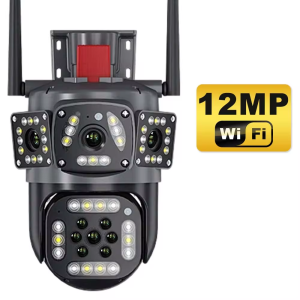
Review

You May Also Like
KIMP Mall A9 Mini Camera Hidden Mini Camera 1080P HD Mini Hidden Portable Camera Night Vision Wireless Surveillance CCTV Camera Connect To Cellphone Mobile Detection wifi with 360°panoramic

tp-link Tapo C530WS Outdoor Pan/Tilt Security Wi-Fi Camera | TP-Link by EJD

Hamrol 5MP WiFi Mini Cube Camera: Indoor 5G Hz Human Detection CCTV Security IP 5X Zoom
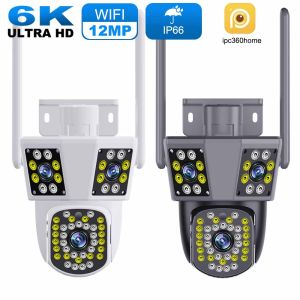
WIFI IP Camera 6K 12MP HD Three Lens PTZ Camera Outdoor Motion Detection Security Camera Waterproof Surveillance

V380 PRO Dual Lens Outdoor CCTV Camera: A Comprehensive Guide
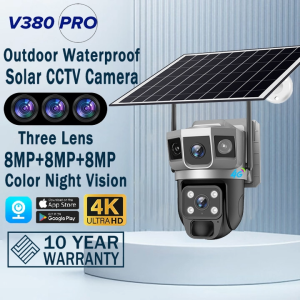
V380 PRO Three Lens Solar CCTV Camera BUY 1 TAKE 1 Outdoor Surveillance Cameras No WiFi Needed Color Night Vision Two-way Audio Wireless IP Security Cameras
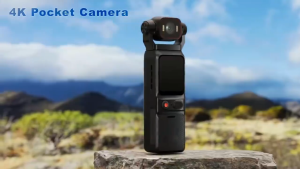
4K high-definition touch screen with anti-shake lens rotatable and portable pocket video and audio recorder for sports.
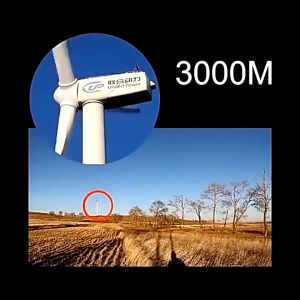
80X80 Long Range Binocular HD High Power Telescope Day And Night Vision Waterproof Outdoor binacular

Rover Systems 2MP Indoor Day & Night Full Color Dual Light Security Camera with 2-Way Audio
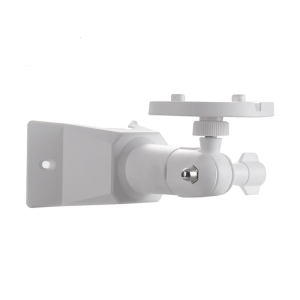
Weatherproof Adjustable Wall Mount Holder Support for S350 Outdoor Security Camera Featuring 360 Degree Rotation

OneTech Otus White 2.0 Indoor Security Camera 2MP HD Camera WiFi Night Vision Motion Detection 2Way Audio Phone Control