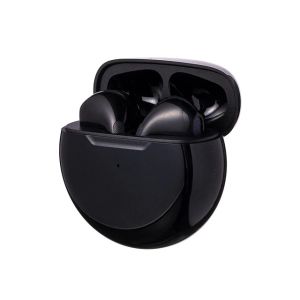
Original Tws New Touch Control Wireless Headphones Bluetooth 5.2 Earphones Sport Earbuds Music Headset For All SmartphonesAnd It Is
Headphone use steps and special instructions1. Turn on the charging box switch(charging box indicator light is on); 2. Open the top cover of the charging box and take out the earphones. (Important note:Turn on the charging box switch before opening the charging box,which is the premise of the headset automatically turning on); 3. Pair with other devices: Open the phone or other device BT settings, search for the BT name, click to connect to BT;4. The headset is placed in the charging box to enter the charging mode. And the headset is automatically turned off; 5. Wireless headphones can be connected separately to other BT devices; 6. Wireless headset will automatically shut down if it is not connect to the BT device for 5 miniutes .Headphone touch function description1. Touch the position of the main ear and the auxiliary ear,lightly touch 1 to answer the call,touch the auxiliary earphone 2 times to go to the before song,and the main earphone 2 times to go to the next song;press the main ear 3 times to increase the volume,and the auxiliary ear to press twice 3 times volume down,long press for 3 seconds for Siri function,long press for 5 seconds to switch on and off ;2. Turn on the phone after power off,and the headset will automatically connect to the phone;3. The earphones is a dual channel call with sound in both the left and right ears;4. Charging time 60-90 minutes;5. Charging voltage of charging box 5v;6. The Charging time of charging box is 60-90 minutes,and the charging red light flashes and is always on or off;7. The charging box can charge the headset for more than 3 times;8. When charging the headset, the red light is on and the full light is off;9.The indicator of the charging compartment lights up when the charging box charges the headset.

OriginalFastCharger
Review

You May Also Like
Platinum DMD-5500 Professional Dynamic Microphone
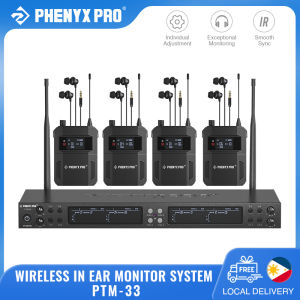
Phenyx Pro PTM-33 Mono Wireless in Ear Monitor System 4-Channel 4 Bodypacks for Studio/Band

T&G TG-389 TWS Wireless Hi-Fi Stereo Bass Portable Bluetooth IPX5 Waterproof Outdoor Speaker

♥Limit Free Shipping♥ New Earphone Bluetooth Earphone Open Earless Single Ear Call Sport External Sound Wireless Business Comfort
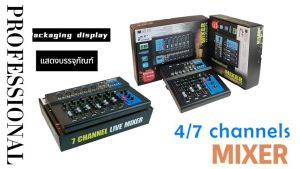
MG04BT/MG07BT Propesyonal Audio Mixer 4/7 channel built-in EQ/recording function with Built-in Bluetooth
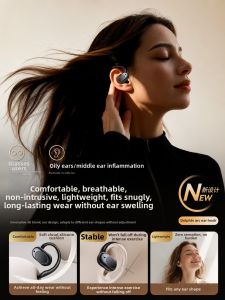
KEZHITUO | Wireless Bone Conduction Open-Ear Bluetooth Earphones High Sound Quality
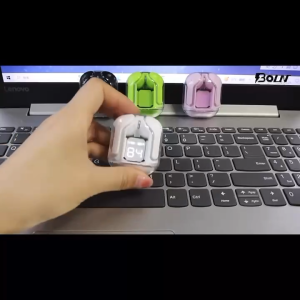
Wireless Earphone Bluetooth TWS Build-in Mic Earbuds Touch Control Hi-fi Headset Sports Waterproof

EMEET M1A Zoom-Certified USB Speakerphone 2 Mics Full Duplex Noise Cancellation Portable for Meetings & Home Office
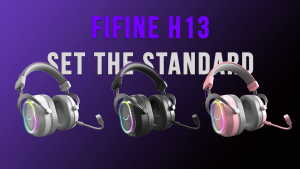
FIFINE AmpliGame H13 Wired USB Gaming Headset: 7.1 Surround Sound - Vibrant Customizable RGB - Game/Chat Balance Gamer Headphone with Noise Canceling Mic for PC PS5/PS4 Laptop Mac
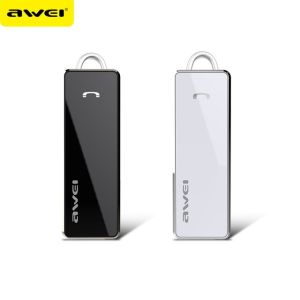
AWEI A850BL Bluetooth V4.0 Wireless HiFi Stereo Music Sport Earphone
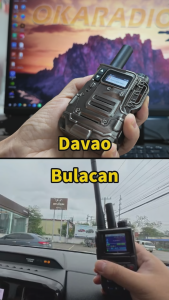
OKARADIO 611 Global POC Radio with SIM Card Walkie Talkie 4G Network Intercom Nationwide 6000KM Long Range Two Way Radio Free Download