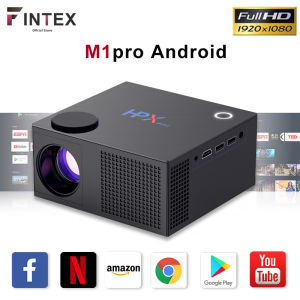
YG-300 Mini Portable LED Projector: A Comprehensive Guide
YG-300 Mini Portable LED Projector: A Comprehensive Guide
Introduction to the YG-300 Projector
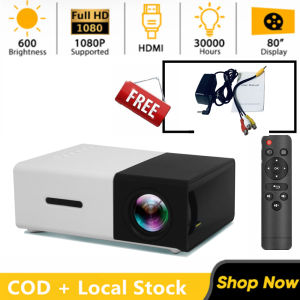
The YG-300 Mini Portable LED Projector is a high-quality, portable device that brings home cinema experience to your living room, bedroom, or small desk. It supports up to 1080p resolution, offers 400-600 lumens brightness, and comes with a patent dial-type focusing lens. This comprehensive guide will walk you through the key features, setup process, usage tips, and troubleshooting common issues.
Key Features & Specifications
The YG-300 projector boasts the following specifications:
- Native Resolution: 320 x 240
- Resolution Support: 1920 x 1080 (Max.)
- Brightness: 400 - 600 Lumens
- Contrast Ratio: 800:1
- Lamp: LED
- Interface: 3.5mm Audio, HDMI, TF Card Slot, USB
- Power Supply: 5V
- Certificate: CE, FCC, RoHs
- Color: Yellow
- Size: 12.50 x 8.50 x 4.50 cm / 4.92 x 3.35 x 1.77 inches
Included Accessories
Your YG-300 projector comes with the following accessories:
- 1 x YG-300 LCD Projector (US Plug)
- 1 x Remote Control
- 1 x AV Cable
- 1 x English Instruction Manual
How to Set Up Your YG-300 Projector
Connecting HDMI & Other Input Sources
To connect your YG-300 projector to your desired input source, simply plug in the appropriate cable into the corresponding port. For HDMI connections, connect one end of the HDMI cable to your device and the other end to the projector's HDMI port. Similarly, connect USB, TF card, or AV cables to their respective ports.
Adjusting Focus & Brightness
Once your projector is connected, adjust the focus using the patent dial-type focusing lens. This will help you achieve sharp images on your screen. To adjust brightness, use the remote control to navigate through the projector's menu and select the desired brightness level.
Using Your YG-300 Projector at Home
Watching Movies & TV Shows
The YG-300 projector is perfect for watching movies and TV shows at home. Connect your media player or streaming device to the projector via HDMI, and enjoy a large, immersive viewing experience on your 80-inch projector screen.
Presenting Slideshows & Documentations
The YG-300 projector is also an excellent choice for presenting slideshows and documentations. Connect your computer or tablet to the projector via HDMI or USB, and share your presentations with colleagues or friends.
Troubleshooting Common Issues
No Picture or Sound
If you're experiencing issues with picture or sound, check the following:
- Ensure all cables are securely connected to both the projector and your input source.
- Verify that the projector is set to the correct input source.
- Make sure the volume is turned up and not muted.
Poor Image Quality
If your image quality is poor, try the following:
- Adjust the focus using the dial-type focusing lens.
- Check if the projector is properly aligned with the screen.
- Ensure that there are no obstructions between the projector and the screen.
Conclusion & Final Thoughts
The YG-300 Mini Portable LED Projector is a versatile, high-quality device that offers a fantastic home cinema experience. With its support for up to 1080p resolution, 400-600 lumens brightness, and patent dial-type focusing lens, it's perfect for watching movies, TV shows, and presenting slideshows and documentations. By following the setup and usage tips outlined in this guide, you'll be able to enjoy a fantastic viewing experience in no time.

Beyond Tech
Review
You May Also Like
WEMAX VOGUEPro 1080P FHD Projector Home Cinema Projector 1600 ANSI Lumens 4K Supported Projector DOLBY AUDIO & dts-HD Auto Focus
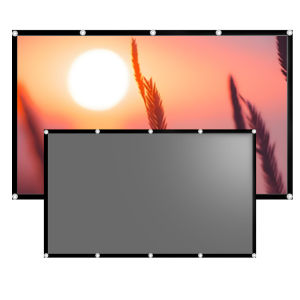
60-133 inches anti light screen foldable easy to carry and install can also be viewed during the day
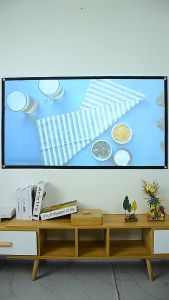
PS5/PS6/PS9 Portable 100/120/130 Inch Screen HD 16:9 Fabric Cloth Screen High Brightness Reflective Foldable Projector Screen
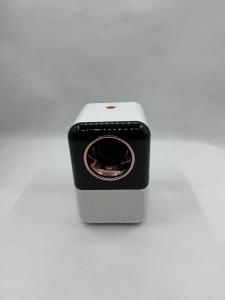
4K Projector Home Theater Mini Portable LED 1080P Native 8K Android Smart Wifi BT Outdoor Video Game Mobile Pocket Phone Cinema
Multiple Feature LED Clock Evening Projection Color Altering Radiances Warning Configuration Dense Plan
Magcubic HY320 Mini Newly Native 720P Android 11 4K Projector 300ANSI Wifi6 BT5.0 Cinema Outdoor Portable 180° Rotable Projector
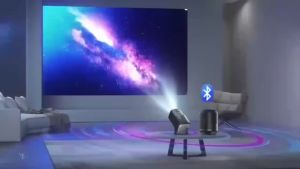
MYHYPERGEAR Portable Projector: 1080P Mini Projector with Auto Keystone & BT5.0
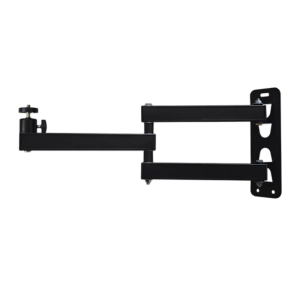
Projector Stand Wall Mount with 1/4inch Thread Adjustable Foldable Projector Camera Light Support for Home Office
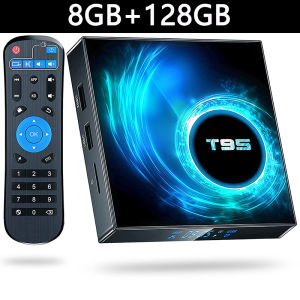
T95 TV Box Android14 Allwinner H616 Smart Tv Box Quad Core 32G 64G 128G 4K Set Top Box Media Player Dual Wifi 2.5G&5G Bluetooth
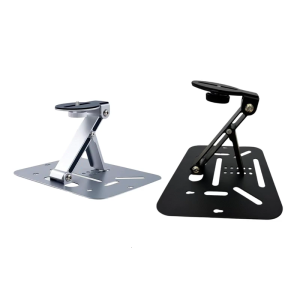
Rotating Metal Projector Holder Stand 10KG Load Foldable Height Adjustable Base Secure Stability Home Theater Office
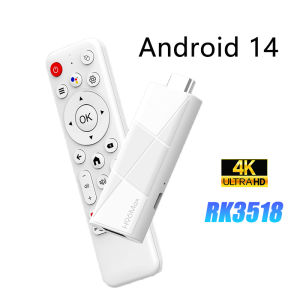
Smart TV Stick H96 MAX RK3518 Wifi6 Android 14.0 BT5.4 4K Home Media Player Voice Assistant Android TV Stick 2GB 8GB 16GB