


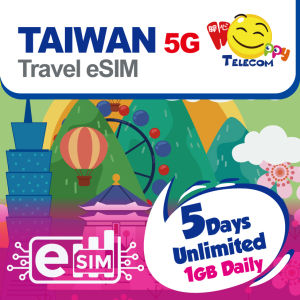
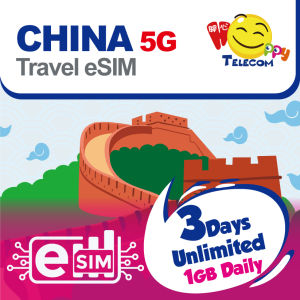
Happy Taiwan Prepaid Travel eSIM | Chunghwa Telecom | 5G/4G | 3–15 Days | 1GB/Day High-Speed + Unlimited Data | Instant Activation
Chunghwa Telecom (Taiwan) - 5G/4G install and use. ● VPN is not required● the SIM provides data service only, there is neither calls nor SMS function● Unlimited usage : after the 5G/4G usage reaches 1GB/Daily, service continues at a throttled speed of 128kbpsUser TipsThe eSIM must be activated within 90 days from the date of shipment. 2. Recommended to install and enable the eSIM on arriving at the destination3. Your device must be connected to the Internet when installing eSIM, please make sure that there is WiFi or mobile data available before installation.4. Apple iPhone / iOS eSIM installation instruction: go to “Settings” > “Cellular/Mobile” > “Add eSIM” > “Use QR Code” > “Scan QR Code” or “Open Photos for QR Code Screenshot" > Activate eSIM and “Continue” > label your eSIM and click “Continue”5. Android smartphone eSIM installation instruction: go to “Settings” > "Connections" > "SIM Card Manager" > "Add Mobile Plan" > “Scan QR code" > “Add / Continue”6. Please enable Roaming and Data for eSIM and wait for 1-2 minutes, it should be automatically connected to the network; if it is not, please turn OFF the AUTO search network and manually choose the assigned network – Chunghwa Telecom7. For assistance, please contact Happy Telecom Customer Service in Lazada Chat.Account and Inquiry:Inquiry Email: info@futurepower.com.hkBusiness Enquiry: felix@futurepower.com.hkOr visit the Happy Telecom Facebook page

Happy Telecom

You May Also Like

JIMEIXIAN01 1CM Plaid Ribbon Gift Wrapping Bouquets 10 Yard Roll of Satin Ribbon Creative Reusable Korean Ribbons Flower Bouquet Wrapping
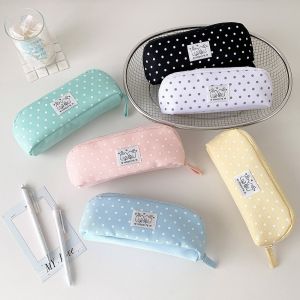
FOUNDTWO Cloth Polka Dot Pencil Case Storage Y2k Dots Pen Bag Simple Large Capacity Stationery Storage Bag Stationery Holder

10/30Pcs Storage Big plastic bag makapal PE Plastic bag for business Ukay/ Empake/ Storage/ thick PE Plastic bag transparent
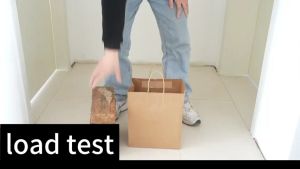
10pcs Kraft Paper Bag With Twine Twisted Handle Paper Bags High Quality Thickened Wedding Gift Bag
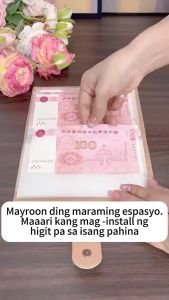
【Buy1Get 1】100 Days Saving Money Ipon Challenge Budget Binder Cash Organizer Savings Wallet envelope
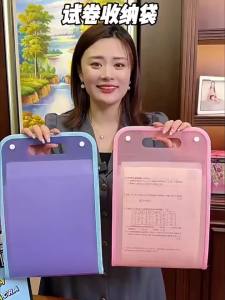
Hot Sale 13 Pocket File Folders Portable A4 Letter Size Macaron Color Accordian Document Organizer Classroom Office Home Storage
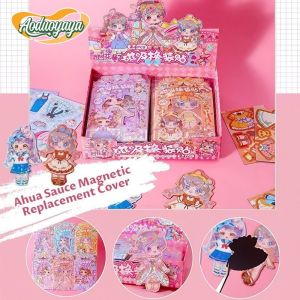
AODUOYAYA DIY Magnetic Sticker Set Cartoon Magnetic Sticker Book Set Girls Quiet Dress Up Sticker Books Cartoon Stickers Childrens Educational Toys Gift
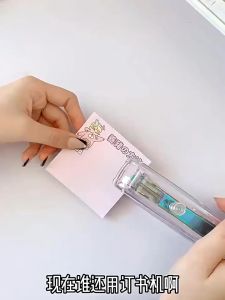
Portable Push Clamp Paper Binder Reusable Environmentally Friendly Folder Office Supplies

HUACAN Diamond Paintings Cherry Blossom Fairy Dust AB Full Kit Round Drill Fantasy Nature Diamond Mosaic Novelties 2026
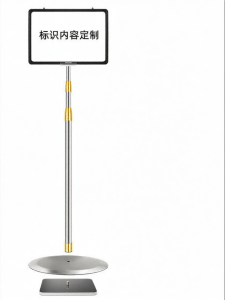
RUIKELAIXIANG | Standing Display Sign A4 A3

Disney | Press-type Student-friendly Eraser Clean No-residue Creative Pen Shape Cartoon Replaceable Core