


LCD For Samsung Galaxy J4 plus J4+ SM-J415F J415FN J415G J415GN J415N Display Touch Screen Digitizer Assembly Replacement
Warm Tips: The screen belongs to fragile items, so please be careful when you install it in case it breaks. 1.Power off your Phone before installation. 2.Check the LCD to make sure the flexible cable in good condition and no debris/visible dust on the connector. 3.Mark the screws places, put the screws you removed on the right place, make sure all the screws back to they own threaded hole. 4.Disconnect and reconnect the flex cables from the motherboard side. 5.Then Reboot: Hold buttons , untill the phone switch down and then switch up again. 6.The data cable may pop off, this situation may cause screen white lines or blank screen.When this situation happens, power off and reconnect the cable can solve this problem. NOTE: Screwdriver head with Magnetic.(Convenient for dealing with tiny screws)

elifeking


Review
You May Also Like

ESR for AirPods 5/4th/AirPods Pro 3 Case (HaloLock) Compatible with MagSafe Drop-Proof Lock Easy Open Full Series.100% Authentic
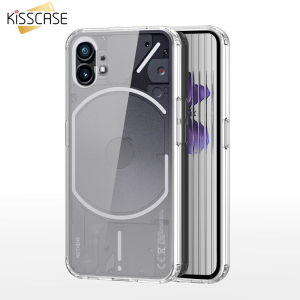
KISSCASE Air-bag Case for Nothing Phone 1 Phone1 6.55 Protective Cover Transparent Soft Antiknock Crystal TPU Back Shell Fundas Bumper

Laptop Charger 19V 3.42A 5.5mm x 2.5mm Compatible with Lenovo G530 G230 G400 G410 G430 G450 G500 G510 G550 N500
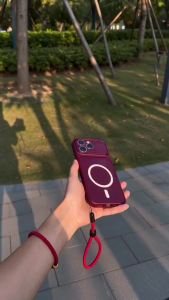
PBZZ Case for samsung a24 4g a34 a54 A27 A26 a25 a55 a36 A37 A57 5g phone casing Softcase shockproof Cover new design aesthetic Magnetic cute wine red with lanyard for women MBKBS3
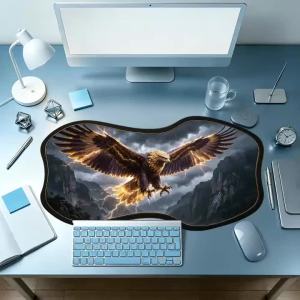
Golden Eagle Thunder Mountain Mousepad Thick Rubber Non Slip Base Creative Special Shaped For Bold Desk Decor
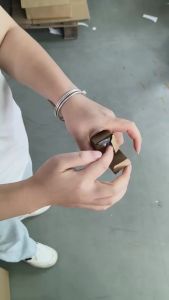
120cm Invisible Selfie Stick for Insta360 ONE X4 X3 X2 X Insta360 ONE R RS Insta 360 Camera 1/4" Extended Monopod Pole
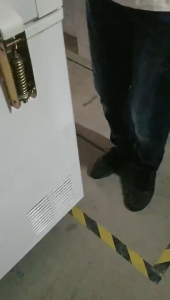
Freezer Door Spring Hinge Adjustable Refrigerator Hinges Replacement Movable Refrigeration Lid Hing
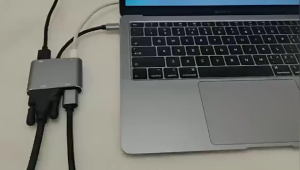
4 In 1 Hub 4K Type C to HDMI VGA USB-C Adapter USB3.0 Audio video Converter For PC Laptop
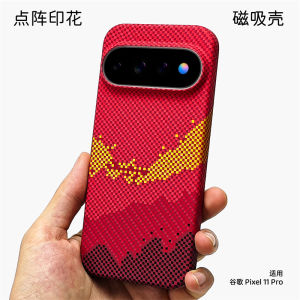
For Google Pixel 11 Pro XL 10 Pixel10 Case For Magsafe Embossed Printed Striped PC Lightweight Hard Phone Cover

PHONE CASE W/ CARD SLOT FOR TECNO POVA NEO 3 6 PRO CAMON 19
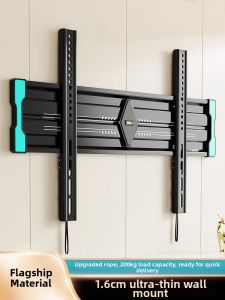
BESSGROUP | Ultra Thin TV Wall Mount