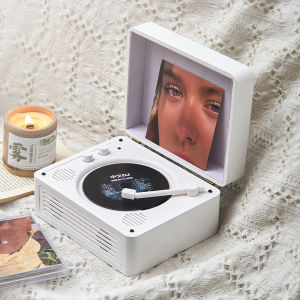
Middix CD/DVD Player with Speaker for Kpop Retro Bluetooth Stereo Portable Music Player Built-in Battery AUX input/output
Middix CD/DVD Player with Speaker for Kpop Retro Bluetooth Stereo Portable Music Player Built-in Battery AUX input/output
The Middix CD/DVD Player with built-in battery speaker and AUX input/output is a versatile audio device designed to cater to music enthusiasts and audiophiles alike. This retro-styled portable Bluetooth music player offers a range of playback formats and connection methods, ensuring compatibility with a wide variety of audio sources. In this article, we will explore the key features, specifications, usage, and setup guide of the Middix CD/DVD Player.
Key Features & Specifications
Playable Formats
The Middix CD/DVD Player supports multiple playback formats, including CD/CD-R/CD-RW, MP3, and WHA files. This ensures that users can enjoy their favorite music from various sources, whether stored on CDs, digital media, or USB drives.
Connection Methods
The Middix CD/DVD Player offers several connection methods, allowing users to connect their audio devices effortlessly. These include Bluetooth connectivity, USB input/output, Type-C power supply, infrared remote control, and AUX input/output. The Bluetooth feature enables wireless streaming of music from smartphones, tablets, or laptops, while the USB port allows users to play audio files directly from a flash drive or external hard drive.
Power Supply & Battery
The Middix CD/DVD Player comes with a built-in battery that provides up to 6 hours of continuous playback. The device is powered by a DC5V/2A Type-C power supply, which can be used to charge the battery or power the player during use. Additionally, the built-in battery can be charged via the Type-C port, allowing users to enjoy uninterrupted music playback on the go.
Usage & Setup Guide
How to Connect Bluetooth
To connect the Middix CD/DVD Player to a Bluetooth device, simply turn on the player and press the Bluetooth button located on the front panel. The player will then search for available devices within range. Once the desired device is detected, select it from the list and enter the pairing code if prompted. The player will now be connected to the Bluetooth device, allowing wireless streaming of music.
Using Remote Control
The Middix CD/DVD Player comes with an infrared remote control, which allows users to operate the player from a distance. To use the remote control, point it at the player and press the desired buttons. The remote control offers various functions, including play/pause, skip forward/backward, volume control, and track selection.
Connecting via AUX Input/Output
To connect the Middix CD/DVD Player to an external audio source, use the 3.5mm AUX input/output port located on the back panel. Simply plug in the appropriate cable, and the player will automatically detect the audio signal. This feature enables users to connect the player to a wide range of audio devices, such as turntables, microphones, or other audio equipment.
Compatibility & Accessories
Supported File Formats
The Middix CD/DVD Player supports a variety of file formats, including CD/CD-R/CD-RW, MP3, and WHA files. This ensures compatibility with a wide range of audio sources, allowing users to enjoy their favorite music from various formats.
Included Accessories
The Middix CD/DVD Player comes with a set of included accessories, including the machine itself, a Type-C power cord, a manual, and a remote control. These accessories are designed to enhance the user experience and provide a convenient setup process.
Size & Weight
The Middix CD/DVD Player has dimensions of 20317093MM (LDH) and weighs 1.1kg. This compact size and lightweight design make it easy to carry around, allowing users to enjoy their favorite music on the go.

Middix Audio
Review
You May Also Like
Mezone 2023 New Earclip Rotary Earclip & Wireless Earphone Bluetooth 5.3 High Fidelity Bass Stereo Earphone Waterproof Touch LED Digital Display Microphone
ZK-TB21 TDA7498E 2.1 Channel Bluetooth Digital Amplifier – 160W*2+220W High Power Audio Module para sa Car at Home Audio
TOPPING E50II HIFI Bluetooth Desktop DAC AK4497S DSD512 with Remote Control APP controlling

Ultra-Small Wireless Headphones: A Comprehensive Guide

3.5mm wired earphones universal in-ear headphones portable subwoofer stereo sports earphone with mic Noise Cancelling earbud
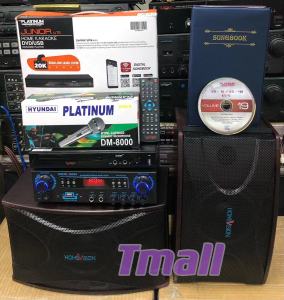
Bundle Home Karaoke Set Platinum Junior lite/KS-5 and Homevision HV-630 with free Microphone
YS-AS21 2*220W+350W TPA3251 Bluetooth Amplifier Board 2.1Ch Subwoofer Theater Audio Stereo Board Ys As21 Amplifier Tech21 Amplifier - Lazada
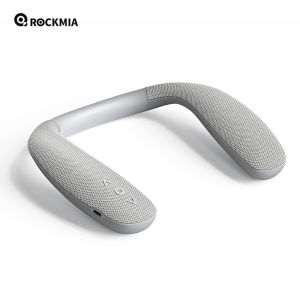
Rockmia EBS-908 Gray Neckband Bluetooth Speaker: A Versatile Choice for Housework, Gaming, and Cycling
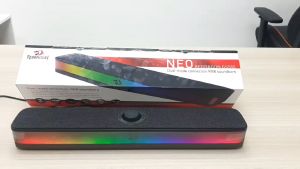
Redragon GS515 NEO Dual-mode connection RGB Sound Bar
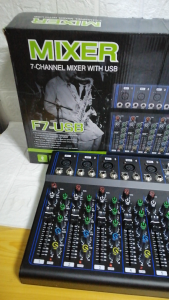
YAMAHA PROFESSIONAL MIXER - 7 CHANNEL WITH BLUETOOTH USB PLAYER
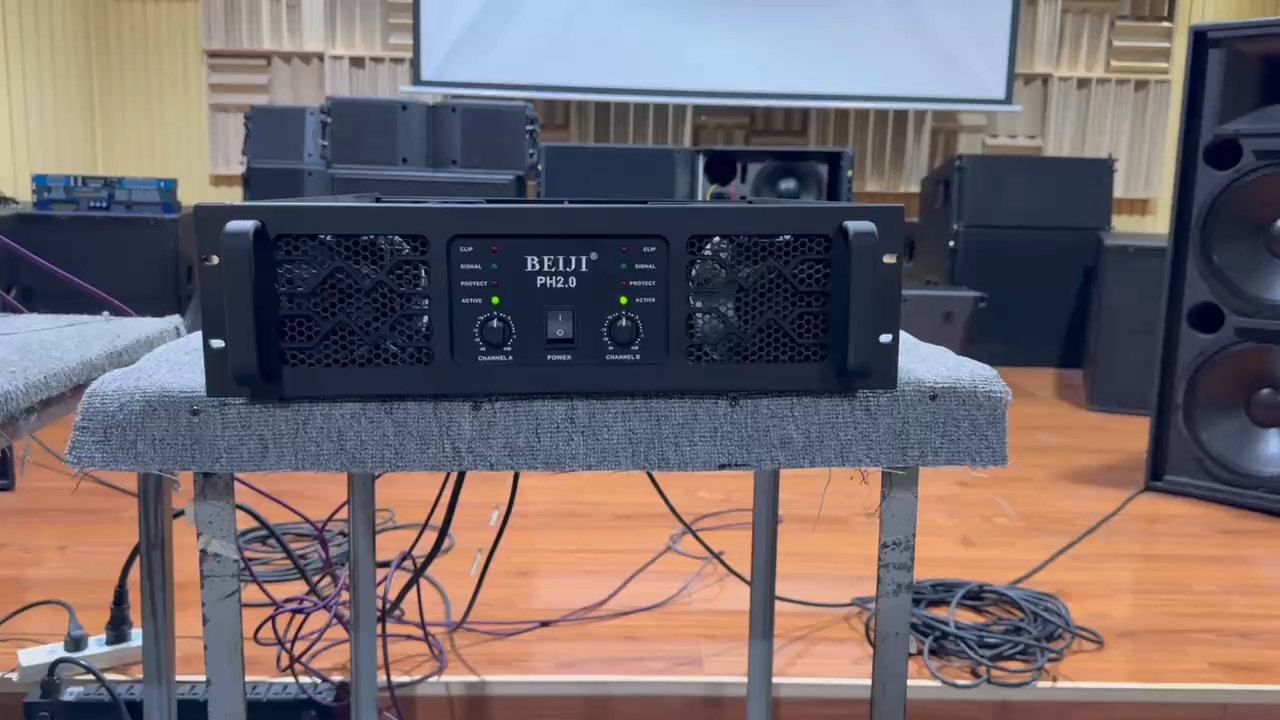
BEIJI PH2.0 3U two-channel high-power professional amplifier 8 ohms 2000 watts*2 RMS pure copper transformer