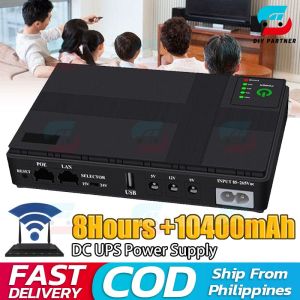
Maximizing Power Supply for Surveillance: A Comprehensive Guide
Maximizing Power Supply for Surveillance: A Comprehensive Guide
Understanding the Importance of Reliable Power Supply
What is a Powerbank for Surveillance?
A powerbank for surveillance serves as a backup energy source for your security system. It ensures uninterrupted power supply, even during unexpected outages. This portable device is equipped with a rechargeable battery that provides sufficient power to keep your cameras and other connected devices running.
How Does a WiFi Router Modem Backup Work?
A WiFi router modem backup system consists of a UPS (Uninterruptible Power Supply) unit and a DC cable connecting it to the router. When the primary power source fails, the UPS takes over, providing immediate backup power to maintain the functionality of your WiFi router and modem. This ensures continuous connectivity and communication with your security system.
Benefits of a DC Power Supply
A DC power supply offers several advantages for surveillance systems:
-
Reliability: DC power supplies are known for their stability and consistent performance, which is crucial for maintaining uninterrupted video feeds.
-
Efficiency: They convert AC power to DC voltage efficiently, minimizing energy loss and optimizing system performance.
-
Compatibility: Most security cameras and devices operate on DC power, making it the preferred choice for surveillance systems.
Exploring the Different Types of Power Supply Solutions
Security Camera Batteries: An Overview
Security camera batteries come in various types, including lithium-ion, lead-acid, and sealed lead-acid batteries. Each type has its own advantages and disadvantages, depending on factors like capacity, lifespan, and cost. When choosing a battery for your security camera, consider factors such as power requirements, expected usage time, and budget.
Understanding CCTV UPS Power Supply
A CCTV UPS power supply is designed specifically for surveillance systems, providing reliable backup power during outages. It typically features multiple outlets to accommodate various devices, such as cameras, DVRs, and NVRs. Additionally, some models include advanced features like surge protection, automatic voltage regulation, and remote monitoring capabilities.
Choosing the Right Power Supply for Your Needs
When selecting a power supply solution for your surveillance system, consider the following factors:
-
Power Requirements: Determine the total power consumption of your devices to ensure the chosen power supply can meet their needs.
-
Backup Time: Consider how long you want your system to remain operational during power outages. This will influence the capacity and type of battery you need.
-
Budget: Set a budget for your power supply solution, taking into account both initial costs and ongoing expenses, such as battery replacements.
Setting Up Your Power Supply System
Installing a UPS (US Plug)
To install a UPS with a US plug, follow these steps:
- Connect the UPS to a wall outlet using the provided AC power cord.
- Plug your security devices into the UPS outlets.
- Turn on the UPS and connected devices.
Refer to the user manual for specific instructions and safety guidelines.
Connecting a DC Cable (UPS to Router)
To connect a DC cable from a UPS to a router:
- Identify the appropriate DC output port on the UPS and the corresponding input port on the router.
- Insert the DC cable into both ports, ensuring a secure connection.
- Power on the router and verify that it's functioning properly.
Reading the User Manual
Before setting up your power supply system, carefully read the user manual. It contains important information about installation, operation, and maintenance, as well as safety guidelines and troubleshooting tips.

DIY_Partner
You May Also Like
Aigo AR12 White 120mm PC Computer Case Fan Cooling Cooler 6PIN Adjustable RGB Led 12cm Mute Ventilador Adjust Speed 5V ARGB Fans
Mini desktop office computer Intel I3I5 processor with built-in Bluetooth/Wifi.win10 system home office gaming multi-functional PC complete set

Bykski add liquid through case G1/4" connection docking multi-purpose mini docking seat interface water cooler accessories B-WPJ-X
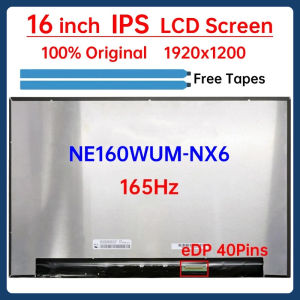
16 Inch 165Hz Laptop LCD Screen NE160WUM NX6 NE160WUM-NX6 Display Matrix Panel Replacement WUXGA 1920x1200 eDP 40 Pins Non-Touch
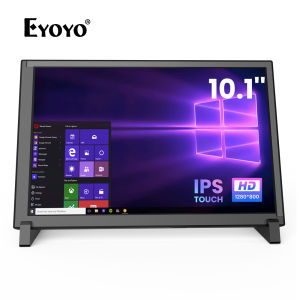
Eyoyo 10 Inch 10-Point Touch Screen HD 1280x800 IPS Raspberry Pi Display
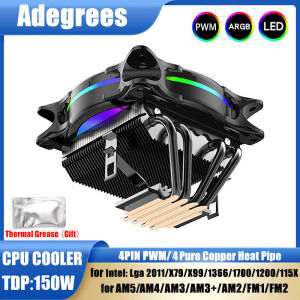
X99 CPU Air Cooler 3Pin/4Pin ARGB PC Processor ventilador 4 Heat Pipes For Intel LGA 1150 1151 1155 1700 2011 AMD AM3 AM4 AM5
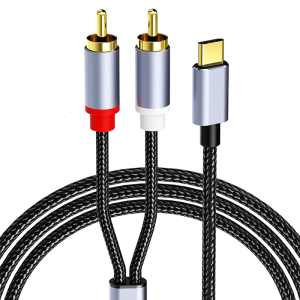
High Fidelitys Type C to 2RCA Sound Splitter Adapter Cable for Phone 15/16 Clear Sound Transmission
![AMD Ryzen 5 gaming console with 16GB DDR4 RAM 512GB SSD RTX 3050 NB DUO 8GB-V graphics card five RGB fans and a 650W power supply. Complete gaming desktop [Local Shipping]](https://img.lazcdn.com/g/ff/kf/S49f4b4c048be4c51afb86490854dbe88p.png_300x300q80.png)
AMD Ryzen 5 gaming console with 16GB DDR4 RAM 512GB SSD RTX 3050 NB DUO 8GB-V graphics card five RGB fans and a 650W power supply. Complete gaming desktop [Local Shipping]
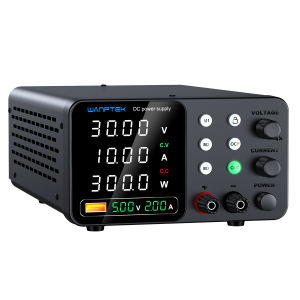
30V 10A Laboratory Power Supply 60V 5A Voltage Regulator with Three Data Stores OCP Short Circuit Warning Preset Voltage Current
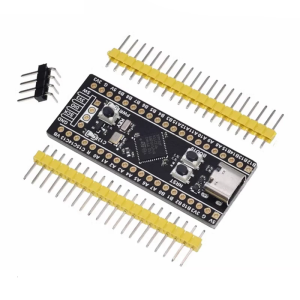
Efficient STM32F411 Cores Board with SPI Flash Extension Option and Comprehensive Peripherals Support for Developers
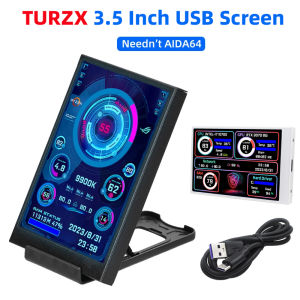
3.5 Inch IPS Type C Secondary Screen for Computer CPU GPU RAM HDD Display 320*480 USB LCD Monitor Freely AIDA64 Windows 10 11