Redmi Note 11 & Vivo Y69 Tempered Glass Screen Protectors: A Comprehensive Guide
Redmi Note 11 & Vivo Y69 Tempered Glass Screen Protectors: A Comprehensive Guide
Understanding Tempered Glass Screen Protectors
What is Tempered Glass?
Tempered glass is a type of safety glass processed by controlled thermal or chemical treatments to increase its strength compared with normal glass. It is four to five times stronger than regular glass and shatters into small, harmless pieces upon impact, reducing the risk of injury.
Benefits of Tempered Glass Screen Protectors
Tempered glass screen protectors provide excellent protection against scratches, cracks, and shattering. They are highly durable and offer a clear, distortion-free view of your device's screen. Additionally, they are easy to install and remove, and their anti-fingerprint coating ensures a smooth touch experience.
Key Features of Redmi Note 11 & Vivo Y69 Tempered Glass Screen Protectors
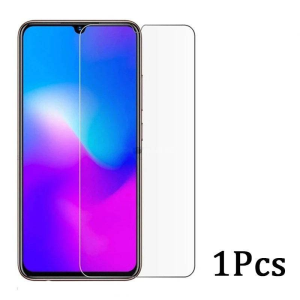
Redmi Note 11 and Vivo Y69 tempered glass screen protectors share several key features, including:
- Ultra-thin design
- 9H surface hardness
- Premium real 2.5D tempered glass screen
- Scratch-resistant, explosion-proof, and shatterproof
- Anti-water, oil, fingerprint, and easy-to-clean
- High sensitivity touch feeling and high-resolution stereo experience
Choosing the Right Tempered Glass Screen Protector
Compatibility with Your Device
When choosing a tempered glass screen protector, ensure it is compatible with your device. This includes checking the model number and screen size. Both Redmi Note 11 and Vivo Y69 models are supported by the products mentioned in this guide.
Material Quality & Hardness
Look for tempered glass screen protectors with a high surface hardness rating, such as 9H. This ensures maximum protection against scratches and cracks. Additionally, ensure the glass is fully transparent and chemically treated to maintain clarity and durability.
Installation & Removal Ease
A good tempered glass screen protector should be easy to install and remove. Look for products with a strong silicone layer on the back side of the glass to ensure a tight fit without affecting touch sensitivity.
Installing & Removing Tempered Glass Screen Protectors
Preparing Your Device
Before installing a tempered glass screen protector, make sure your device's screen is clean and free of dust, dirt, and fingerprints. This will help ensure a smooth installation process and prevent air bubbles or debris from getting trapped underneath the protector.
Applying the Tempered Glass Screen Protector
Carefully peel off the protective film on both sides of the tempered glass screen protector. Align the edges of the protector with your device's screen and apply it slowly, starting from one corner and working your way across. Use a credit card or similar tool to remove any air bubbles or wrinkles.
Removing the Tempered Glass Screen Protector
To remove a tempered glass screen protector, gently lift one corner and peel it off slowly. Be careful not to damage your device's screen or leave any residue behind.
Maintaining Your Tempered Glass Screen Protector
Cleaning & Care Tips
Clean your tempered glass screen protector regularly using a microfiber cloth and a mild cleaning solution. Avoid using abrasive materials or harsh chemicals, as they may damage the surface of the protector.
Troubleshooting Common Issues
If you experience issues with your tempered glass screen protector, such as air bubbles or debris, try reapplying it or contacting the manufacturer for assistance. Always handle your device with care to prevent damage to the protector.

3C JFJ Digital shopping mall 2024
Review
You May Also Like
Adjustable Long Lanyard Crossbody Phone Strap Neck Strap Outdoor Mountain Shell Resistant Long Rope for Men And Women
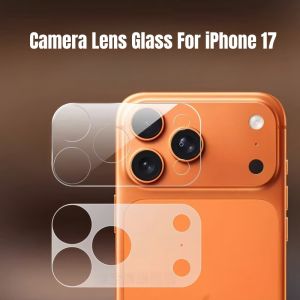
3/1Pcs HD Clear Camera Protector Thin and Light plastic For iPhone 17 Pro Max 17pro Air Back Lens Plastic Cover Protective Cap
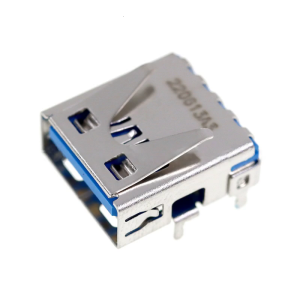
For USB Charging Port Replacement Game Handle USB Charging Socket Port Repair Parts

Diamond Four-leaf Clover Full Cover Anti-fall Creative Phone Case for Opporeno8 pro 7 Se 10 High Aesthetic 11 pro High-end 9 Luxury 6 pro Womens Model
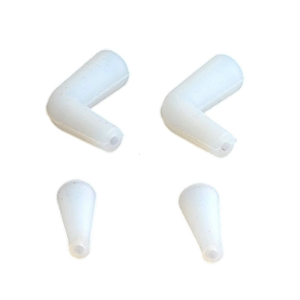
Coffee Pot Silicone Spout Anti Splash Nozzle Cover Coffee Pot Pouring Spout Attachment Straight Curved Adapter For Pouring
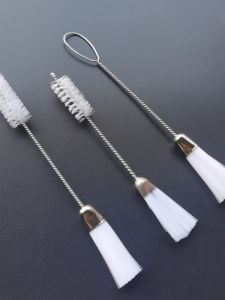
Sewing Machine Cleaning Brush: A Daily Maintenance Tool for Home Sewing Machines & Computer Keyboards
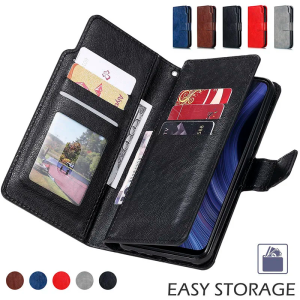
High Grade Wallet Leather Case For Samsung Galaxy S20 S21 S22 S23 S24 Ultra Plus Note 10 20 Lite FE 5G S10 Flip Cover Card Slots
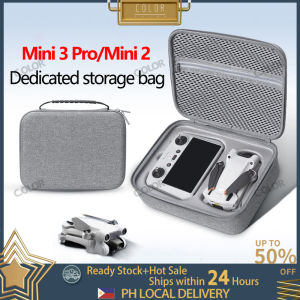
DJI Mavic Mini 2/Mini3 Storage Bag Hard Case Drone Bag Cases Storage Protect Case Shockproof Drop-proof Waterproof Protective Travel Case
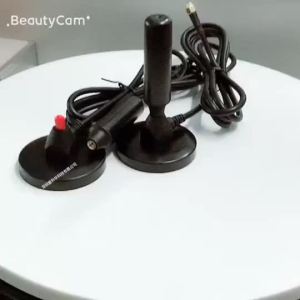
LZD HDTV TV Antenna DVB-T Receiver Outdoor Indoor HD Digital Vision Antenna
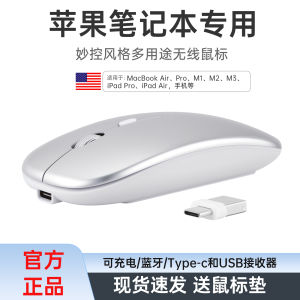
Universal Double Interface Bluetooth Mouse for MacBook Notebook Computer Wireless Mouse with Type C for Phone Tablet
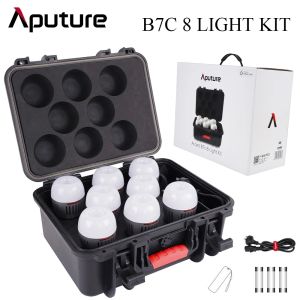
Aputure ACCENT B7C 8 LIGHT KIT: A Comprehensive Guide