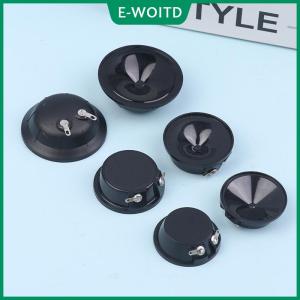
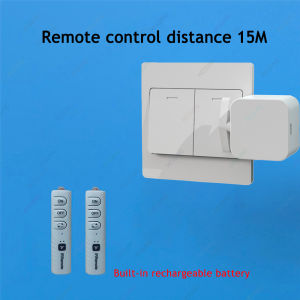
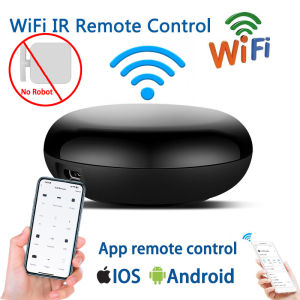
App Control Smart Switch Button Pusher Finger press Smart Life Home Accessories infrared Remote Control Mechanical Arms Bot finger robot Remote Switch Open/Closed lights Lamp
App Control Smart Switch Button Pusher Finger press Smart Life Home Accessories infrared Remote Control Mechanical Arms Bot finger robot Remote Switch Open/Closed lights Lamp
Introduction to Tuya Smart Life App
What is Tuya Smart Life App?
The Tuya Smart Life App is a powerful and versatile tool designed to control smart home devices, including Mechanical Arm Switches and Smart Home Remote Controls. This app offers a wide range of features to enhance your home automation experience, making it easy to manage your smart home devices with just a few taps on your smartphone.
Key Features of Tuya Smart Life App
The Tuya Smart Life App offers several key features that make it an essential addition to any smart home setup. These include:
- Remote control of Mechanical Arm Switches and Smart Home Remote Controls
- Infrared switch controller integration
- Compatibility with a wide range of smart home devices
- User-friendly interface
- Energy-saving mode
Setting Up Mechanical Arm Switch & Smart Home Remote Control
Installing Mechanical Arm Switch
To install a Mechanical Arm Switch, follow these steps:
- Purchase a compatible Mechanical Arm Switch from a reputable retailer.
- Connect the switch to your home's electrical system.
- Download and install the Tuya Smart Life App on your smartphone.
- Connect the switch to the app by following the on-screen instructions.
Configuring Smart Home Remote Control
To configure a Smart Home Remote Control, follow these steps:
- Purchase a compatible Smart Home Remote Control from a reputable retailer.
- Download and install the Tuya Smart Life App on your smartphone.
- Connect the remote control to the app by following the on-screen instructions.
- Pair the remote control with your smart home devices.
Controlling Mechanical Arm Switch & Smart Home Remote Control with Tuya Smart Life App
Turning On/Off Lights & Sockets
Using the Tuya Smart Life App, you can easily turn on/off lights and sockets by following these steps:
- Open the Tuya Smart Life App on your smartphone.
- Select the device you want to control from the list of connected devices.
- Tap the power button to turn the device on/off.
Swinging Push Lock Door Switch Robot Button Finger Press Bot
With the Tuya Smart Life App, you can also control a swinging push lock door switch robot button finger press bot. To do so, follow these steps:
- Connect the bot to the app by following the on-screen instructions.
- Use the app to set up the bot's schedule and customize its settings.
- Control the bot remotely using the app's intuitive interface.
Advanced Features of Tuya Smart Life App
Using Infrared Switch Controller
The Tuya Smart Life App also supports infrared switch controllers, which can be used to control non-smart home devices. To use an infrared switch controller, follow these steps:
- Purchase a compatible infrared switch controller from a reputable retailer.
- Connect the controller to the app by following the on-screen instructions.
- Pair the controller with your non-smart home devices.
Integrating with Other Smart Home Devices
The Tuya Smart Life App is compatible with a wide range of smart home devices, including Mechanical Arm Switches, Smart Home Remote Controls, and infrared switch controllers. To integrate with other smart home devices, follow these steps:
- Download and install the Tuya Smart Life App on your smartphone.
- Connect your smart home devices to the app by following the on-screen instructions.
- Customize the settings and schedules for each device.
Tips & Tricks for Tuya Smart Life App
Maximizing Battery Life
To maximize the battery life of your smart home devices, follow these tips:
- Turn off unused devices
- Set up energy-saving modes
- Use the app's scheduling feature to automatically turn off devices at specific times
Troubleshooting Common Issues
If you encounter any issues with the Tuya Smart Life App, try the following troubleshooting tips:
- Restart your device
- Update the app to the latest version
- Check the device's connection status
- Contact Tuya's customer support for further assistance

Suppliers
You May Also Like
2025Wireless-Auto Sensor Money Detector Certificate Identification Instrument Multi-National Currency

2025 New Smart Watch 8 Classic 46mm Ultra HD Screen ChatGPT GPS NFC Compass Clock Bluetooth Call Waterproof Smartwatch Men Women
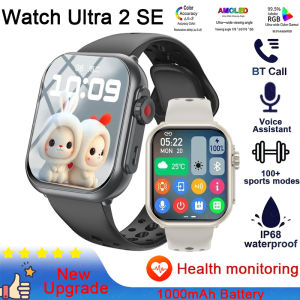
2025 New Watch Ultra 2 1000 mAh Smart Watch Men Women 1.85-inch HD Full Touch Screen IP68 Waterproof Bluetooth Call Smartwatch
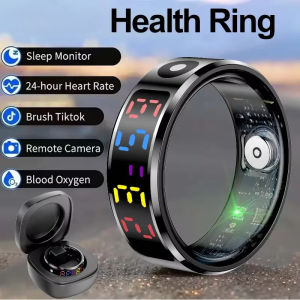
2025 R12 Smart Ring for Men & Women – 24/7 Heart Rate & Blood Oxygen (SpO2) Monitor IP68 & 5ATM Waterproof Multi-Sport Fitness Tracker Sleep Analysis Compatible with Android & iOS – Ideal Health Gift for Birthday Valentine’s Day
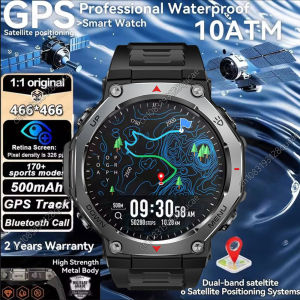
GPS Smart Watch 5 ATM Waterproof Built-in Dual-band GNSS GPS Military Sport Smartwatch Men 2025 New For T-Rex 3 Ultra Kt85 Watch
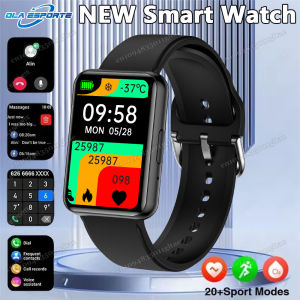
Fashion Smart Watch Women Full Touch Screen Heart Rate Fitness GPS Tracker Waterproof Sports Ladies Men Smartwatch 2025 PK M10
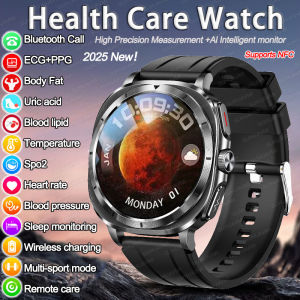
2025New Precision Three High Blood lipids Uric acid Blood pressure Smartwatch Men Clock ECG+PPG Heart rate Body Analysis Watches
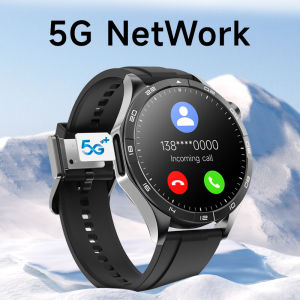
LM01 Smart Watch 4G Network SIM Card 1.43AMOLED 200W Camera with GPS Wifi Google Play 466*466 Screen Android Smartwatch 2024
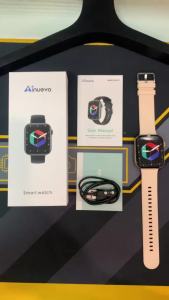
P45 Bluetooth Call Smart Watch: 1.8\" HD Display & 120+ Sports Modes
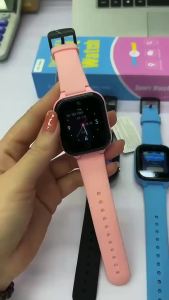
C80 Smart Watch For Kids SIM Card 4G Call Video Intelligent Bracelet Voice Chat Camera Monitor Phone Watch For Child Smartwatch
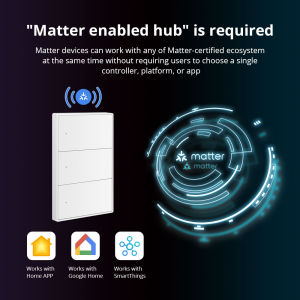
Zemismart Matter Light Switch WiFi Smart 1/2/3/4/6 Gangs Neutral Push Button SwitchesSmartThings Homekit App TimerNest/Siri VoiceWhite/Black Keys